CapCut put beat-synced editing in every creator's pocket—but auto-beat is not magic on every track. Learn when to trust detection, when to mark manually, and how to pair cleared beds from FreeBeatHub with cuts that feel professional on TikTok, Reels, and Shorts.
CapCut Beat Detection: What Works
CapCut analyzes transients—kicks, snares, claps—to suggest cut points. Clear drum patterns at steady BPM yield the best auto markers. Swelling orchestral or ambient pads confuse detection because beats are implied, not percussive.
Before auto-beat, listen once and note whether the track is grid-based or rubato. Grid-based royalty-free EDM and pop from electronic collections sync fastest.
Putting capcut beat detection: what works into practice
Manual Beat Markers for Precision
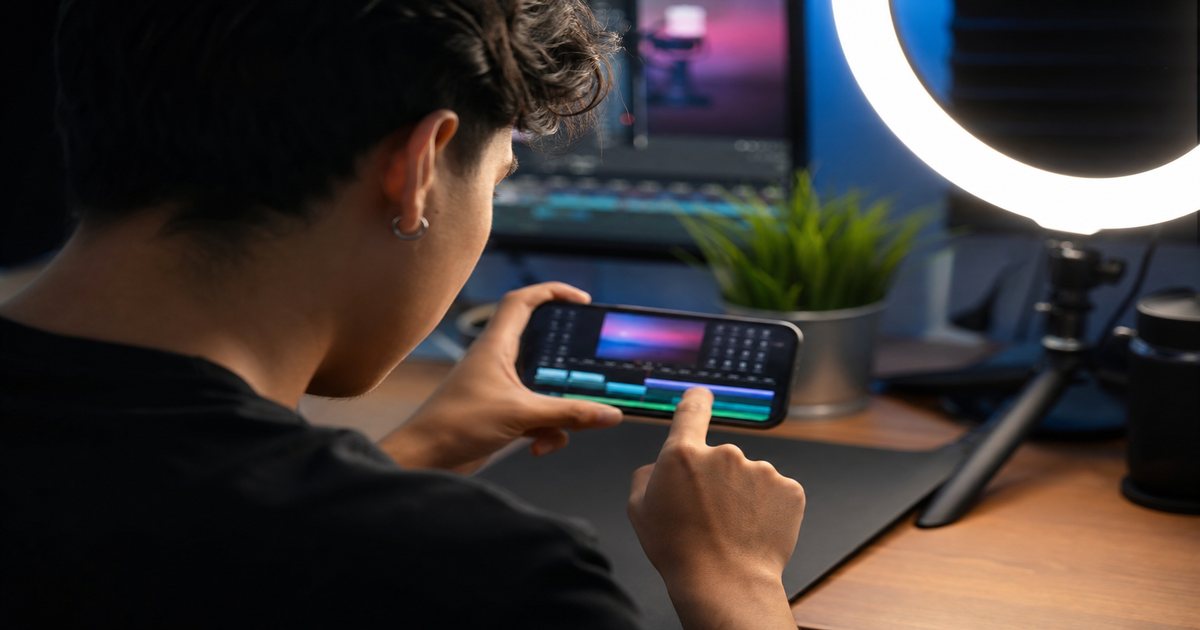
Tap beat markers while previewing at 0.5x speed for complex tracks. Place markers on downbeats you will cut to—not every hi-hat—or your timeline becomes unreadable.
Color-code marker passes: first pass for major downbeats, second for fills you might use on alternate exports.
Putting manual beat markers for precision into practice
Auto-Cut and Beat Sync Tools
Auto-cut features slice clips to marker intervals. Works well for b-roll montages; risky for dialogue where lip sync matters. Always review every cut—auto tools favor rhythm over storytelling.
For hybrid edits, beat-sync b-roll sections only and keep A-roll on narrative pacing.
Montage vs narrative
Montage: full beat sync. Tutorial or vlog: music supports, cuts follow speech cadence. Mixing both modes in one project is the most common CapCut mistake.
Putting auto-cut and beat sync tools into practice
Creators who treat capcut beat sync as a system—not a one-off inspiration—publish faster with fewer rights headaches.
Animating Text and Stickers on Beat
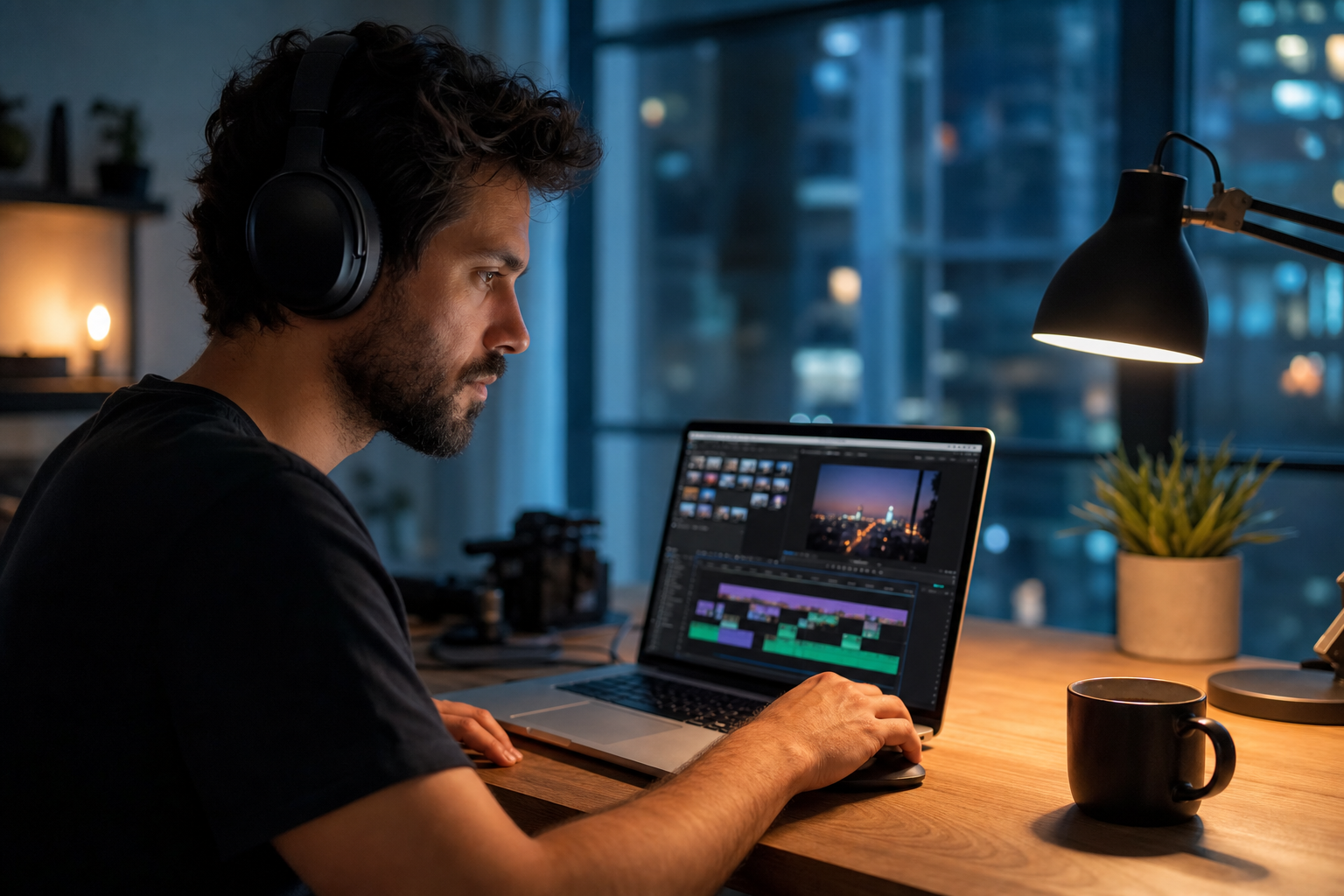
Apply text animations on marker hits—pop, bounce, or typewriter at 2–4 frame offsets for polish. Stagger multi-line reveals across consecutive beats instead of one frame.
Text that lands three frames late reads amateur; three frames early reads intentional.
Putting animating text and stickers on beat into practice
If you are stuck between two options, choose the track that disappears under voice. Invisible beds rarely lose viewers; flashy ones often do.
Creators often skip animating text and stickers on beat until a claim or muted VOD forces a fix; handling it proactively takes less time than a reshoot.
Export Settings for Music-Heavy Edits
Export 1080p at high bitrate when music transients matter. Double-check audio sync on a phone speaker—CapCut preview headphones lie about how snare hits translate.
Keep -1 dB headroom on music bus to avoid inter-sample clipping after platform re-encoding.
Putting export settings for music-heavy edits into practice
Creators often skip export settings for music-heavy edits until a claim or muted VOD forces a fix; handling it proactively takes less time than a reshoot.
CapCut Beat Sync Workflow
Import cleared track → run or tap beat markers → rough cut b-roll to markers → refine storytelling → add text on hits → export → verify on device. Save project templates per BPM bucket in your batch workflow.
- Import music and lock timeline
- Auto-detect or manual mark beats
- Cut b-roll to major markers
- Animate text on selected hits
- Export and phone-speaker QA
Archive a "winners" playlist of ten tracks that performed well. Future you starts from proof, not a blank search bar.
Pick one track today and use it in your next project with the levels and workflow above. Improvement comes from repetition, not hoarding options.
Explore related posts on the FreeBeatHub blog and build a small playlist of cleared favorites on Browse Music.
The creators who win long-term treat music as part of their brand system—not a last-minute search before export.
Key takeaways
- Treat capcut beat sync audio as part of retention, not decoration.
- Prefer a small cleared playlist over random trending sounds.
- Keep voice primary; music should support emotion without masking speech.
- Follow FreeBeatHub license terms and keep a download record.
- Revisit levels after you add captions or loud effects.
| Edit Type | Beat Tool | Marker Density | Review Focus |
|---|---|---|---|
| Hype montage | Auto-detect | Every downbeat | Cut variety |
| Tutorial | Manual sparse | Section changes only | VO clarity |
| Product demo | Manual mid | Feature reveals | Text legibility |
| Travel vlog | Auto + trim | Phrase starts | Story order |
Ready to find your soundtrack? Browse 600+ royalty-free tracks on FreeBeatHub.
Browse Free MusicAdvertisement
Frequently Asked Questions
Does CapCut beat sync work on all genres?
It works best on four-on-the-floor EDM and pop. Ambient and classical beds need manual markers for reliable cut points.
Can I change BPM after marking beats?
Speed changes desync markers. Re-run beat detection or re-mark after any tempo adjustment.
Should I edit to music or add music last?
Import music first for montage edits. For talking-head content, score after picture lock and duck under voice.
Why do my CapCut exports sound quieter?
Check normalize settings and avoid stacking limiters on music and master bus. Target -14 LUFS for social platforms.