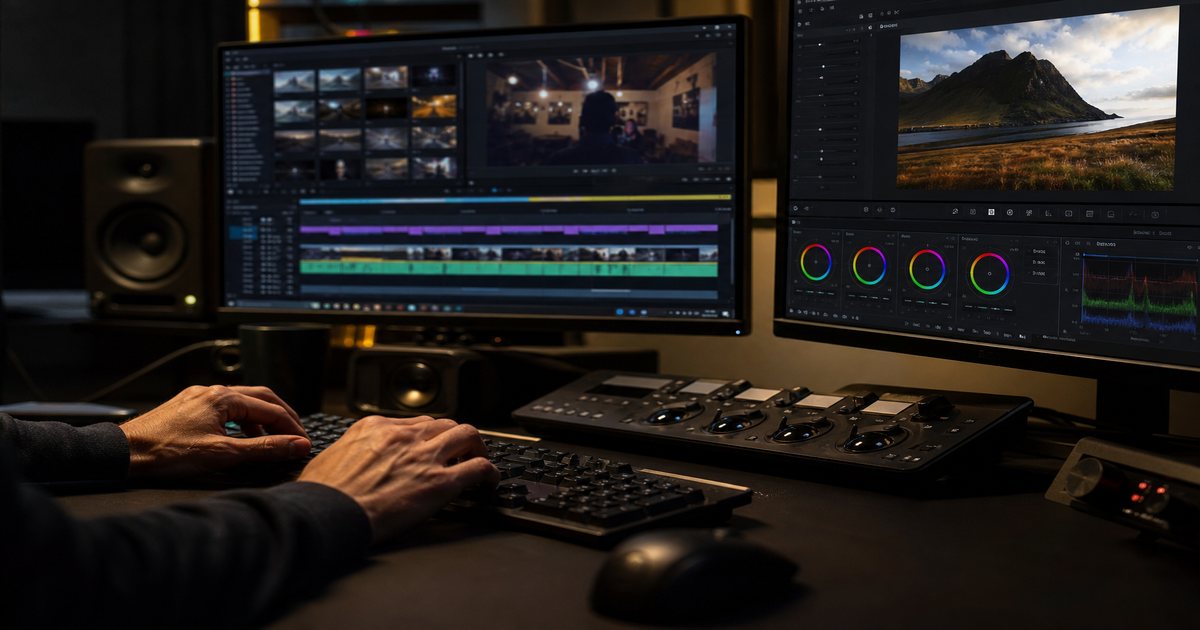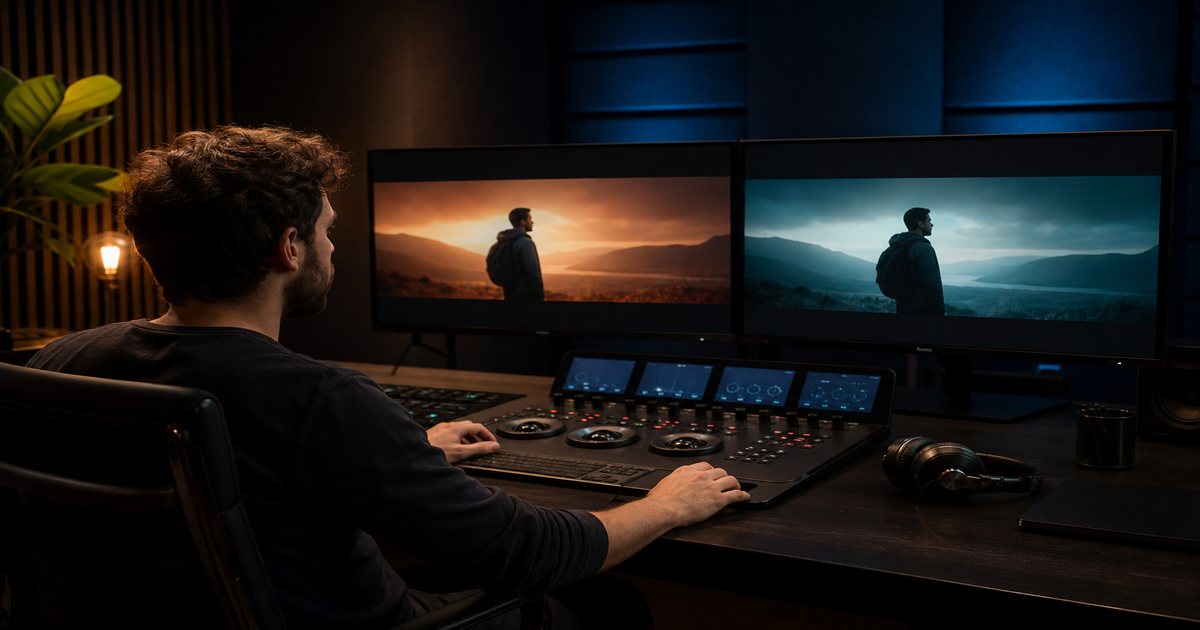
Viewers feel mismatch before they analyze it. Teal-orange blockbuster grades under a soft acoustic bed, or flat log footage over aggressive phonk, break immersion instantly. Coordinated color and music choices—starting with cleared tracks from FreeBeatHub—make your work feel directed, not assembled.
Why Color and Music Must Align
Color and music communicate emotion on parallel channels. Warm highlights suggest intimacy; cold shadows suggest tension. Music reinforces or contradicts those cues within milliseconds of perception.
Professional editors treat grade and score as one brief: list target emotion, reference stills, and mood tags before touching either control surface.
- Warm grade + aggressive EDM = cognitive dissonance
- Desaturated cool + ambient pad = cohesive melancholy
- High saturation + corporate bed = uncanny unless intentional
- Document intended mood in project metadata
Viewers decide whether to stay within seconds—and audio carries half that impression for creators.

Mapping Warm vs Cool Grades to Genre
Warm grades pair with acoustic, lo-fi, and soulful pop. Cool grades pair with electronic, cinematic tension, and tech content. Neutral grades flex with corporate and educational beds.
When genre and grade intentionally clash—for comedic or surreal effect—exaggerate both sides so the choice reads deliberate.
How to shortlist tracks quickly
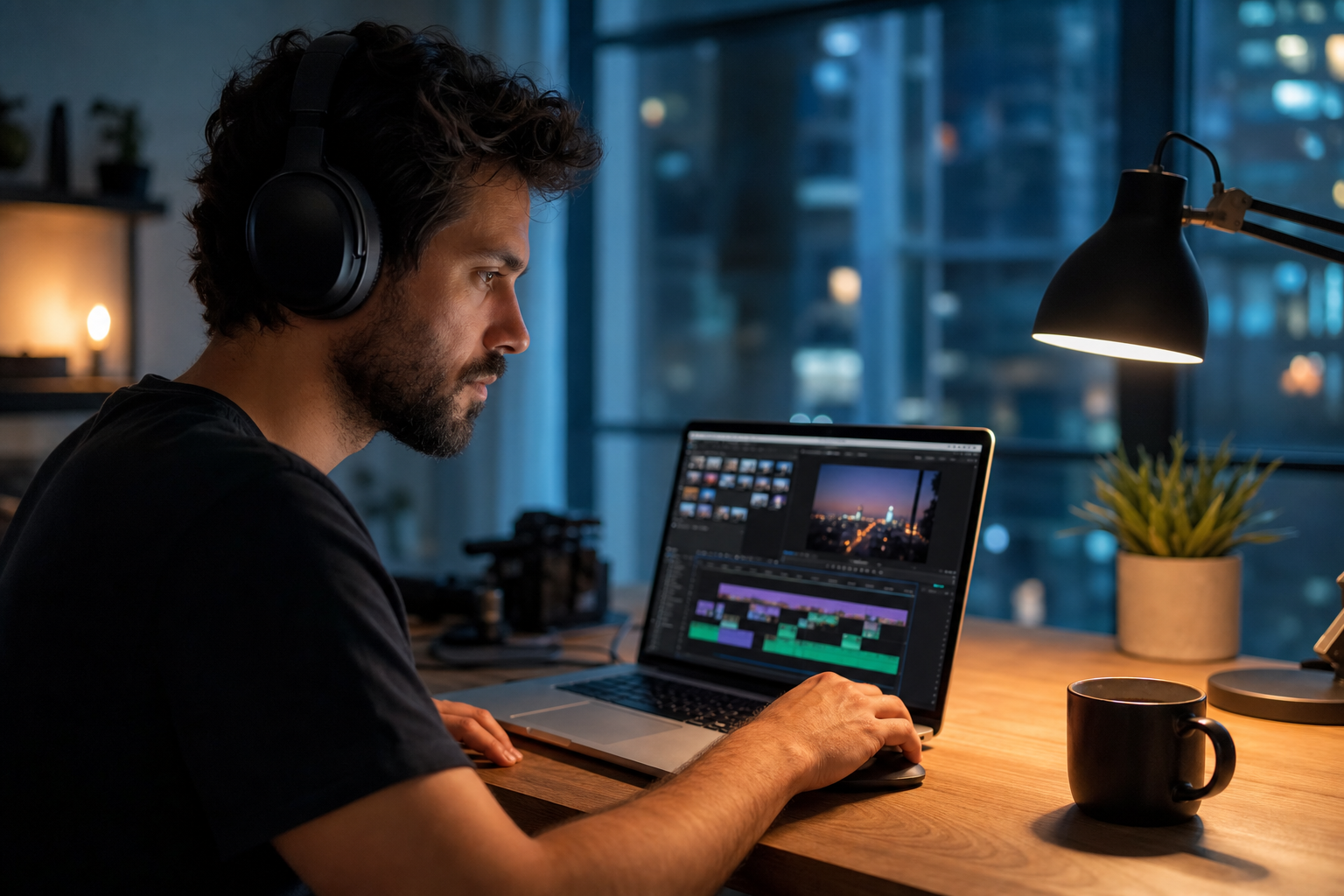
Preview each candidate under a rough 30-second cut of real footage, not a black timeline. Context reveals tracks that feel perfect in isolation but fight your voice.
If two tracks feel equal, pick the one with cleaner loop points. Edits get faster when you are not fighting abrupt endings every forty-five seconds.
Grade First or Score First?
Documentary and interview: grade first to truth, then score under emotional reality. Montage and ads: shortlist music, cut to grid, grade toward track energy.
Never finalize LUTs before audio lock on music-driven pieces. A grade that fights the score costs hours of revision.
Putting grade first or score first? into practice
Creators who treat color grade and music as a system—not a one-off inspiration—publish faster with fewer rights headaches.
If you are stuck between two options, choose the track that disappears under voice. Invisible beds rarely lose viewers; flashy ones often do.
LUT Selection by Musical Energy
High-energy beds support contrasty grades with punchy saturation. Low-energy beds support lifted shadows and muted highlights. Match LUT contrast curve to dynamic range of the track.
Energy pairing examples
Phonk montage: crushed blacks, neon accents. Corporate explainer: neutral Rec709, soft rolloff. Travel vlog: warm split-tone with acoustic bed.
How to shortlist tracks quickly
Build a "maybe" folder of five tracks and eliminate three on phone speakers. Mobile playback exposes harsh highs and muddy lows that studio headphones hide.
Coordinated Section Shifts
When music shifts sections—verse to chorus, breakdown to drop—mirror with grade adjustments: saturation bump, temperature shift, or vignette change. Subtlety sells; viewers feel continuity without noticing technique.
In DaVinci Resolve, keyframe grade nodes at beat markers exported from your DAW or NLE. CapCut creators can split clips at section changes and apply preset intensity steps.
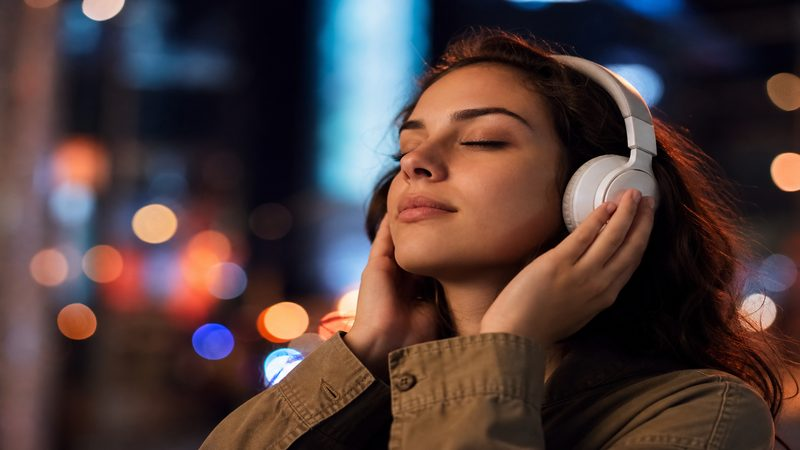
Putting coordinated section shifts into practice
Final Delivery Checklist
Before export, watch once with grade-only, once audio-only, then combined. Clashing mood usually appears in the combined pass. Verify on a calibrated monitor and a phone—mobile saturation exaggerates warm grades.
Archive LUT name, music track ID, and license reference in project notes for series consistency. See more editing guides for end-to-end workflows.
- Solo grade pass—no audio
- Solo audio pass—no grade tweaks
- Combined pass on monitor + phone
- Log LUT + track ID in project metadata
Archive a "winners" playlist of ten tracks that performed well. Future you starts from proof, not a blank search bar.
Share your audio checklist with anyone who edits your content. Alignment prevents last-minute track swaps that break rights.
Explore related posts on the FreeBeatHub blog and build a small playlist of cleared favorites on Browse Music.
Key takeaways
- Treat color grade music audio as part of retention, not decoration.
- Prefer a small cleared playlist over random trending sounds.
- Keep voice primary; music should support emotion without masking speech.
- Follow FreeBeatHub license terms and keep a download record.
- Revisit levels after you add captions or loud effects.
| Video Type | Grade Direction | Music Mood | Sync Tip |
|---|---|---|---|
| Tech review | Cool / Neutral | Corporate clean | Hold grade through VO |
| Travel montage | Warm / Saturated | Acoustic / Indie | Saturation bump on chorus |
| Hype ad | High contrast | Electronic | Cut grade shift on drop |
| Interview | Natural / Soft | Ambient pad | Minimal grade movement |
Ready to find your soundtrack? Browse 600+ royalty-free tracks on FreeBeatHub.
Browse Free MusicAdvertisement
Frequently Asked Questions
Should music match color or color match music?
For narrative pieces, picture often leads. For montage and ads, pick music first and grade toward its emotional center.
Can I use one LUT for an entire scored video?
Yes for brand consistency, but shift intensity—saturation and contrast—at musical section changes.
Do warm grades always need acoustic music?
Usually, but warm synth pads and lo-fi hip-hop also pair with golden-hour grades. Match energy, not instrument clichés.
How do I fix clashing mood after export?
Identify which sense disagrees—usually music is too hype for a muted grade or vice versa. Adjust one variable, not both at once.