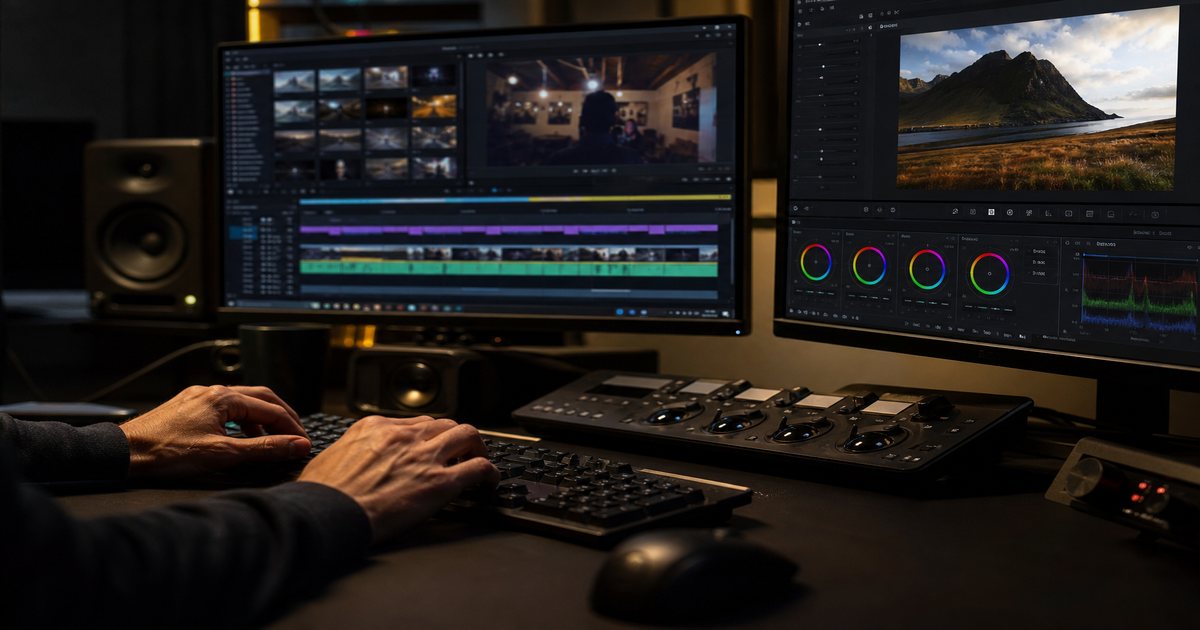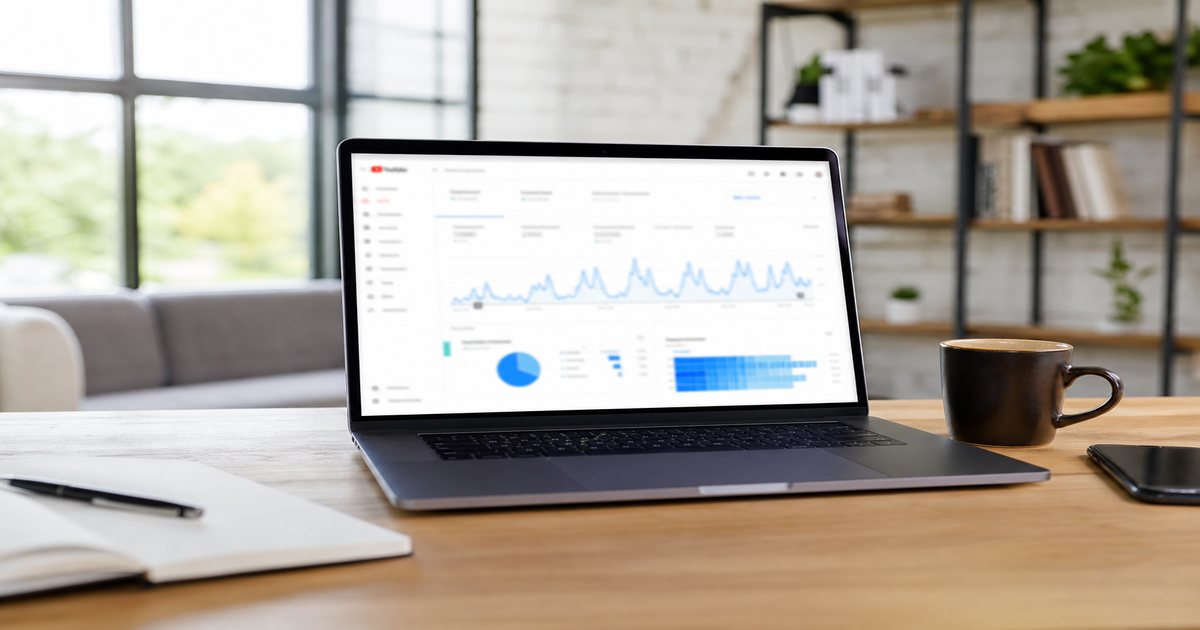
Consistency beats sporadic brilliance for creator growth—but consistency without systems becomes burnout. Batching lets you film, score, edit, and schedule in focused blocks. This weekly workflow integrates music licensing from FreeBeatHub so audio never blocks shipping.
The Batching Mindset
Context switching destroys creative throughput. Batching groups similar tasks: all scripting Monday, filming Tuesday, music Wednesday, edits Thursday, publish Friday. You trade daily novelty for predictable output.
Putting the batching mindset into practice
Weekly Calendar Template
Block 2–3 hours per phase. Protect music selection—rushed audio picks haunt entire batches.
Sample week
Mon: outline 4 videos. Tue: batch film. Wed: license and download beds. Thu: rough cut all. Fri: thumbnails + schedule. Weekend: buffer rest or Shorts-only.

Putting weekly calendar template into practice
If you are stuck between two options, choose the track that disappears under voice. Invisible beds rarely lose viewers; flashy ones often do.
Batching Music Selection
After rough assembly, score all videos in one session. Apply one channel palette: intro tag, bed family, outro. Log BPM and mood in a shared sheet. Pull from genre filters when teaching content needs focus.
If you are unsure where to start, if two tracks fit batching music selection, choose cleaner loop points; editors lose more time fighting endings than choosing genres.
How to shortlist tracks quickly
Preview each candidate under a rough 30-second cut of real footage, not a black timeline. Context reveals tracks that feel perfect in isolation but fight your voice.
Browse cleared options on FreeBeatHub by genre tags—lofi, ambient, and corporate cover most creators use cases.
Filming Day Systems
Use shot lists tied to music plans—high-energy segments for montages, static segments for dense VO. Record room tone for 30 seconds. Slate project names matching edit folders.
A useful rule of thumb: Filming Day Systems works best when tied to a measurable outcome—pick one metric to review after your next content creation upload.
Putting filming day systems into practice
Creators who treat batch your content as a system—not a one-off inspiration—publish faster with fewer rights headaches.
Edit & Publish Pipeline
Template projects in your NLE with intro/outro preloaded. Export presets for YouTube, TikTok, podcast audio. Run QC: loudness, captions, license folder link. Schedule via native tools when CTR tests allow.
SEO pass
Batch metadata with a template—titles, chapters, descriptions. Cross-link related posts on the blog.
Putting edit & publish pipeline into practice
Creators often skip edit & publish pipeline until a claim or muted VOD forces a fix; handling it proactively takes less time than a reshoot.
Avoiding Burnout
Maintain a 80/20 rule: 80% repeatable format, 20% experiments. Take one light week per quarter. Automate music tagging and file naming. Read FAQ once quarterly for policy changes.
In practice, avoid stacking multiple errors from this list in one video; avoiding burnout is a common combo that triggers mutes or claims.
The hidden cost of "good enough" audio
Most mistakes below feel minor in the edit bay and expensive in analytics. A viewer who mutes once rarely comes back to unmute.
Save this guide to your bookmarks and revisit it when analytics dip—often the fix is pacing, not topic.
Explore related posts on the FreeBeatHub blog and build a small playlist of cleared favorites on Browse Music.
The creators who win long-term treat music as part of their brand system—not a last-minute search before export.
Key takeaways
- Treat batch content workflow audio as part of retention, not decoration.
- Prefer a small cleared playlist over random trending sounds.
- Keep voice primary; music should support emotion without masking speech.
- Follow FreeBeatHub license terms and keep a download record.
- Revisit levels after you add captions or loud effects.
| Day | Focus | Output | Music Task |
|---|---|---|---|
| Monday | Scripting | 4 outlines | Mood tags only |
| Tuesday | Filming | Raw footage | Energy notes |
| Wednesday | Audio | Licensed beds | Full selection |
| Thursday | Editing | Rough cuts | Duck + master |
| Friday | Publish | Scheduled posts | QC licenses |
Ready to find your soundtrack? Browse 600+ royalty-free tracks on FreeBeatHub.
Browse Free MusicAdvertisement
Frequently Asked Questions
How many videos should I batch per week?
Most solo creators ship sustainably with 2–4 long-form pieces or 8–12 Shorts per batch cycle. Scale only after the workflow feels boringly reliable
When should I select music in the batch process?
After rough assembly or during a dedicated mid-week audio block—not minutes before upload when decisions get rushed
Can I reuse the same music across a batch?
Yes. A consistent palette across a batch strengthens brand recognition. Vary beds between series, not every scene
What if licensing slows me down?
Pre-build a cleared playlist of 20–50 tracks in FreeBeatHub. Batching fails when every video needs a new rights search