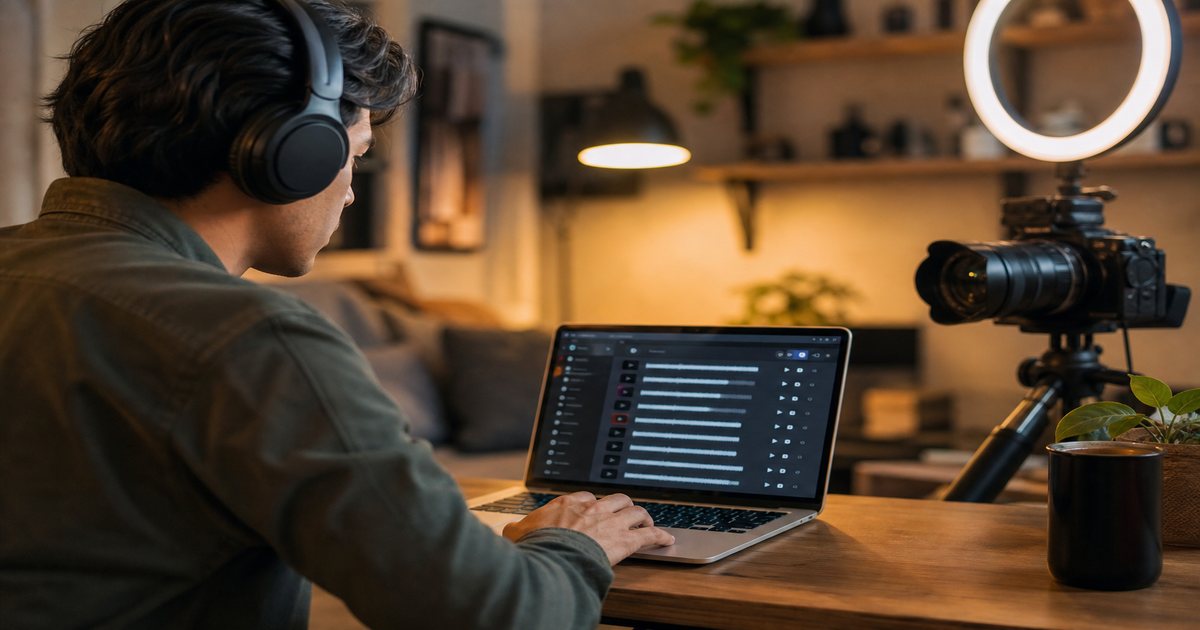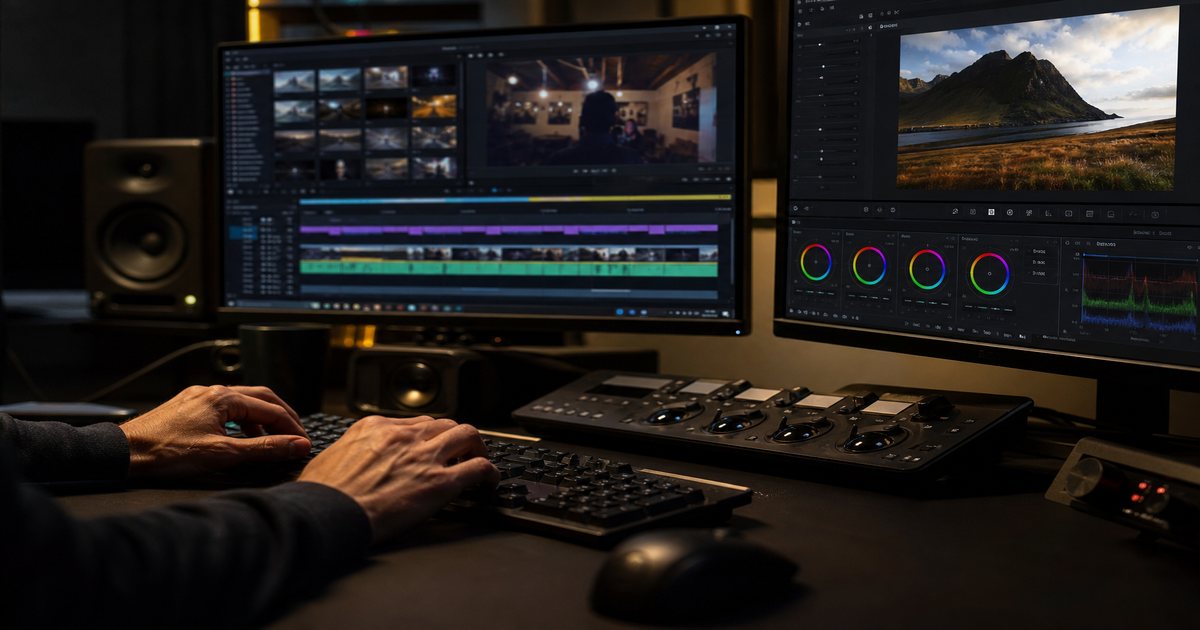
Editing to the beat turns average montages into hypnotic sequences viewers cannot look away from. The technique is simple—align cuts to musical transients—but the execution separates amateur hype edits from pro polish. This guide covers workflows in major NLEs and how to pick editable tracks on FreeBeatHub.
Why Beat Sync Works
Humans predict rhythm. When visuals confirm those predictions, the brain rewards continuity with attention. Beat-synced cuts increase perceived production value even on phone footage.
Viewers decide whether to stay within seconds—and audio carries half that impression for creators.
Finding Beats in Any Track
Run beat detection or tap tempo manually. Mark every downbeat for simple syncs; mark 1/8 notes for hype montages. Watch for false transients from hi-hats when you need big visual moves on kicks only.
Waveform reading
Peaks are not always beats. Zoom in: kick drums show wide low-frequency blobs; snares are tighter mid peaks. Train your eye on steady lofi before chaotic dubstep.
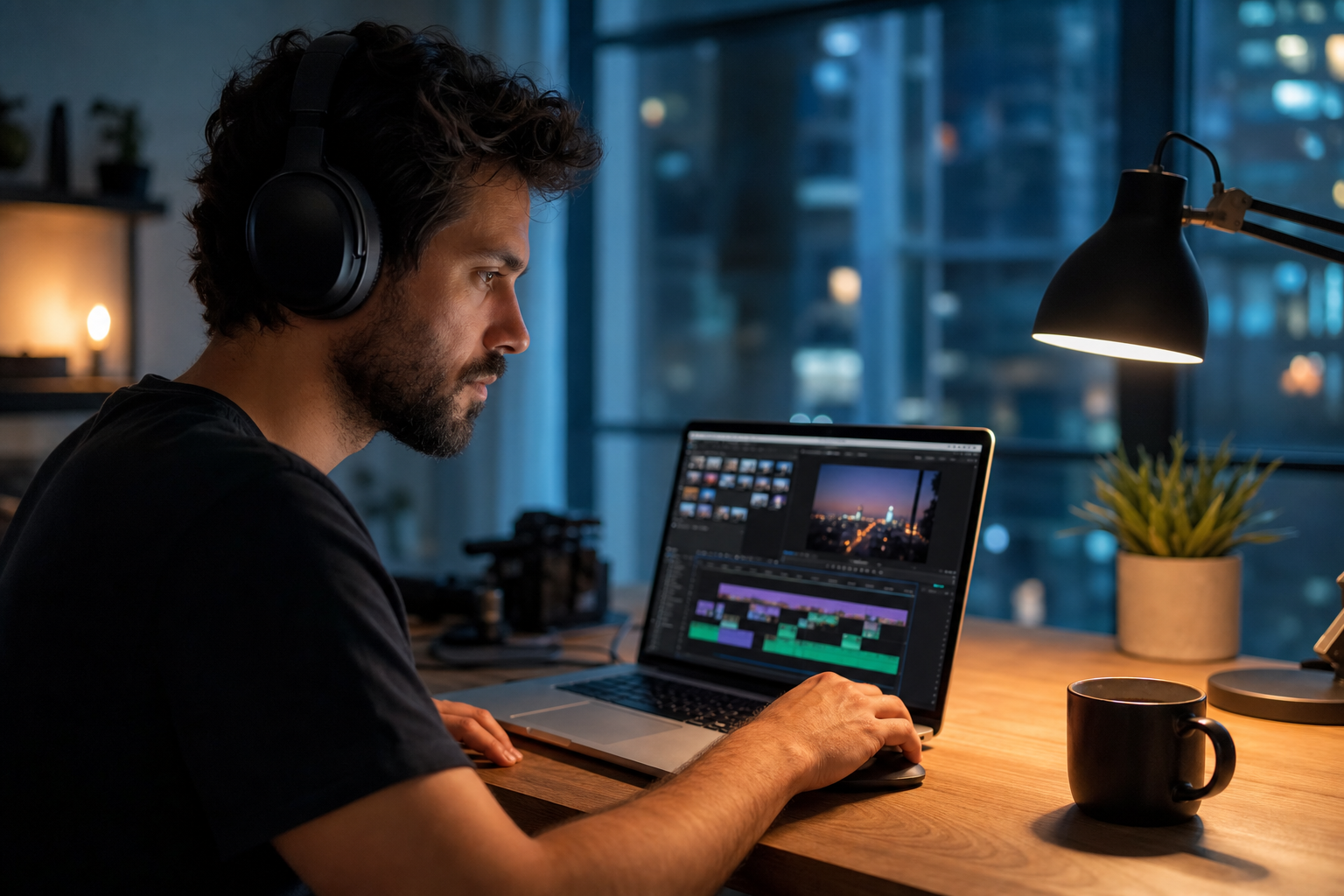
A useful rule of thumb: apply one decision from this section on your next project: finding beats in any track is enough to start.
How to shortlist tracks quickly
Premiere Pro Workflow
Import music, generate markers with beat detect plugins or manual `M` taps while playing at 0.5x. Lay clip in points on markers. Use rate stretch sparingly—fix sync in music choice first.
If you are unsure where to start, batch decisions: set audio for several uploads in one sitting so video editing releases feel cohesive.
Archive a "winners" playlist of ten tracks that performed well. Future you starts from proof, not a blank search bar.
DaVinci & CapCut Tips
DaVinci's cut page favors fast beat cutting with sync bin clips. CapCut auto-beat sync helps Shorts—verify every third cut because automation misses accents.
Putting davinci & capcut tips into practice
Creators who treat editing to the beat as a system—not a one-off inspiration—publish faster with fewer rights headaches.
If you are stuck between two options, choose the track that disappears under voice. Invisible beds rarely lose viewers; flashy ones often do.
Advanced Cut Patterns
Alternate cut density: two fast cuts per bar, then one held shot on the drop. Use match action across beats—subject exits frame right on snare 1, enters left on snare 2.
Speed ramps on drops
Ramp 50→100% over two beats before a chorus. Music must have an obvious lift; browse cinematic and electronic tags when planning ramps.
A useful rule of thumb: Advanced Cut Patterns works best when tied to a measurable outcome—pick one metric to review after your next video editing upload.
Putting advanced cut patterns into practice
Choosing Editable Tracks
Pick songs with stable grids and clear drums. Avoid overly busy jazz unless you edit loosely. Build a beat-edit folder in your library and note BPM in filenames. Check licensing FAQ before client work.
A useful rule of thumb: if two tracks fit choosing editable tracks, choose cleaner loop points; editors lose more time fighting endings than choosing genres.
How to shortlist tracks quickly
Filter by mood first, BPM second. For editing to the beat, start with two genres maximum—more options slow you down without improving results.
Pick one track today and use it in your next project with the levels and workflow above. Improvement comes from repetition, not hoarding options.
Explore related posts on the FreeBeatHub blog and build a small playlist of cleared favorites on Browse Music.
Key takeaways
- Treat editing to beat audio as part of retention, not decoration.
- Prefer a small cleared playlist over random trending sounds.
- Keep voice primary; music should support emotion without masking speech.
- Follow FreeBeatHub license terms and keep a download record.
- Revisit levels after you add captions or loud effects.
| Software | Beat Tool | Best For | Tip |
|---|---|---|---|
| Premiere Pro | Manual markers | Long-form montages | Tap at 0.5x speed |
| DaVinci Resolve | Cut page + markers | Fast social cuts | Ripple delete gaps |
| CapCut | Auto beat sync | TikTok / Reels | Nudge every 3rd cut |
Ready to find your soundtrack? Browse 600+ royalty-free tracks on FreeBeatHub.
Browse Free MusicAdvertisement
Frequently Asked Questions
What BPM is easiest for beginners to edit to?
90–120 BPM with clear four-on-the-floor or hip-hop drums is forgiving. Slower tempos make every cut feel heavier; faster tempos require more clips.
Should I cut on every beat?
No. Alternate dense sections with held shots on drops. Cutting every beat fatigues viewers
Can I edit to royalty-free music commercially?
Yes, when your license permits commercial use. FreeBeatHub tracks are suitable for client and monetized work when terms are met
Why does auto beat sync look off?
Algorithms often lock to hi-hats instead of kicks. Manually nudge markers to the transients that matter for your visual story