TikTok is an audio-first battlefield. The algorithm measures rewatches, shares, and completion before it cares about your caption keywords. This article breaks down music hooks that stop the scroll—and how to build them with royalty-free tracks from FreeBeatHub so you keep creative control.
Why the First 1.5 Seconds Matter
Viewers decide faster on TikTok than any other feed. Audio change, vocal stab, or bass drop in the opening beat acts as a pattern interrupt. Without it, even strong visuals blend into the scroll.
5 seconds matter before they read your title card.
Viewers decide whether to stay within seconds—and audio carries half that impression for TikTok creators. When the first 1.5 seconds are intentional, sessions feel authored instead of assembled.
Think of why the first 1.5 seconds matter as scaffolding for your edit. It supports transitions you have not filmed yet and gives you flexibility in post without reshoots.
Types of Audio Hooks
Hooks fall into a few repeatable buckets: impact hits (single drum or FX), melodic earworms (four-note motifs), vocal teasers (spoken line before music), and contrast drops (silence then burst).
Impact hits
Use when demonstrating transformations—before/after cleans, outfit changes, room makeovers. Sync the hit exactly to the visual switch.
Test with a friend who has not seen the project. If they lean in to hear dialogue, the bed is still too loud.
Pairing Visual and Audio Hooks
Audio and visuals must land on the same frame. Offset hooks by even 3–4 frames and retention measurably dips. Storyboard the hook frame first, then choose music with a transient at that timestamp—or nudge the waveform in your editor.
Fade beds 2–3 seconds before key statements. Hard dips feel cinematic; instant mutes feel like editing mistakes.
Royalty-Free Trend Structures
You do not need a copyrighted viral sound to use a viral structure. Sped-up four-on-the-floor drums, phonk cowbell patterns, and "oh no" slowdown edits all have royalty-free equivalents. Browse energetic tags and test 3 variants per concept.
Editing Patterns That Replay
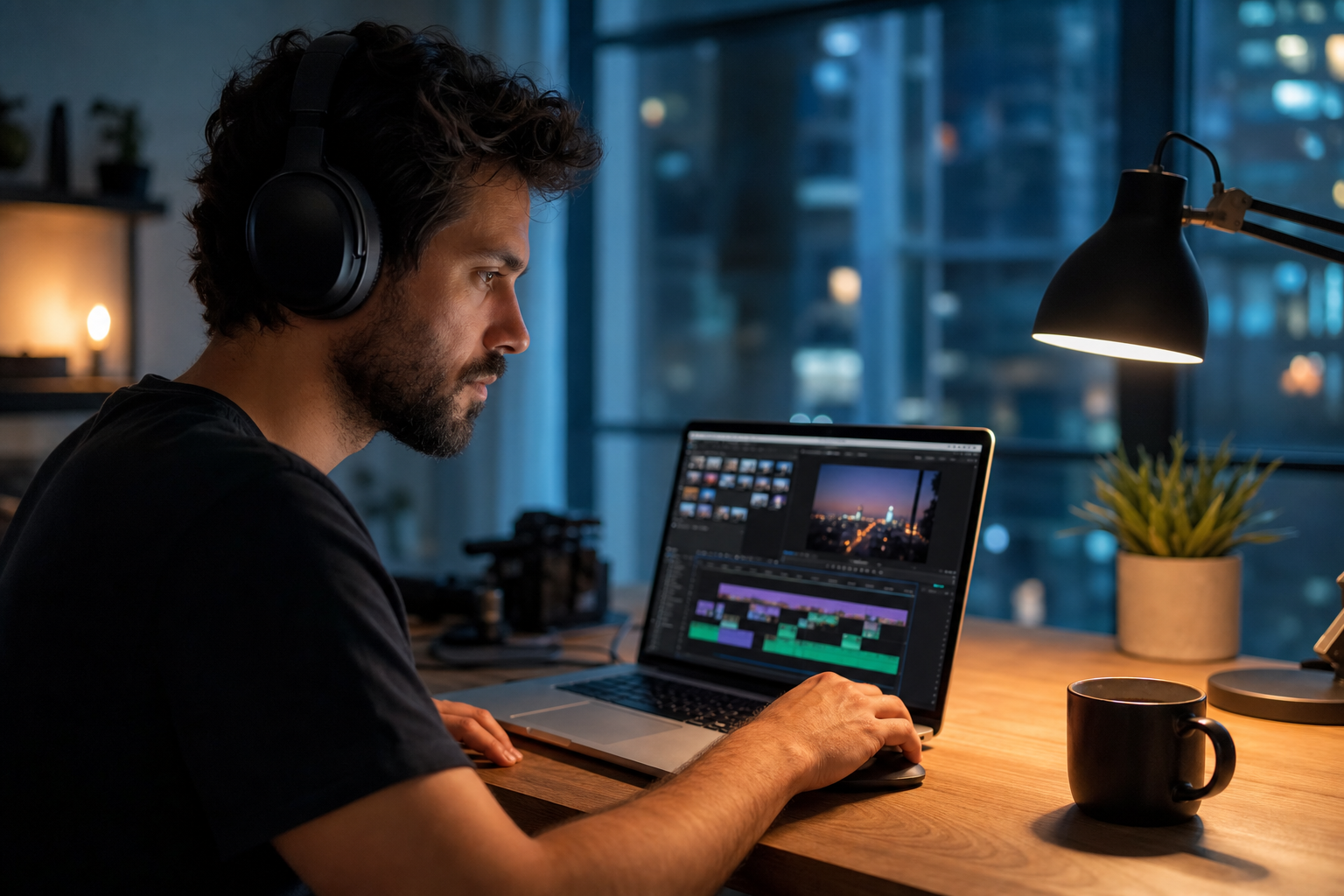
Loops encourage rewatches. End your TikTok on an unresolved beat or mid-phrase so viewers replay for payoff. Keep total length tight—21–34 seconds often outperforms bloated 60-second cuts for hook testing.
CapCut and Premiere shortcuts
Mark beat grids, slice on every second downbeat for montages, and use speed curves only after you nail sync. See our editing guides for beat-sync deep dives.
Testing Hooks Systematically
Post the same script with three different opening hooks across 72 hours. Track average watch time and rewatches in analytics. Kill losers fast; iterate winners into series. Document hook + track pairs in Notion so your team does not reinvent each shoot.
The first transient—kick, snap, or synth stab—should land before your visual hook finishes. Audio leads attention on mobile feeds.
Pick one track today and use it in your next project with the levels and workflow above. Improvement comes from repetition, not hoarding options.
Document what worked in a single line per video. Patterns emerge faster than you expect.
Key takeaways
- Treat tiktok music hooks audio as part of retention, not decoration.
- Prefer a small cleared playlist over random trending sounds.
- Keep voice primary; music should support emotion without masking speech.
- Follow FreeBeatHub license terms and keep a download record.
- Revisit levels after you add captions or loud effects.
| Hook Type | Best For | Music Cue | Length |
|---|---|---|---|
| Impact hit | Transformations | Drum stab | 0.1–0.3s |
| Melodic motif | Tutorials | 4-note synth | 0.5–1s |
| Vocal teaser | Storytime | Spoken line | 1–2s |
| Contrast drop | Comedy | Silence → bass | 0.8s |
Ready to find your soundtrack? Browse 600+ royalty-free tracks on FreeBeatHub.
Browse Free MusicAdvertisement
Frequently Asked Questions
Do I need trending TikTok sounds to go viral?
No. Trending structures and strong hooks with royalty-free music can perform well—especially for brands that cannot risk copyright issues
How do I sync music hooks to visuals?
Place a timeline marker on the hook frame, align the first strong transient in the audio to that marker, and preview frame-by-frame
What royalty-free genres work for TikTok?
Electronic, phonk-style instrumentals, hyperpop beds, and punchy hip-hop drums are popular. Filter by energy and BPM on FreeBeatHub.
How many hook variants should I test?
Test at least three openings per core idea. Promote the best performer and iterate in a series format