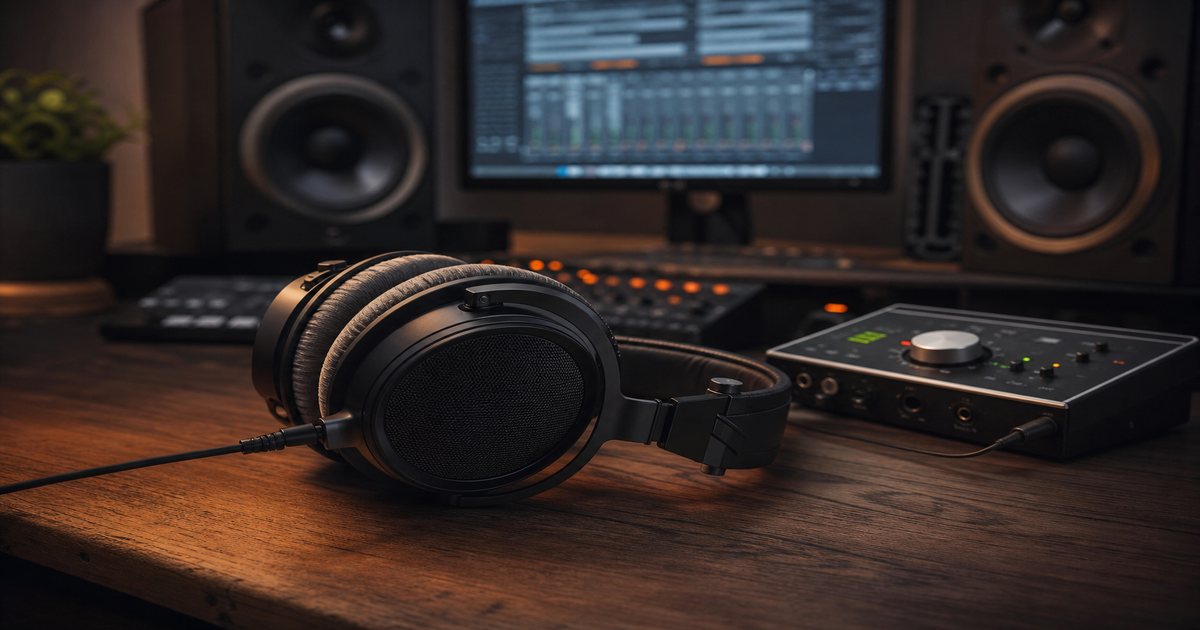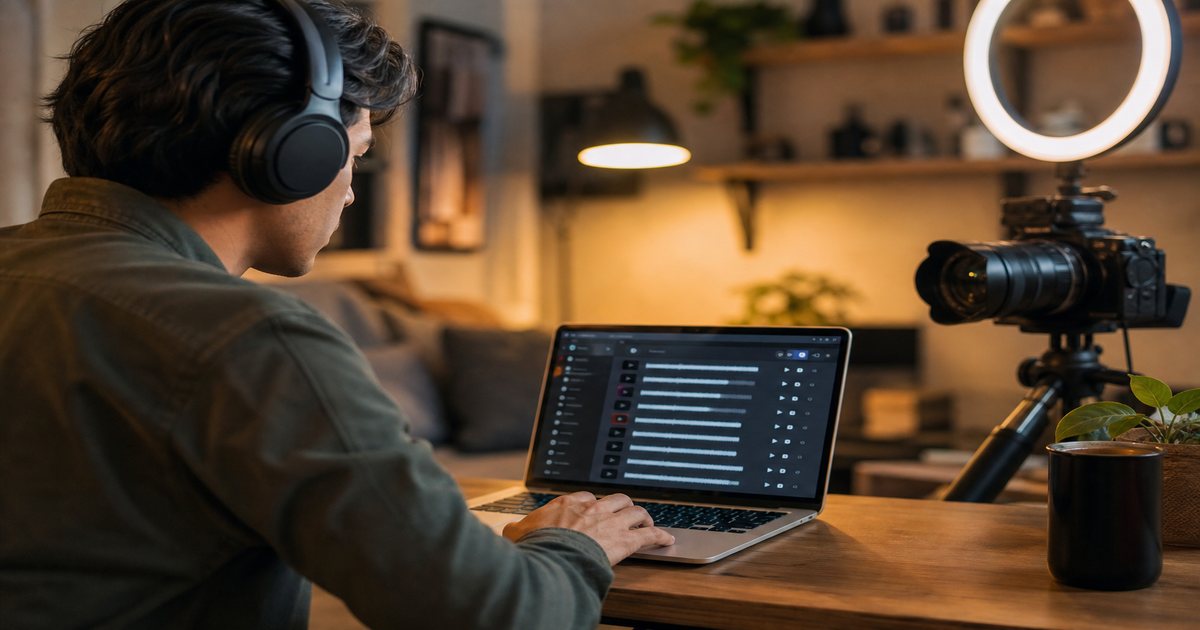
Background music is not decoration on YouTube—it is a retention lever. The right track supports your story, masks awkward silence, and signals professionalism within the first few seconds. The wrong track distracts, dates your video, or triggers a copyright claim that blocks monetization. This guide walks you through a practical framework for choosing royalty-free music that fits your channel, your audience, and the FreeBeatHub license terms you need for commercial use.
Why Music Matters on YouTube
Watch-time curves tell a blunt story: viewers drop when pacing feels flat or audio feels amateur. Music adds rhythm to talking-head segments, emotional weight to B-roll, and momentum through transitions. YouTube's algorithm does not score your soundtrack directly, but it absolutely rewards sessions where viewers stay through mid-roll ads—and music is one of the cheapest tools to extend those sessions.
The retention connection
Open any retention graph in YouTube Studio and look for cliffs in the first thirty seconds. Often the visual hook is fine but the audio bed is either missing or mismatched. A subtle lofi underscore during setup can smooth those cliffs without feeling like elevator music.
- Supports narrative pacing without overpowering dialogue
- Creates emotional context faster than exposition
- Smooths edits and hides room tone in home studios
- Signals production quality before viewers judge visuals
Viewers decide whether to stay within seconds—and audio carries half that impression for YouTube creators.
The Mood-Matching Framework
Start with three variables: energy (calm to intense), emotion (hopeful, tense, playful), and tempo band (slow under 90 BPM, mid 90–120, fast 120+). Map these to your script beats before you open a music library. A tutorial should trend mid-energy with stable tempo; a travel vlog can breathe with dynamic swells.
Energy curves and scene changes
Plot your video on a simple timeline. Mark intro hook, main teaching block, example montage, and CTA. Each segment gets a target energy level. When energy rises, choose tracks with brighter percussion or rising synth pads. When you need focus, pull energy down and favor minimal arrangements—lofi beds excel here.
Copyright & Licensing Basics
YouTube's Content ID system scans uploads against a massive reference database. Licensed commercial music often means claims, revenue sharing, or blocked monetization—even if you "own" a personal copy. Royalty-free libraries like FreeBeatHub grant you rights to use tracks in monetized videos when you follow the license.
If you work with editors or agencies, include cleared track links in the brief—not just "upbeat music." Vague briefs produce trending sounds that block paid usage.
Mixing Music With Voiceover
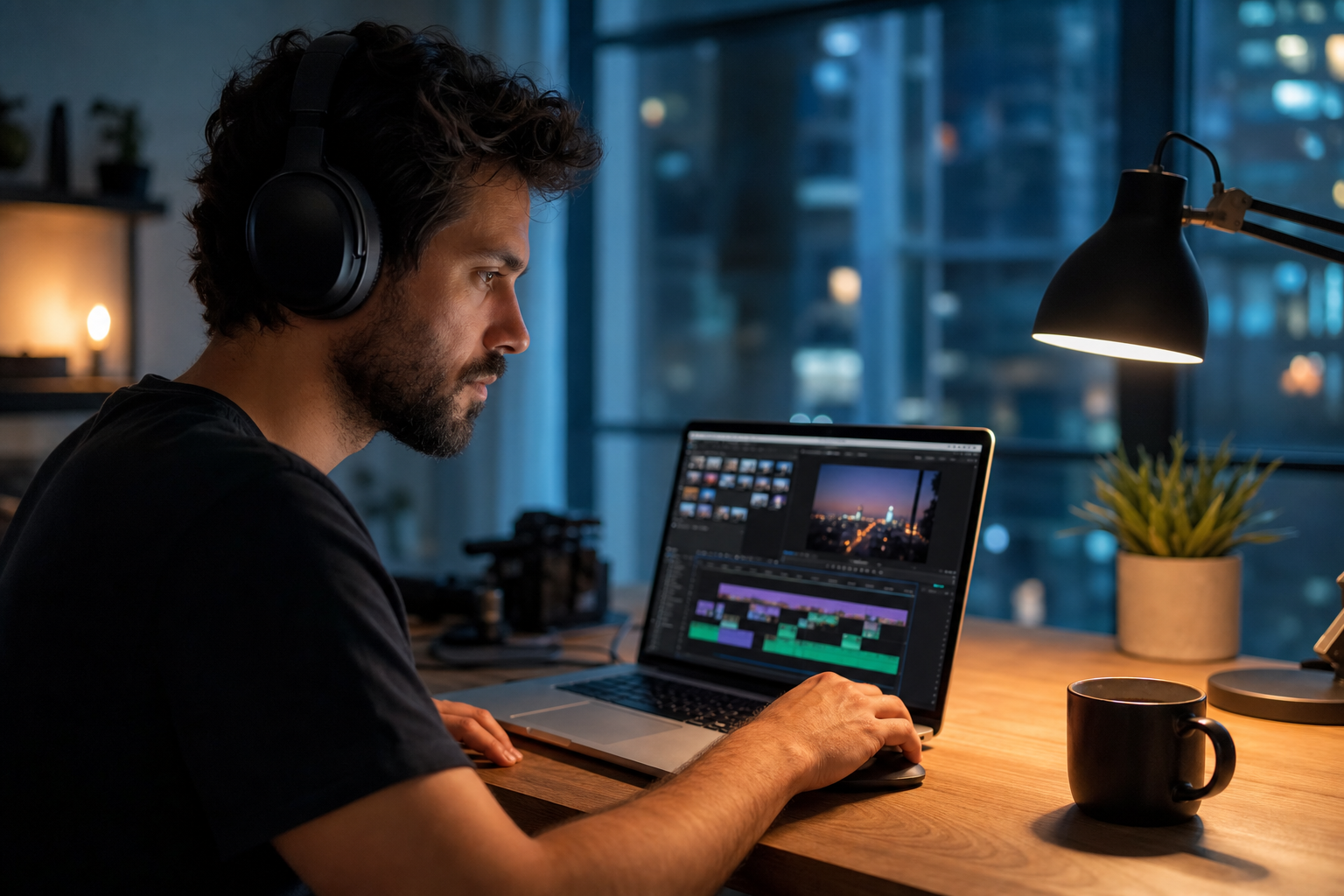
Great song choice fails if dialogue disappears. Target music 12–18 dB below spoken voice on average, ducking further under consonants in dense mixes. Use sidechain compression or auto-ducking in your NLE. Preview on phone speakers—most viewers will not use studio headphones.
EQ carving for clarity
Cut 300–500 Hz in music when voice sits in that range. A gentle high-pass on music at 120 Hz cleans mud without thinning the track. Fade music 2–3 seconds before key statements so words land cleanly.
Genre Guide by Video Type
Genre is shorthand for audience expectation. Misaligned genre reads as tone-deaf faster than a blurry thumbnail.
How to shortlist tracks quickly
Build a "maybe" folder of five tracks and eliminate three on phone speakers. Mobile playback exposes harsh highs and muddy lows that studio headphones hide.
Browse cleared options on FreeBeatHub by genre tags—lofi, ambient, and corporate cover most YouTube creators use cases.
A Repeatable Selection Workflow
Speed comes from constraints. Build a channel playlist of 15–20 approved tracks sorted by energy. For each video: (1) tag mood keywords, (2) filter BPM if you cut to rhythm, (3) shortlist three tracks, (4) lay each under a rough cut for 60 seconds, (5) pick the least distracting winner. Log choices in a spreadsheet so sequels stay cohesive. Browse new additions weekly on the FreeBeatHub blog and music catalog.
Batch music decisions
When you film three videos in one day, select music in one sitting. Consistent sonic palette makes your channel feel authored rather than algorithmically random.
Archive a "winners" playlist of ten tracks that performed well. Future you starts from proof, not a blank search bar.
Mistakes That Kill Retention
Even experienced creators slip into habits that undermine watch time.
The hidden cost of "good enough" audio
Most mistakes below feel minor in the edit bay and expensive in analytics. A viewer who mutes once rarely comes back to unmute.
Pick one track today and use it in your next project with the levels and workflow above. Improvement comes from repetition, not hoarding options.
Document what worked in a single line per video. Patterns emerge faster than you expect.
Key takeaways
- Treat youtube background music audio as part of retention, not decoration.
- Prefer a small cleared playlist over random trending sounds.
- Keep voice primary; music should support emotion without masking speech.
- Follow FreeBeatHub license terms and keep a download record.
- Revisit levels after you add captions or loud effects.
| Video Type | Suggested Genre | Energy | BPM Range |
|---|---|---|---|
| Tutorial | Corporate / Lofi | Low–Mid | 80–100 |
| Travel Vlog | Indie / Chill Hop | Mid | 90–115 |
| Gaming | Electronic / Cinematic | Mid–High | 110–140 |
| Product Review | Minimal / Ambient | Low | 70–95 |
| Motivation | Orchestral / Trailer | High | 100–130 |
Ready to find your soundtrack? Browse 600+ royalty-free tracks on FreeBeatHub.
Browse Free MusicAdvertisement
Frequently Asked Questions
Can I use FreeBeatHub music on monetized YouTube channels?
Yes. Tracks downloaded from FreeBeatHub are licensed for use in monetized YouTube videos when you comply with the terms on our license page. Keep your download record as proof of rights
How loud should background music be under voiceover?
Aim for music to sit roughly 12–18 dB below spoken dialogue on average. Use ducking during key lines and always preview on laptop and phone speakers
What genre works best for educational YouTube videos?
Light corporate, ambient, and lofi instrumentals work well because they stay out of the way of narration. Avoid vocals and heavy drops that compete with teaching moments.
Should I change music in every video or reuse tracks?
Reuse a curated palette for brand consistency, but avoid looping the same 30-second section across an entire long-form video. Rotate beds across episodes instead