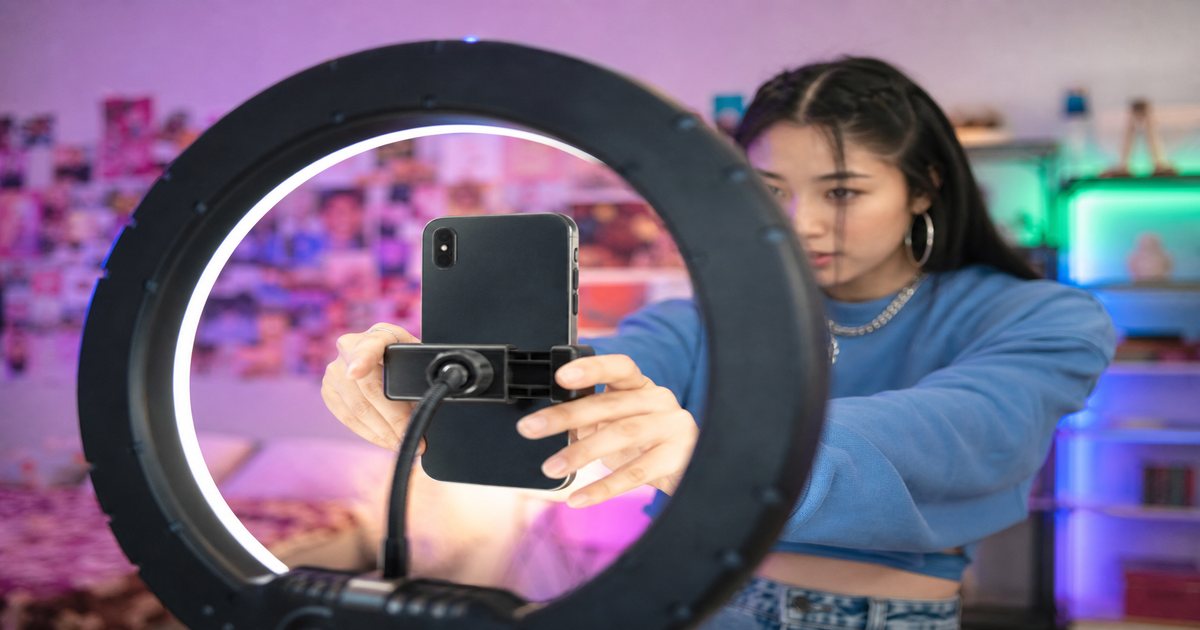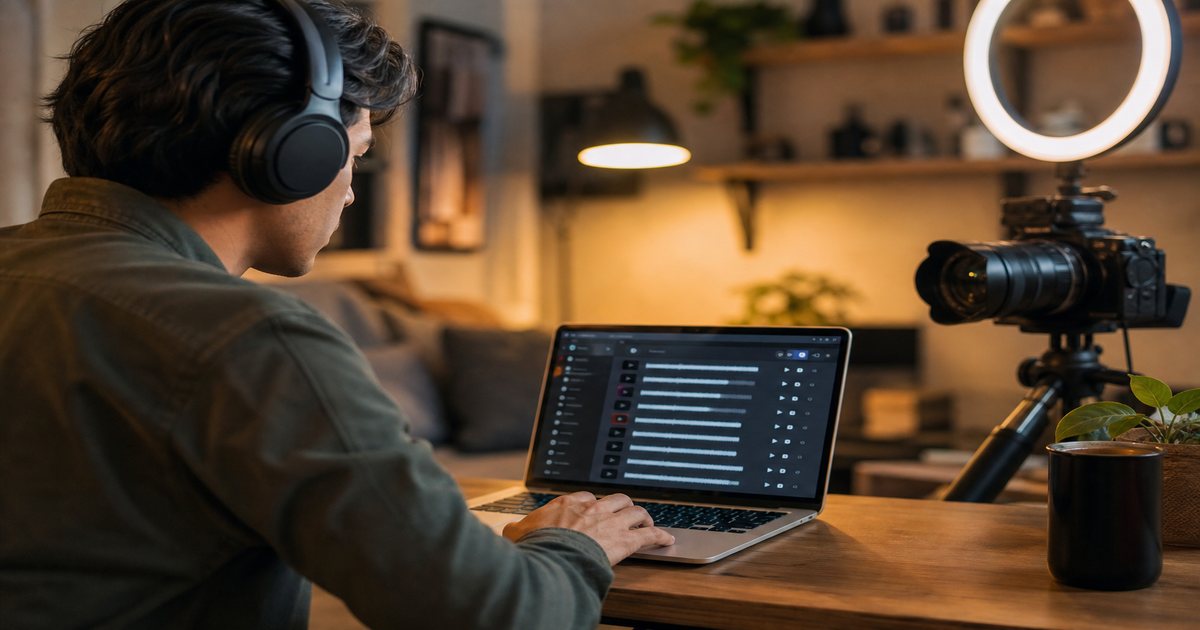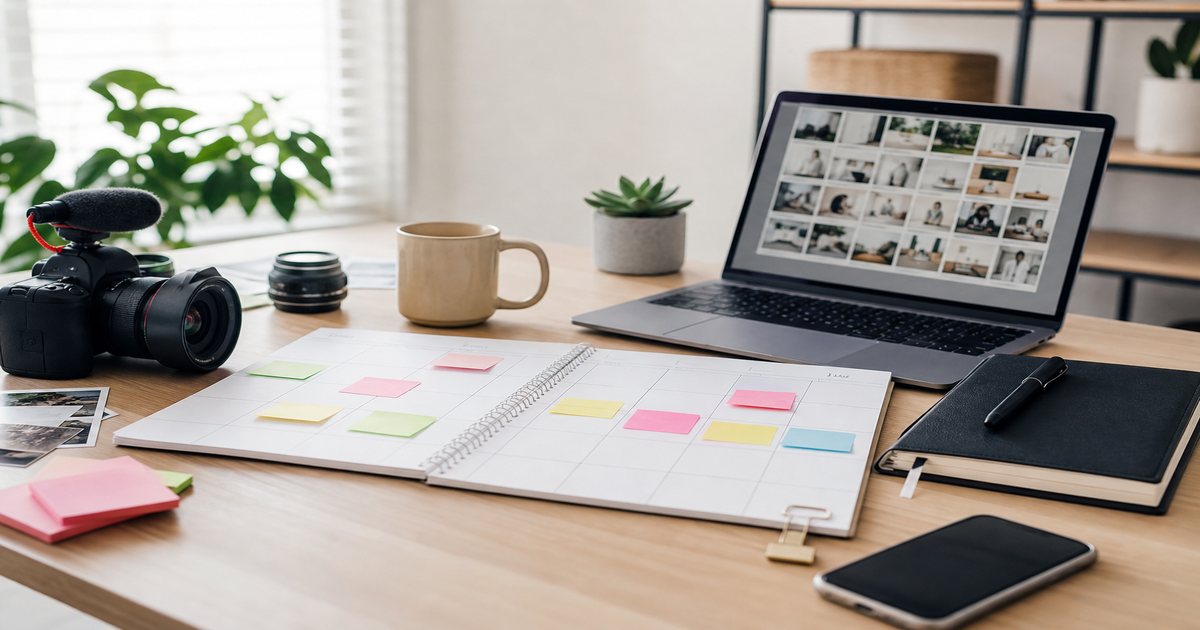
Instagram Reels rewards motion, hooks, and audio that keeps viewers rewatching. Trending sounds can explode reach—but a copyright strike on branded content can silence monetization overnight. This guide shows how to pick royalty-free tracks that feel trending while staying safe for business accounts, with practical filters you can apply in FreeBeatHub.
How Reels Audio Works in 2026
Reels still weights watch-through and replays heavily. Audio acts as a discovery signal when users browse the Reels tab, but Meta also enforces music rights on ads and some commercial surfaces. Native trending audio works for organic reach; royalty-free alternatives protect revenue when you promote products or run partnerships.
Fade beds 2–3 seconds before key statements. Hard dips feel cinematic; instant mutes feel like editing mistakes.
Going Viral Without Copyright Strikes
Virality without rights is a liability. Build a library of high-energy instrumentals that mirror trending moods—phonk-adjacent bass, sped-up house percussion, clean pop drums—without sampling protected masters. Document licenses in a shared folder your editor can access.
Safe alternatives to trending sounds
Search by mood tags like "hype," "aesthetic," or "runway" on FreeBeatHub. Pair them with on-screen text hooks in the first second. You trade automatic trend association for repeatable creative control.
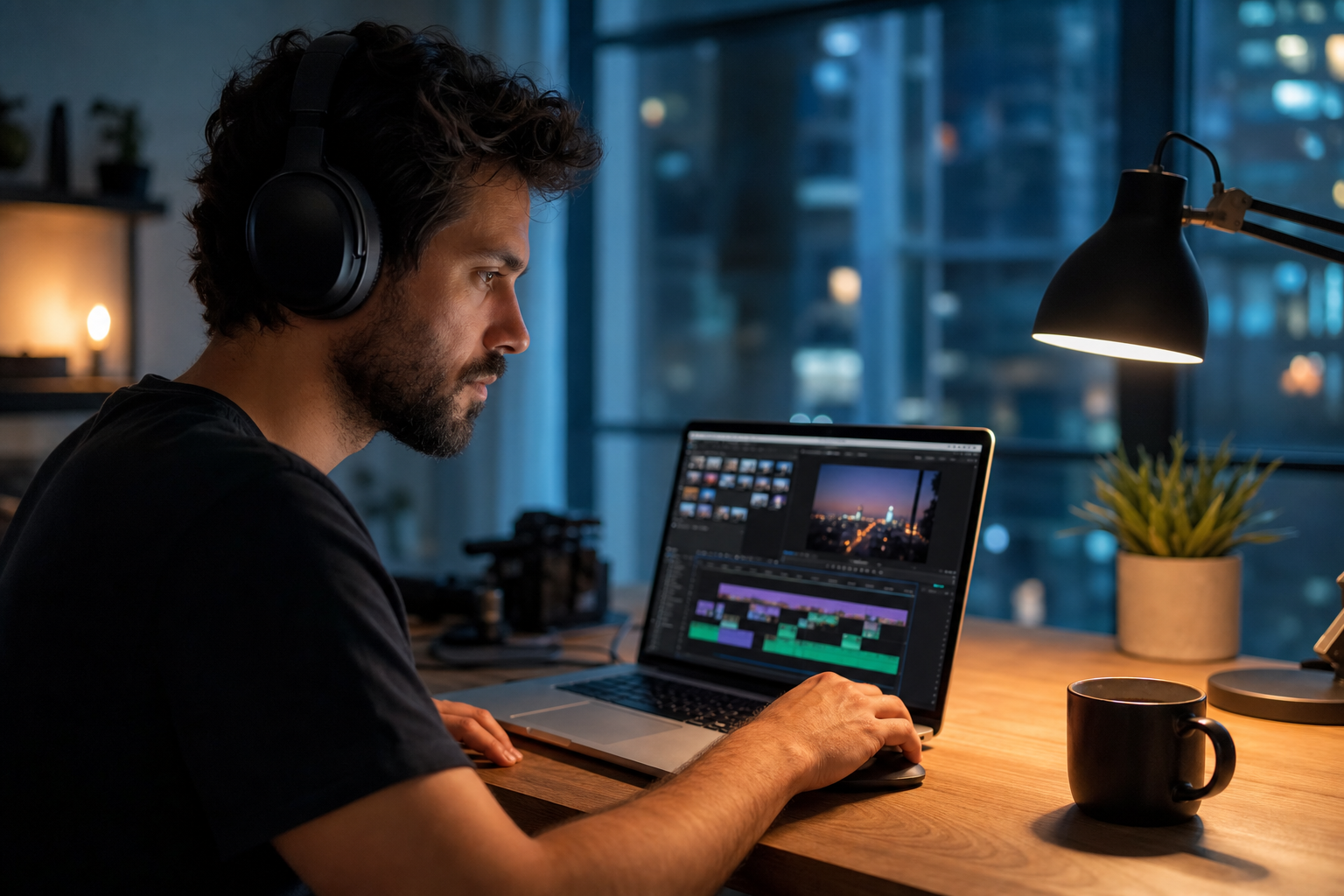
If you are unsure where to start, if a collaborator asks about rights for going viral without copyright strikes, you should answer in one sentence with source, date, and permitted platforms.
Documentation that saves channels
Royalty-free does not mean "free from all rules." Read attribution requirements once on our license page and reuse the same library to reduce surprises.
When in doubt, write a one-sentence rights summary in your project file: source, license type, date, and permitted platforms.
Picking Tracks That Fit Your Niche
Fitness creators need punchy transients; beauty creators often favor soft house or dreamy pads; finance creators should stay minimal. Misaligned audio makes polished visuals feel meme-literal or corporate-stale.
How to shortlist tracks quickly
Preview each candidate under a rough 30-second cut of real footage, not a black timeline. Context reveals tracks that feel perfect in isolation but fight your voice.
If two tracks feel equal, pick the one with cleaner loop points. Edits get faster when you are not fighting abrupt endings every forty-five seconds.
Trending vs Evergreen Audio
Trending audio gives a short discovery window; evergreen beds build recognizable series. Use a 70/30 split—most posts from your evergreen pool, trend-chasing only when a format truly fits.
Test with a friend who has not seen the project. If they lean in to hear dialogue, the bed is still too loud.
Editing Tips for Reels Music
Cut on downbeats. Align the first bass hit with your visual hook. Use 0.5-second pre-lap audio before the visual jump to pull attention. Normalize to -14 LUFS integrated so Reels volume matches feed expectations.
Loop-friendly structures
Choose tracks with clean eight-bar loops for 15–30 second Reels. Fade tails under 200 ms to avoid clicks when Instagram loops the clip.
Pre-Publish Checklist
Before you schedule: confirm license scope on the license page, test with branded content toggles if applicable, verify voiceover sits above music, and preview without captions to ensure the hook still lands. Cross-post audio choices to TikTok only after checking that platform's rules too—see our blog for platform guides.
If you are unsure where to start, turn the steps above into a checklist you run before every export—pre-publish checklist becomes fast when it is habitual.
Archive a "winners" playlist of ten tracks that performed well. Future you starts from proof, not a blank search bar.
Save this guide to your bookmarks and revisit it when analytics dip—often the fix is pacing, not topic.
Document what worked in a single line per video. Patterns emerge faster than you expect.
Key takeaways
- Treat instagram reels music audio as part of retention, not decoration.
- Prefer a small cleared playlist over random trending sounds.
- Keep voice primary; music should support emotion without masking speech.
- Follow FreeBeatHub license terms and keep a download record.
- Revisit levels after you add captions or loud effects.
| Niche | Mood | Tempo | Example Use |
|---|---|---|---|
| Fitness | Hype / Punchy | 125–140 BPM | Workout demos |
| Beauty | Dreamy / Soft | 95–110 BPM | GRWM transitions |
| Food | Playful / Acoustic | 100–120 BPM | Recipe speedruns |
| Business | Minimal / Corporate | 80–100 BPM | Carousel explainers |
Ready to find your soundtrack? Browse 600+ royalty-free tracks on FreeBeatHub.
Browse Free MusicAdvertisement
Frequently Asked Questions
Can I use royalty-free music on Instagram Reels for ads?
Royalty-free tracks with commercial rights are safer for ads and branded content than random trending audio. Always confirm your license covers advertising use.
Why do my Reels sound quieter than others?
Normalize music to around -14 LUFS and leave headroom for voiceover. Instagram compresses loud uploads unpredictably
Should I use trending audio or original music?
Trending audio can help organic discovery; royalty-free music protects monetized and branded posts. Many creators use both strategically
How long should Reels music hooks be?
Put your strongest musical and visual hook in the first second. Most viewers decide to stay or swipe before 1.5 seconds