Hard cuts feel like slideshows. J-cuts and L-cuts let audio lead the eye—viewers hear the next scene before they see it, and retention smooths. Pair the technique with royalty-free music from FreeBeatHub and transitions feel scored, not stitched.
J-Cuts vs L-Cuts Explained
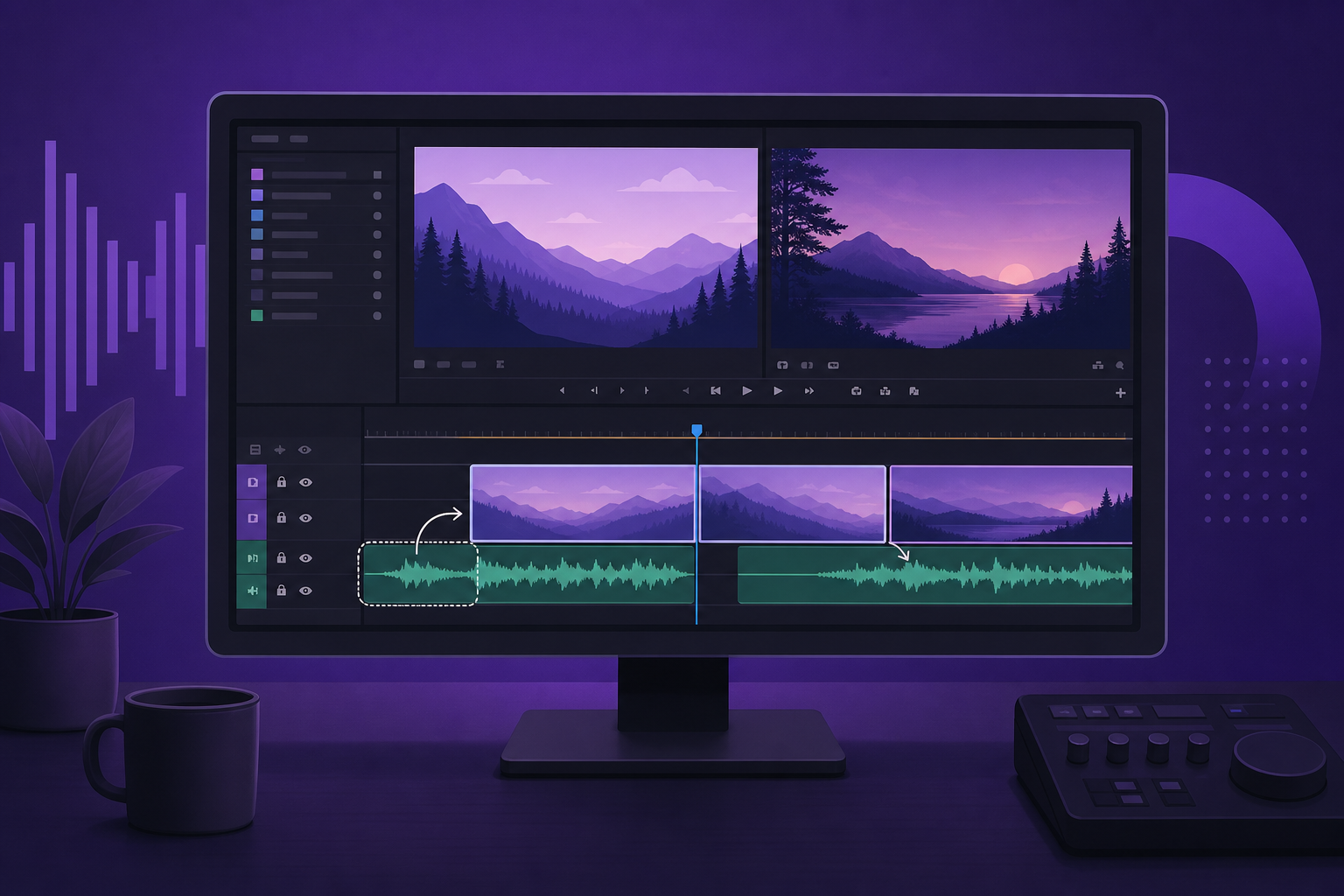
A J-cut: next scene's audio starts early. An L-cut: current scene's audio continues over the next picture. Music beds make both invisible—listeners feel flow without noticing the edit.
- J-cut: audio leads, video follows
- L-cut: video leads, audio lingers
- Music bridges hide jump cuts in vlogs
- Dialogue J-cuts need careful ducking
Putting j-cuts vs l-cuts explained into practice
Creators who treat premiere pro j-cuts as a system—not a one-off inspiration—publish faster with fewer rights headaches.
Music as Transition Glue
Extend your royalty-free bed 1–2 bars across the cut point. Viewer hears continuous music while visuals change—brain interprets unity. Pick tracks with steady harmonic loops, not dramatic key changes mid-bridge.

Putting music as transition glue into practice
Creators often skip music as transition glue until a claim or muted VOD forces a fix; handling it proactively takes less time than a reshoot.
Setting Up J-Cuts in Premiere
- Unlink audio/video on the outgoing clip (Ctrl/Cmd+L)
- Extend outgoing audio or pre-lap incoming audio
- Add crossfade 6–12 frames at overlap
- Use Ripple Trim to keep total duration tight
- Label cut points with markers synced to beats
Essential shortcuts
Q/W trim, Shift+K for playhead sync, and nest music on a dedicated track for global level rides.
Syncing Cuts to the Beat
Drop markers on downbeats (M key). Place J-cut pre-laps 2–4 frames before the marker so ear leads eye. See our editing to the beat guide for BPM workflows.
Putting syncing cuts to the beat into practice
If you are stuck between two options, choose the track that disappears under voice. Invisible beds rarely lose viewers; flashy ones often do.
J-Cuts With Dialogue and Music
When pre-lapping speech, duck music 6 dB during words. When pre-lapping music only, swell 2 dB into the cut for emphasis. Never J-cut two competing dialogue lines without space.
Putting j-cuts with dialogue and music into practice
Music-Led Edit Workflow
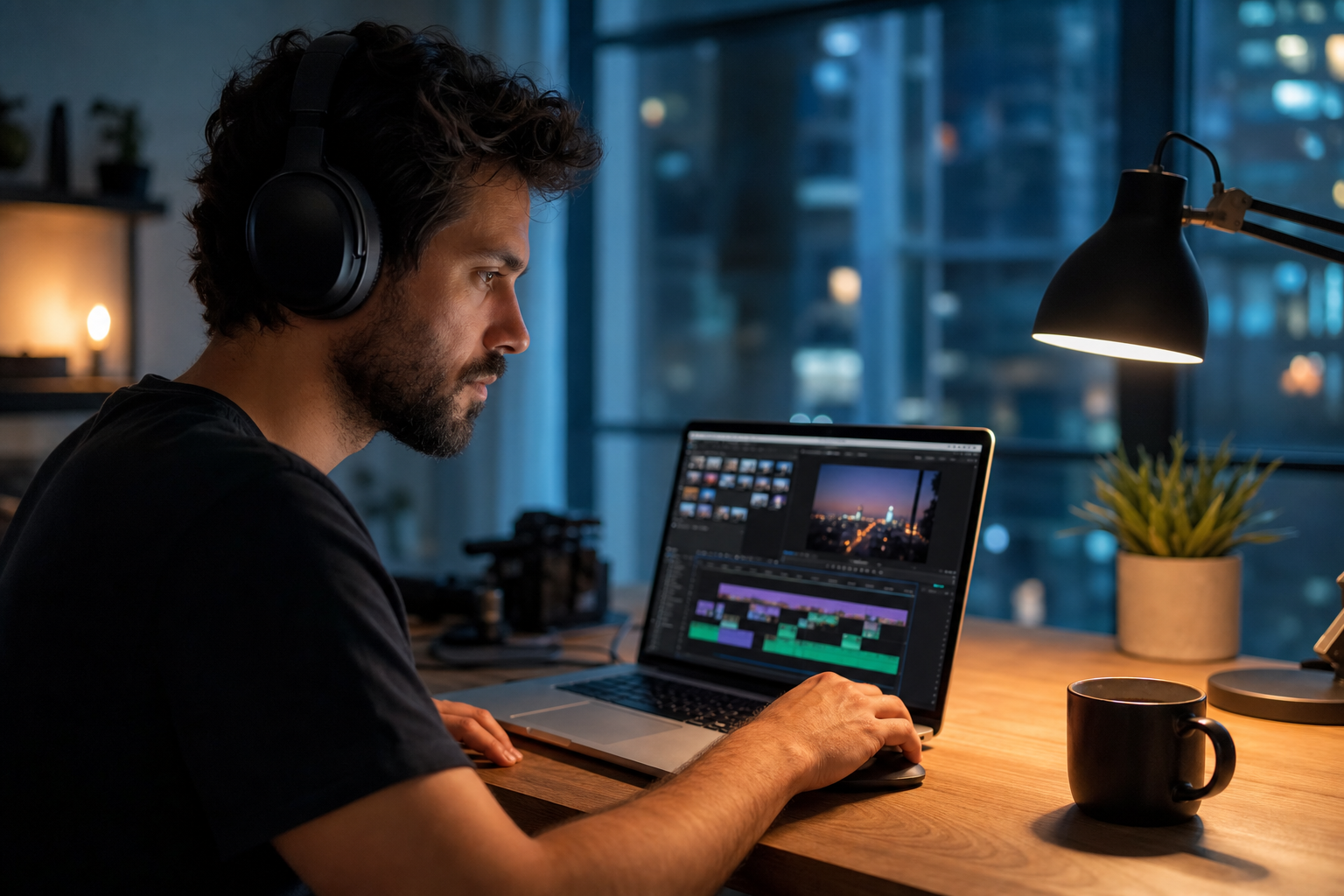
Rough cut silent → lay bed → mark phrases → place J-cuts on phrase boundaries → trim video to fit. Faster than cutting picture first and fighting audio later.
After publishing, note one metric to revisit: average view duration, chat messages per minute, or save rate. Tie music changes to outcomes instead of taste alone.
Common J-Cut Mistakes
- Pre-lapping unrelated room tone—sounds like error
- Music key change exactly on cut—jarring
- Too-long pre-laps on Shorts—delays hook
- No crossfade—click or pop on edge
- Competing J-cuts every 3 seconds—whiplash
The hidden cost of "good enough" audio
Fixing audio in post costs more time than choosing the right bed upfront. These errors also compound when you repurpose content to other platforms with stricter enforcement.
Share your audio checklist with anyone who edits your content. Alignment prevents last-minute track swaps that break rights.
Document what worked in a single line per video. Patterns emerge faster than you expect.
Consistency matters more than chasing perfect tracks. Publish with cleared audio, measure results, and refine one variable next time.
Key takeaways
- Treat premiere j cuts music audio as part of retention, not decoration.
- Prefer a small cleared playlist over random trending sounds.
- Keep voice primary; music should support emotion without masking speech.
- Follow FreeBeatHub license terms and keep a download record.
- Revisit levels after you add captions or loud effects.
| Format | Pre-lap Length | Music Role | Tool |
|---|---|---|---|
| YouTube long-form | 2–4s | Continuous bed | Premiere ripple |
| Shorts / Reels | 0.5–1s | Beat hit | Marker sync |
| Podcast video | 1–2s | Topic sting | L-cut dialogue |
| Vlog montage | 1 bar | Phrase bridge | Nested music track |
Ready to find your soundtrack? Browse 600+ royalty-free tracks on FreeBeatHub.
Browse Free MusicAdvertisement
Frequently Asked Questions
What is a J-cut in video editing?
Audio from the next scene starts before the video cuts—shaped like the letter J on the timeline. It pulls viewers into the next moment smoothly.
Should J-cuts align to music beats?
When using rhythmic beds, yes. Pre-lap audio on downbeats so transitions feel intentional, not accidental.
Do J-cuts work with royalty-free music?
Absolutely. Instrumental beds with clear phrasing make the best bridges—vocals can confuse the handoff.
How long should a J-cut pre-lap be?
Typically 0.5–2 seconds for short-form, 2–4 seconds for long-form. Match to musical phrase length.