Manual beat matching in Final Cut Pro burns hours. Music markers turn royalty-free beds from FreeBeatHub into an edit grid—every cut, title, and speed ramp lands on time.
Beat Markers in Final Cut Pro
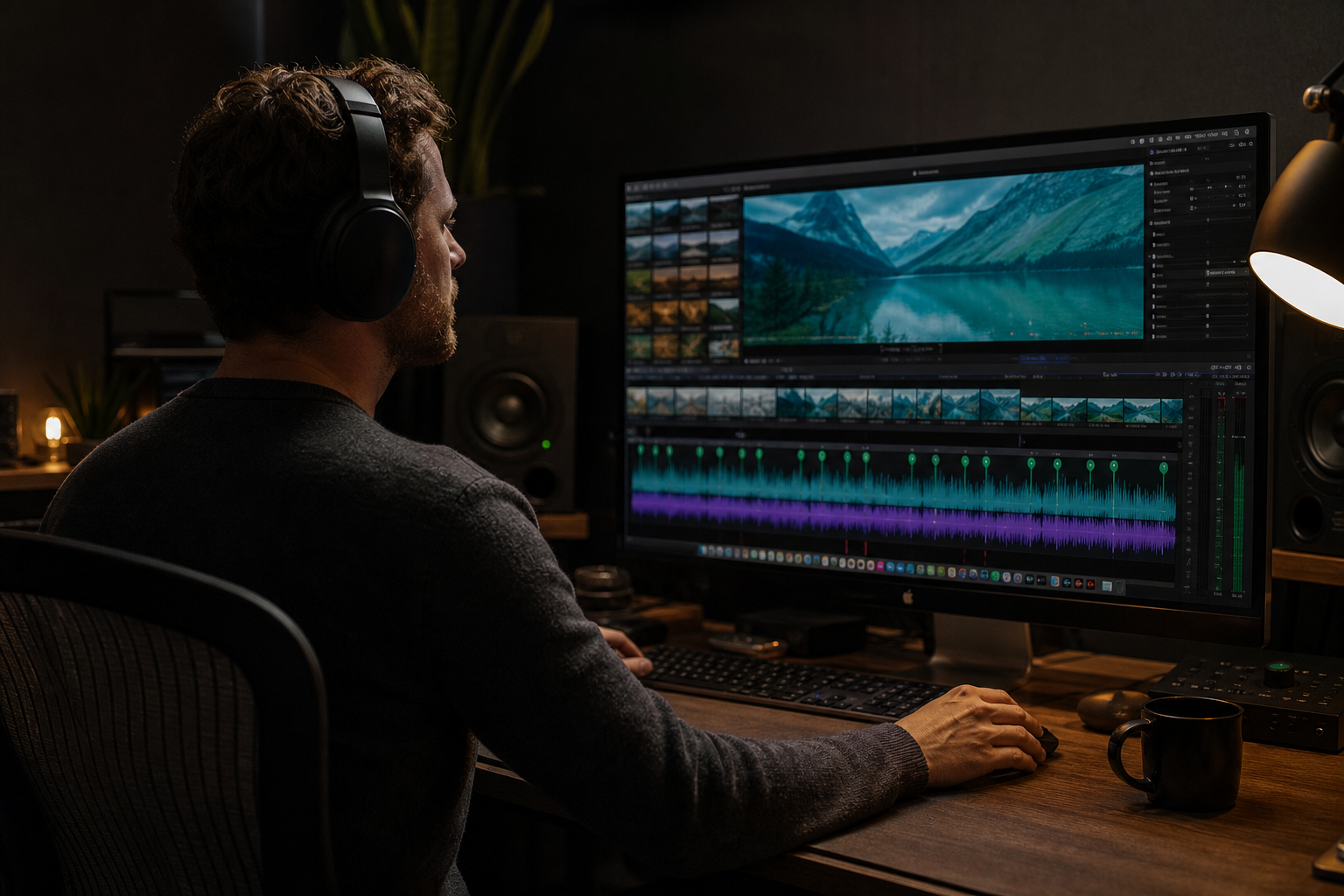
Select your music clip, run beat detection or add markers manually at downbeats. Markers become snap points for blade cuts across video lanes.
- Analyze audio or tap beats with M key
- Snap enabled—cuts lock to grid
- Color-code markers by section
- Use BPM from track metadata when available
Putting beat markers in final cut pro into practice
Creators often skip beat markers in final cut pro until a claim or muted VOD forces a fix; handling it proactively takes less time than a reshoot.
Compare two versions of beat markers in final cut pro in an unlisted test if stakes are high; small audio tests prevent expensive public mistakes.
Import Tracks With Known BPM
FreeBeatHub lists BPM per track—enter it in FCP's timing tools for precise marker spacing when auto-detect struggles on minimal drums.
How to shortlist tracks quickly
Build a "maybe" folder of five tracks and eliminate three on phone speakers. Mobile playback exposes harsh highs and muddy lows that studio headphones hide.
Compare two versions of import tracks with known bpm in an unlisted test if stakes are high; small audio tests prevent expensive public mistakes.
Cutting on Markers
Blade at every fourth marker for montages; every eighth for vlogs. Pre-build marker templates per genre—120 BPM pop vs. 85 BPM cinematic.
Putting cutting on markers into practice
Explore cleared tracks for cutting on markers on Browse Music, or read related video editing tips on our blog.
Titles and Transitions on Beats
Place transitions 2 frames before markers so the impact lands on the beat, not after. Lower thirds appear on snare markers; wipes on downbeats.
Putting titles and transitions on beats into practice
Creators often skip titles and transitions on beats until a claim or muted VOD forces a fix; handling it proactively takes less time than a reshoot.
Compare two versions of titles and transitions on beats in an unlisted test if stakes are high; small audio tests prevent expensive public mistakes.
Speed Ramps to Music
Ramp in over 8 bars, peak on drop marker, ramp out on resolve. Cinematic beds at 70–90 BPM suit slow-mo; gaming at 130+ for hype montages.
Putting speed ramps to music into practice
Creators who treat final cut pro music markers as a system—not a one-off inspiration—publish faster with fewer rights headaches.
Compare two versions of speed ramps to music in an unlisted test if stakes are high; small audio tests prevent expensive public mistakes.
FCP Music Workflow
- Import cleared track to primary storyline
- Run beat analysis or manual markers
- Lock music lane
- Cut video to marker grid
- Export with -14 LUFS integrated
After publishing, note one metric to revisit: average view duration, chat messages per minute, or save rate. Tie music changes to outcomes instead of taste alone.
Creators often skip fcp music workflow until a claim or muted VOD forces a fix; handling it proactively takes less time than a reshoot.
Compare two versions of fcp music workflow in an unlisted test if stakes are high; small audio tests prevent expensive public mistakes.
FCP Music Mistakes
- Beat detect on compressed MP3 artifacts—false markers
- Cutting on every beat—visual fatigue
- Markers drift after retiming music clip
- Variable BPM track without manual adjustment
- Uncleared music on client exports
The hidden cost of "good enough" audio
Fixing audio in post costs more time than choosing the right bed upfront. These errors also compound when you repurpose content to other platforms with stricter enforcement.
Explore cleared tracks for fcp music mistakes on Browse Music, or read related video editing tips on our blog.
Share your audio checklist with anyone who edits your content. Alignment prevents last-minute track swaps that break rights.
The creators who win long-term treat music as part of their brand system—not a last-minute search before export.
Key takeaways
- Treat final cut music markers audio as part of retention, not decoration.
- Prefer a small cleared playlist over random trending sounds.
- Keep voice primary; music should support emotion without masking speech.
- Follow FreeBeatHub license terms and keep a download record.
- Revisit levels after you add captions or loud effects.
| Edit Type | Marker Interval | Ideal BPM | Genre Tag |
|---|---|---|---|
| Montage | Every 2–4 beats | 120–128 | Electronic |
| Vlog | Every 8 beats | 95–110 | Acoustic |
| Trailer | Drop markers | 85–100 | Cinematic |
| Gaming hype | Every beat | 130–145 | Gaming |
Ready to find your soundtrack? Browse 600+ royalty-free tracks on FreeBeatHub.
Browse Free MusicAdvertisement
Frequently Asked Questions
Does Final Cut Pro auto-detect beats?
FCP can analyze audio for beat detection on clips. For best results, use tracks with steady BPM from your library metadata.
Can I export marker timings to collaborators?
Yes—XML and project bundles preserve markers. Share cleared track links with remote editors.
What if my music BPM varies?
Avoid variable-tempo tracks for beat-sync edits. Pick royalty-free beds with constant BPM listed.
Do markers work with multicam?
Place markers on the primary storyline audio—cut all angles to the same beat grid.