Speed ramps without music sync feel like Instagram filters. Ramps locked to swells and hits feel like cinema. Pair Resolve retime with royalty-free tracks from FreeBeatHub for edits that land every time.
Why Speed Ramps Need Music Sync
Slow-motion draws attention to the wrong moment if it misses the beat. Viewers feel timing errors subconsciously. Music gives you landmarks for ramp in/out points.
- Downbeats for snap zooms and hype ramps
- Swells for cinematic slow-mo holds
- Silence pockets for hard speed snaps
- Cleared music on dedicated Fairlight track
Strong why speed ramps need music sync reduces cognitive load. Your audience does not have to work to stay oriented; the soundtrack tells them what kind of moment they are in.
Creators often skip why speed ramps need music sync until a claim or muted VOD forces a fix; handling it proactively takes less time than a reshoot.
Marking Beats Before Ramping
Import music first. Add markers on downbeats and swell peaks. Edit video to markers—not the reverse. Browse cinematic for obvious swell structures.
Putting marking beats before ramping into practice
If you are stuck between two options, choose the track that disappears under voice. Invisible beds rarely lose viewers; flashy ones often do.
Retime Controls in Resolve
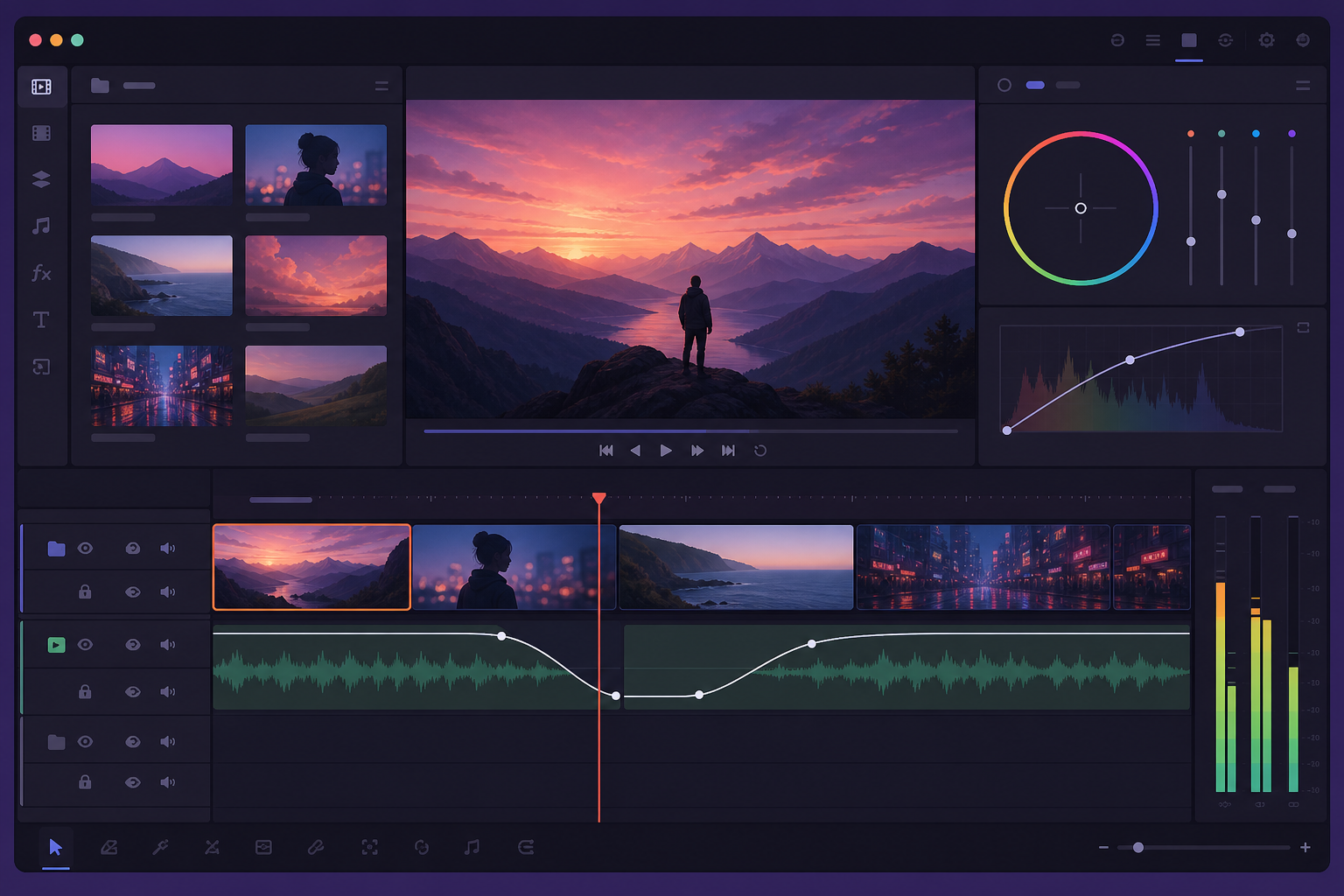
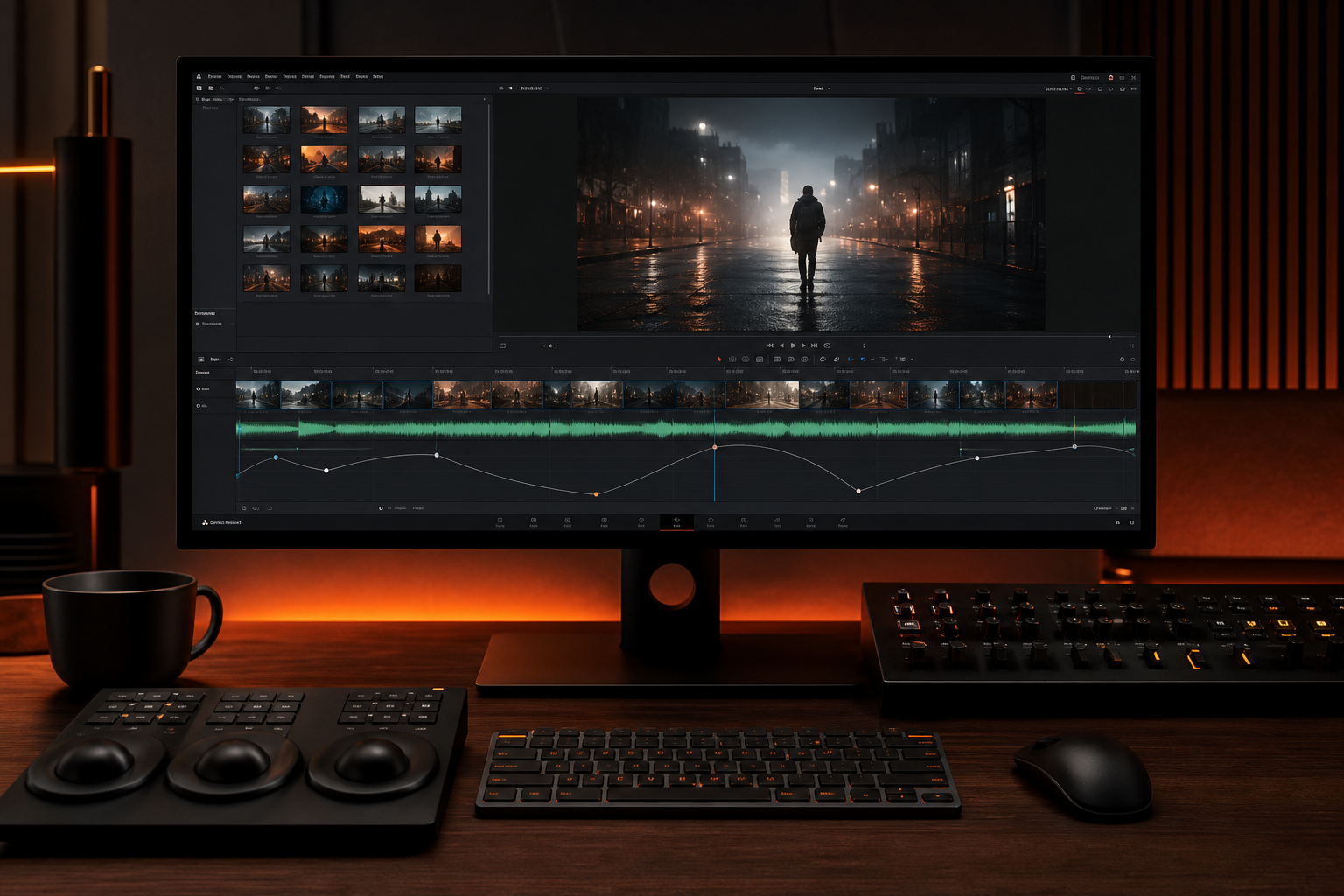
Clip → Retime and Scaling → Speed Curve. Set slow segment on swell, return to 100% on downbeat. Optical flow for smooth slow-mo. Mute native clip audio—use music bed only.
Putting retime controls in resolve into practice
Aligning Ramps to Swells
Start slow-mo 0.5s before swell peak; return to full speed on resolve chord. The viewer feels acceleration as music lands—peak synergy for product and sports edits.
Putting aligning ramps to swells into practice
Creators who treat davinci speed ramps as a system—not a one-off inspiration—publish faster with fewer rights headaches.

Handling Audio During Ramps
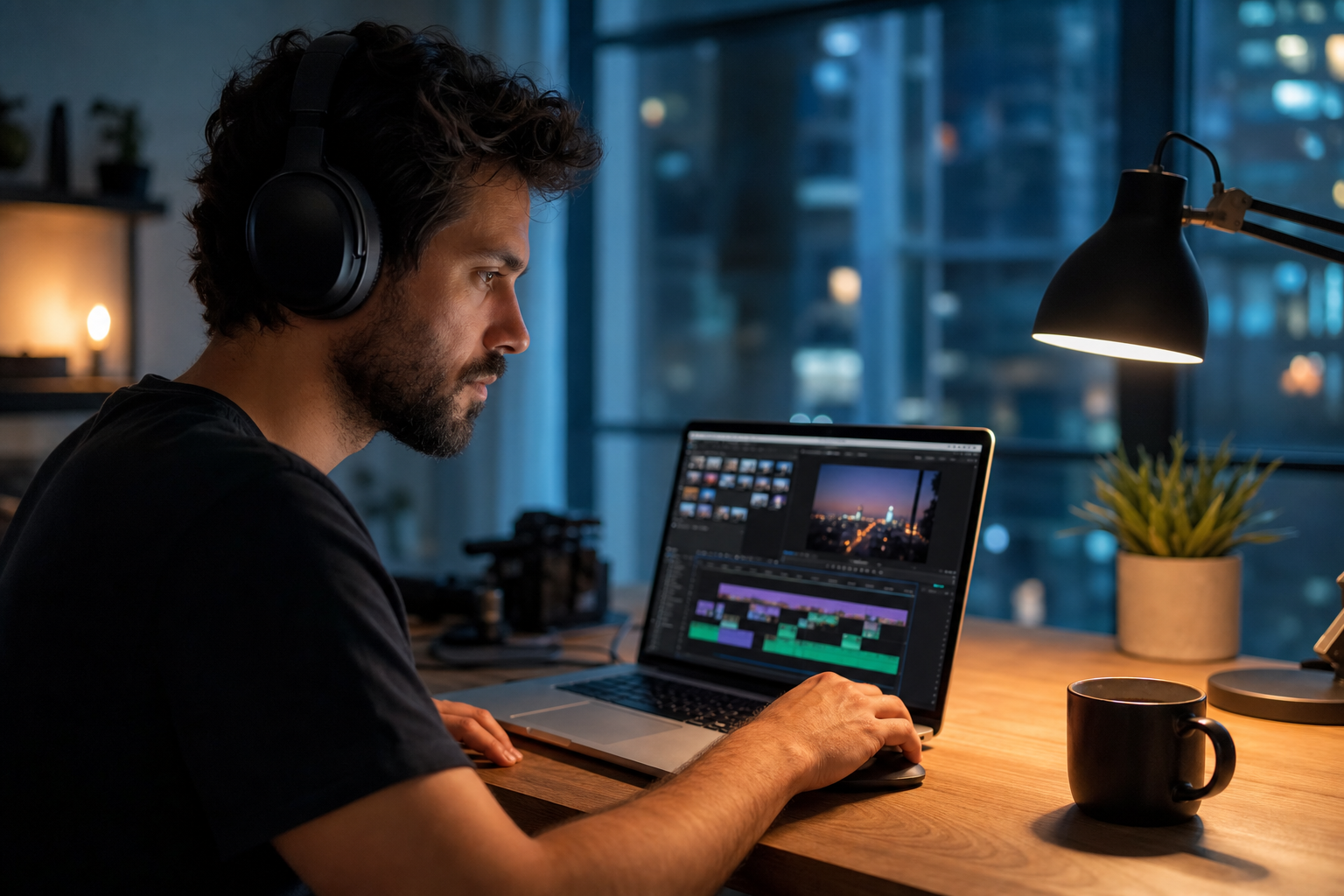
Never leave stretched clip audio under ramps—warped dialogue ruins clips. Mute source audio; lay cleared bed. Duck bed if VO needed; see Resolve fade guide.
Test with a friend who has not seen the project. If they lean in to hear dialogue, the bed is still too loud.
Speed Ramp Music Workflow
- Lay music, mark beats and swells
- Rough cut visuals to structure
- Apply speed curves to marked sections
- Fine-tune ramp handles frame-by-frame
- Export, verify on phone—ramp timing reads smaller on mobile
Archive a "winners" playlist of ten tracks that performed well. Future you starts from proof, not a blank search bar.
Speed Ramp Mistakes
- Ramps with no musical anchor—feel random
- Stretched clip audio left on
- Slow-mo through entire track—fatigue
- Optical flow off—chunky slow-mo
- Ramp out of sync by 3 frames—viewers feel it
The hidden cost of "good enough" audio
Fixing audio in post costs more time than choosing the right bed upfront. These errors also compound when you repurpose content to other platforms with stricter enforcement.
Creators often skip speed ramp mistakes until a claim or muted VOD forces a fix; handling it proactively takes less time than a reshoot.
Share your audio checklist with anyone who edits your content. Alignment prevents last-minute track swaps that break rights.
Explore related posts on the FreeBeatHub blog and build a small playlist of cleared favorites on Browse Music.
The creators who win long-term treat music as part of their brand system—not a last-minute search before export.
Key takeaways
- Treat davinci speed ramp music audio as part of retention, not decoration.
- Prefer a small cleared playlist over random trending sounds.
- Keep voice primary; music should support emotion without masking speech.
- Follow FreeBeatHub license terms and keep a download record.
- Revisit levels after you add captions or loud effects.
| Edit Style | Sync To | Speed Range | Genre |
|---|---|---|---|
| Cinematic B-roll | Swell peak | 40–70% | Orchestral |
| Sports hype | Downbeat | 120% snap | Electronic |
| Product hero | Resolve chord | 50% hold | Minimal |
| Travel montage | Bar lines | Varied | Indie |
Ready to find your soundtrack? Browse 600+ royalty-free tracks on FreeBeatHub.
Browse Free MusicAdvertisement
Frequently Asked Questions
Should I speed ramp to the beat or the swell?
Ramp into downbeats for punch; ramp through swells for cinematic slow-mo. Match intent—hype vs beauty.
Does retimed clip audio stay synced?
Clip audio stretches with video—usually mute it and use royalty-free music bed instead for clean results.
What BPM works best for speed ramps?
80–120 BPM for cinematic; 120+ for hype sports edits. Mark every bar before setting ramp curves.
Can I speed ramp in the free Resolve version?
Yes. Retime and speed curves work in free DaVinci Resolve—Fairlight handles music on separate track.