After Effects promos live or die on timing—text pops, logo hits, and transitions feel amateur when they drift off beat. Royalty-free music with predictable transients gives you a grid to animate against. This guide syncs After Effects workflows to cleared beds from FreeBeatHub without copyright surprises in client deliverables.
Importing Cleared Audio Into AE
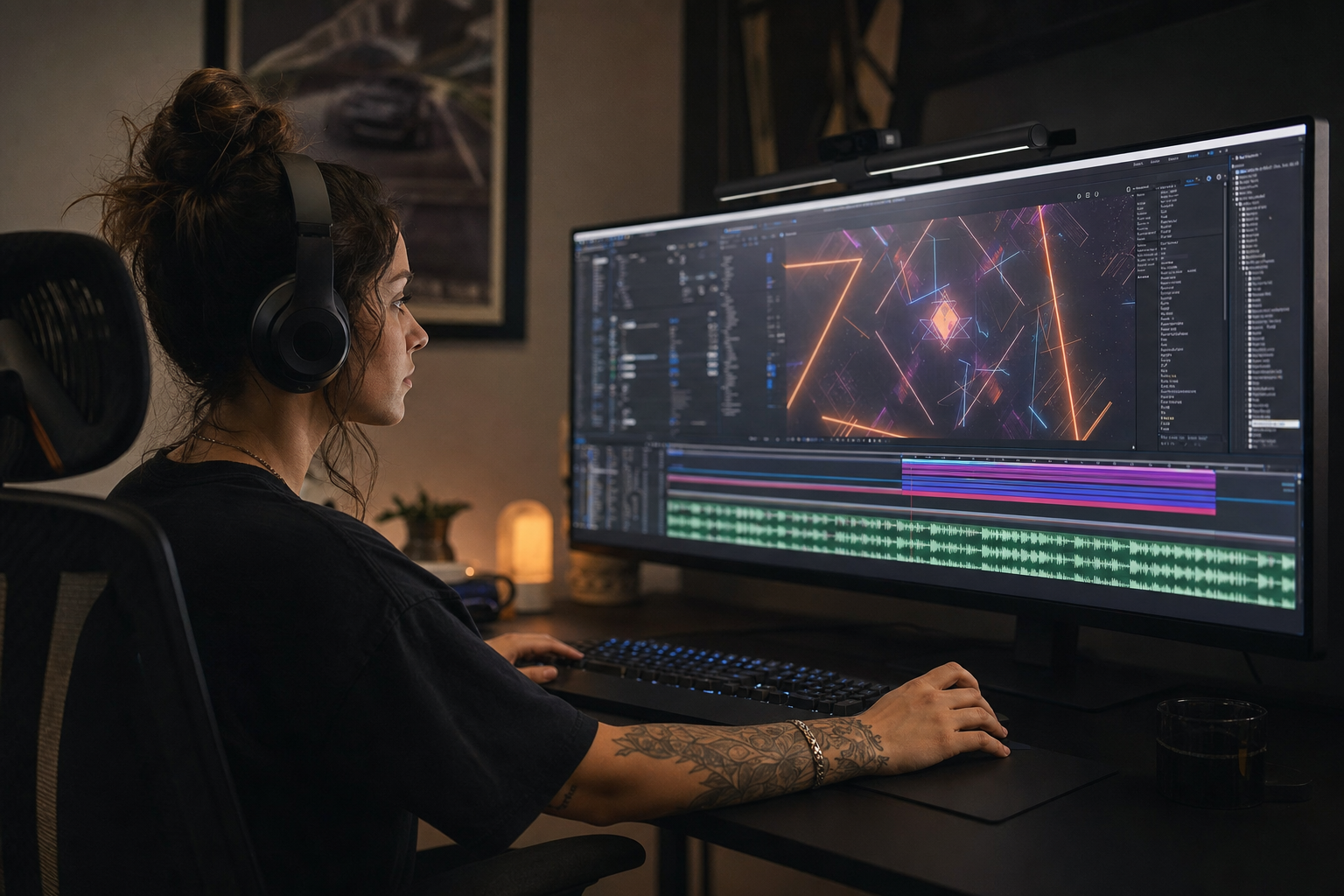
Import WAV into AE composition matching picture frame rate. Enable waveform in timeline; RAM preview with audio on.
Pick tracks with steady grids from electronic or corporate tags before spending hours on expression work.
- Match comp duration to audio length early
- Set work area to hook section for promos
- Archive license ID in project folder name
- Avoid rubber-band audio stretch for timing fixes
Test with a friend who has not seen the project. If they lean in to hear dialogue, the bed is still too loud.
Creators often skip importing cleared audio into ae until a claim or muted VOD forces a fix; handling it proactively takes less time than a reshoot.
Compare two versions of importing cleared audio into ae in an unlisted test if stakes are high; small audio tests prevent expensive public mistakes.
Beat Markers and Conform
Tap * on numeric keypad at transients while previewing—layer markers beat guessing. For mixed projects, copy markers from Premiere via dynamic link.
Conform animation keys to markers with scripts or manual snap. Offset by one frame if preview lag makes hits feel late on export.
Putting beat markers and conform into practice
If you are stuck between two options, choose the track that disappears under voice. Invisible beds rarely lose viewers; flashy ones often do.
Explore cleared tracks for beat markers and conform on Browse Music, or read related video editing tips on our blog.
Expressions for Beat-Synced Motion
Simple scale pops: keyframe at marker, ease out 6 frames. For repeated elements, loopOut only after timing locks—expressions magnify bad marker placement.
Link opacity flashes to drum hits sparingly—three per eight bars maximum or viewers fatigue.
Logo reveals
Resolve logo on downbeat of bar eight; build anticipation with subtle scale on bars six and seven.
Putting expressions for beat-synced motion into practice
Creators who treat after effects music sync as a system—not a one-off inspiration—publish faster with fewer rights headaches.
If you are stuck between two options, choose the track that disappears under voice. Invisible beds rarely lose viewers; flashy ones often do.
Explore cleared tracks for expressions for beat-synced motion on Browse Music, or read related video editing tips on our blog.
Exporting With Embedded Audio
Add to Render Queue with audio output on. Use AAC 320 kbps or PCM for masters. True peak limit at −1 dBTP to avoid platform clipping.
If delivering picture-only to an editor, export music stem separately with identical timecode start—same license covers both.
Markers are cheap. Fixing off-beat client promos is expensive.

Compare two versions of exporting with embedded audio in an unlisted test if stakes are high; small audio tests prevent expensive public mistakes.
AE Music Sync Workflow
Select cleared track → mark beats → rough block animation → polish easing → export with audio → preview on phone speakers.
See editing to the beat for cross-NLE timing principles that apply before AE finisher passes.
After publishing, note one metric to revisit: average view duration, chat messages per minute, or save rate. Tie music changes to outcomes instead of taste alone.
When ae music sync workflow clicks with your audience, save the track name and settings—you will reuse them faster than searching from scratch.
After Effects Sync Mistakes
Animating before choosing music. Using uncleared client-provided tracks. Overusing flash expressions on every snare.
- Rubber-stretching audio instead of re-editing animation
- No license doc in client delivery folder
- Markers placed on every hi-hat—visual chaos
- Skipping mobile preview
- Exporting without embedded audio for social tests
The hidden cost of "good enough" audio
Fixing audio in post costs more time than choosing the right bed upfront. These errors also compound when you repurpose content to other platforms with stricter enforcement.

Explore cleared tracks for after effects sync mistakes on Browse Music, or read related video editing tips on our blog.
Share your audio checklist with anyone who edits your content. Alignment prevents last-minute track swaps that break rights.
Explore related posts on the FreeBeatHub blog and build a small playlist of cleared favorites on Browse Music.
Consistency matters more than chasing perfect tracks. Publish with cleared audio, measure results, and refine one variable next time.
Key takeaways
- Treat after effects music sync audio as part of retention, not decoration.
- Prefer a small cleared playlist over random trending sounds.
- Keep voice primary; music should support emotion without masking speech.
- Follow FreeBeatHub license terms and keep a download record.
- Revisit levels after you add captions or loud effects.
| Element | Sync Point | Ease | Notes |
|---|---|---|---|
| Title card | Bar 1 downbeat | 8 frames | Pre-lap 2 frames optional |
| Feature text | Snare hits | 6 frames | Max 3 flashes per 8 bars |
| Logo resolve | Bar 8 downbeat | 12 frames | Hold 1 second |
| CTA button | Final chord | 10 frames | Match end slate audio tail |
Ready to find your soundtrack? Browse 600+ royalty-free tracks on FreeBeatHub.
Browse Free MusicAdvertisement
Frequently Asked Questions
Can After Effects detect beats automatically?
AE does not auto-detect beats reliably. Use manual markers, third-party tools, or pre-marked audio from your edit session.
Should I animate to WAV or MP3 in AE?
WAV for timing precision during work; export delivery formats per platform. Keep cleared source files archived.
What BPM range syncs easiest?
Steady 90–120 BPM four-on-the-floor tracks mark cleanly. Swinging or rubato music needs manual marker adjustment.
Do motion graphics need separate music licenses?
Same license as video—document clearance for client deliverables and paid ads.