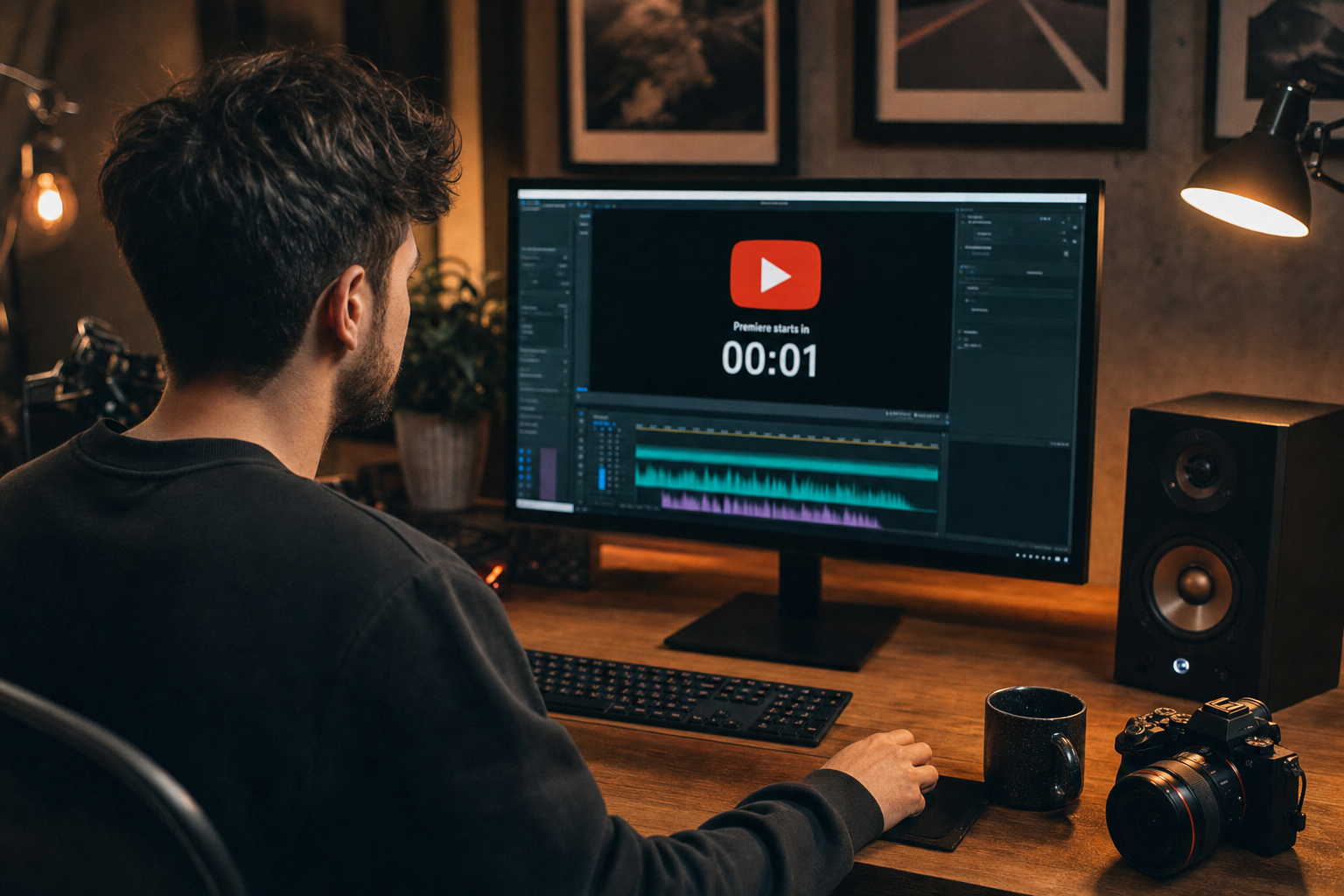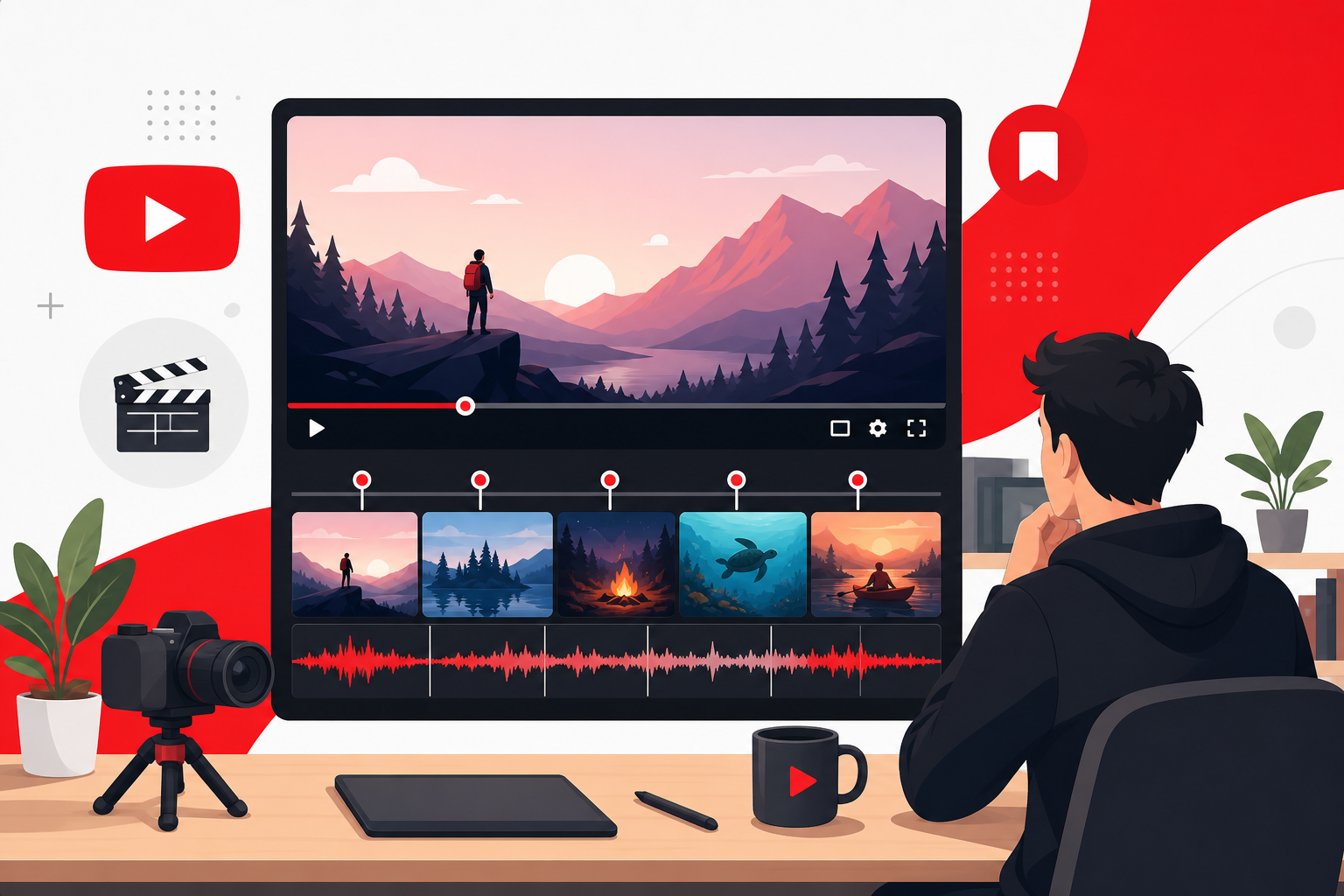
The Community tab is where loyal subscribers check in between uploads—polls, behind-the-scenes photos, and short video updates. Most channels post silent text; adding cleared micro-audio to companion clips makes your Community feed feel intentional. Here is how to score Community tab videos with royalty-free music from FreeBeatHub that sparks comments without Content ID headaches.
Why Community Posts Need Audio Thought
Community posts compete with dozens of subscriptions. A fifteen-second clip with the right bed stops the scroll within your own fan base—before the next channel wins attention.
Audio also signals production care on questions and polls. Asking which tutorial topic comes next feels different with a soft branded underscore than as plain text alone.
- Community viewers are warm traffic—not cold
- Micro-audio increases comment completion
- Cleared music avoids claims on low-stakes posts
- Consistency reinforces sonic brand between uploads
Fade beds 2–3 seconds before key statements. Hard dips feel cinematic; instant mutes feel like editing mistakes.
Compare two versions of why community posts need audio thought in an unlisted test if stakes are high; small audio tests prevent expensive public mistakes.
Companion Clips for Polls and Updates
Export vertical or square micro-clips with text overlays and cleared beds trimmed to poll context. Hook on frame one; resolve before thirty seconds.
Browse lofi for casual updates and corporate for announcement-style posts.

Putting companion clips for polls and updates into practice
Compare two versions of companion clips for polls and updates in an unlisted test if stakes are high; small audio tests prevent expensive public mistakes.
Mix Levels for Feed Autoplay
Community videos autoplay in feed context—often quiet environments. Target −16 LUFS integrated; avoid startling transients on scroll.
If pairing voice selfie updates with beds, duck twelve to sixteen dB under speech.
Text-only posts with video replies
Some creators post text polls then reply with a short video explanation using the same bed—thread cohesion without a full upload cycle.
Test with a friend who has not seen the project. If they lean in to hear dialogue, the bed is still too loud.
When mix levels for feed autoplay clicks with your audience, save the track name and settings—you will reuse them faster than searching from scratch.
Sonic Branding on Community Tab
Reuse motifs from main uploads at lower energy. Community is the whisper; videos are the conversation.
See sonic branding for full channel identity work—Community clips are touchpoints, not rebrand moments.
Community audio should feel familiar on the second post—not loud on the first.
Putting sonic branding on community tab into practice
Compare two versions of sonic branding on community tab in an unlisted test if stakes are high; small audio tests prevent expensive public mistakes.
Community Tab Music Workflow
Template: branded two-second sting → bed → text overlay → resolve. Batch three Community clips when filming main videos.
Schedule posts when analytics show subscribers active. Log which beds correlated with comment spikes.

Schedule a quarterly audit: remove tracks with unclear rights and refresh beds that feel dated.
When community tab music workflow clicks with your audience, save the track name and settings—you will reuse them faster than searching from scratch.
Community Music Mistakes
Full-length intro stings on fifteen-second polls. Uncleared trending audio because the post feels casual. Inconsistent volume across weekly Community clips.
- Hype beds on calm Q&A polls
- No link between Community audio and main upload brand
- Skipping mobile feed autoplay test
- Posting five identical audio loops same day
- Missing license logs on companion clips
The hidden cost of "good enough" audio
Copyright issues from a single trending track can block an entire ad campaign. Prevention is cheaper than a reshoot.

Compare two versions of community music mistakes in an unlisted test if stakes are high; small audio tests prevent expensive public mistakes.
Save this guide to your bookmarks and revisit it when analytics dip—often the fix is pacing, not topic.
Document what worked in a single line per video. Patterns emerge faster than you expect.
The creators who win long-term treat music as part of their brand system—not a last-minute search before export.
Key takeaways
- Treat youtube community music audio as part of retention, not decoration.
- Prefer a small cleared playlist over random trending sounds.
- Keep voice primary; music should support emotion without masking speech.
- Follow FreeBeatHub license terms and keep a download record.
- Revisit levels after you add captions or loud effects.
| Post Type | Clip Length | Bed Mood | Goal |
|---|---|---|---|
| Poll | 15–20 sec | Soft lofi | Drive comments |
| BTS photo | 10–15 sec | Warm ambient | Reward insiders |
| Schedule update | 20–30 sec | Light corporate | Set expectations |
| Teaser | 15–25 sec | Channel motif | Build upload hype |
Ready to find your soundtrack? Browse 600+ royalty-free tracks on FreeBeatHub.
Browse Free MusicAdvertisement
Frequently Asked Questions
Can Community tab videos use the same music as main uploads?
Yes, if licensed. Shorter companion clips often need trimmed hooks and tighter loops than long-form intros.
Do Community posts affect Content ID?
Community videos are still YouTube uploads. Uncleared music triggers the same claims as main videos.
How long should Community companion clips be?
Fifteen to thirty seconds is ideal—enough to set mood without demanding full watch time.
Should Community audio match Shorts or long-form?
Match your channel sonic brand, but Community clips can be softer—conversation starters, not hype trailers.