YouTube Premieres turn uploads into events—but silent waiting rooms kill the vibe. Royalty-free premiere music from FreeBeatHub keeps chat active, builds anticipation, and hands off cleanly when your video goes live.
Why Premiere Audio Matters
Premieres compete with live streams for attention. Viewers join early, multitask, and leave if the room feels dead. A steady countdown bed signals "something is starting" and rewards sound-on viewers.
- Countdown beds set event tone before frame one
- Chat-friendly volume—no ear fatigue at -18 LUFS
- Go-live sting marks the moment
- All tracks cleared for monetized premieres
Countdown Bed Selection
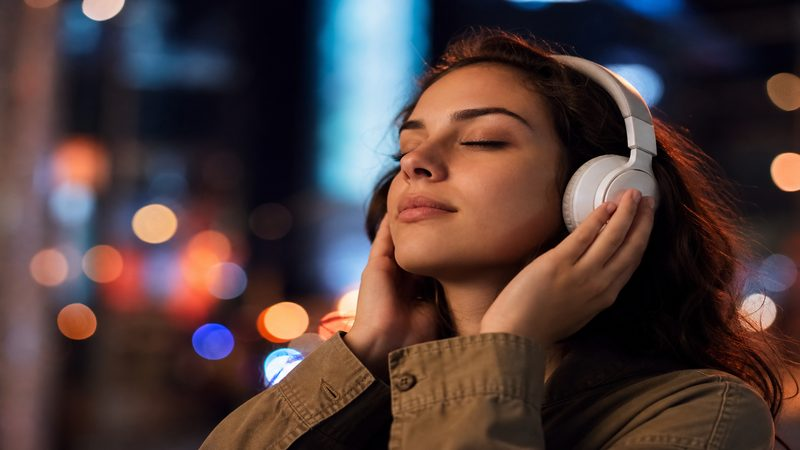
Pick eight-bar loops with stable harmony and no vocal hooks that clash with your host voiceover. Browse electronic or cinematic tags for build energy without drops that reset attention.
How to shortlist tracks quickly
Build a "maybe" folder of five tracks and eliminate three on phone speakers. Mobile playback exposes harsh highs and muddy lows that studio headphones hide.
Music During Live Chat
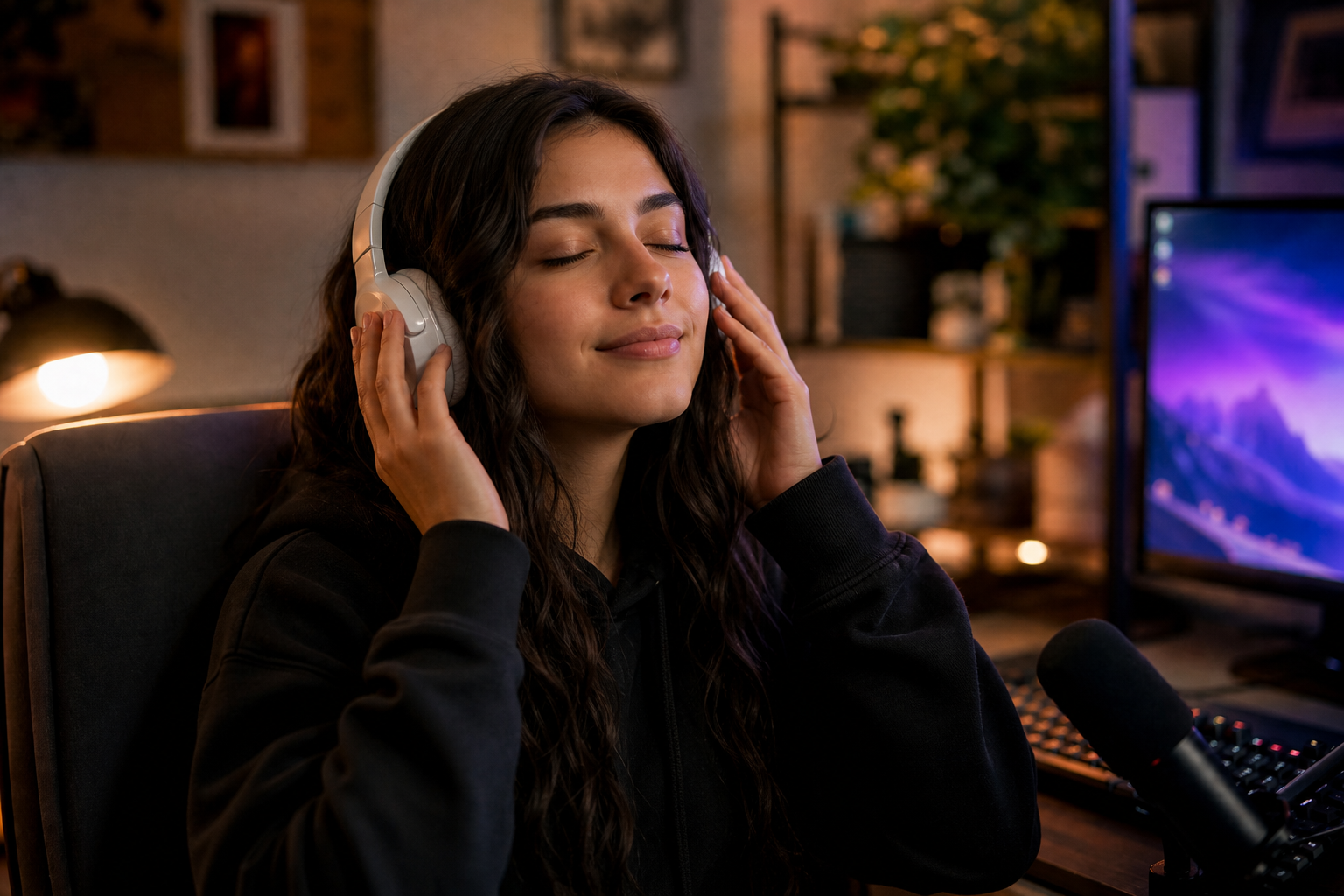
Duck beds 6 dB when you speak to chat on camera. Return to full bed during silence. Moderators can pin messages on beat drops for choreographed hype moments.
Putting music during live chat into practice
If you are stuck between two options, choose the track that disappears under voice. Invisible beds rarely lose viewers; flashy ones often do.
The Go-Live Sting
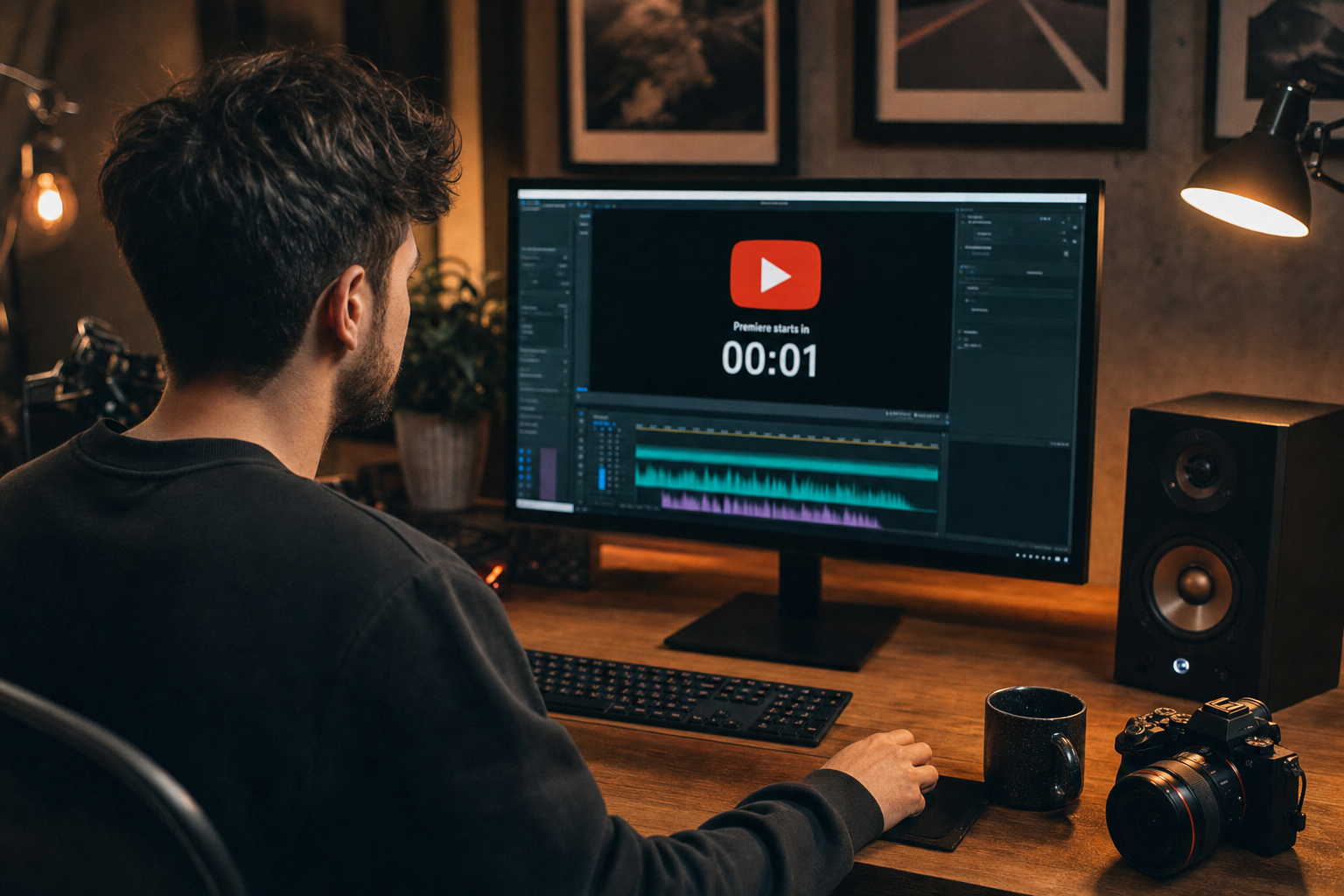
At premiere start, hit a 2–4 second resolve sting—snare, cymbal swell, or synth stab—synced to your first video frame. Viewers feel the transition from "waiting" to "watching."
The go-live sting is your second thumbnail—make it audible.
Putting the go-live sting into practice
Post-Premiere Transitions
After premiere ends, VOD viewers skip the countdown. Use chapter markers to jump past premiere-only audio or export a clean VOD version with intro bed only.
Putting post-premiere transitions into practice
Premiere Music Workflow
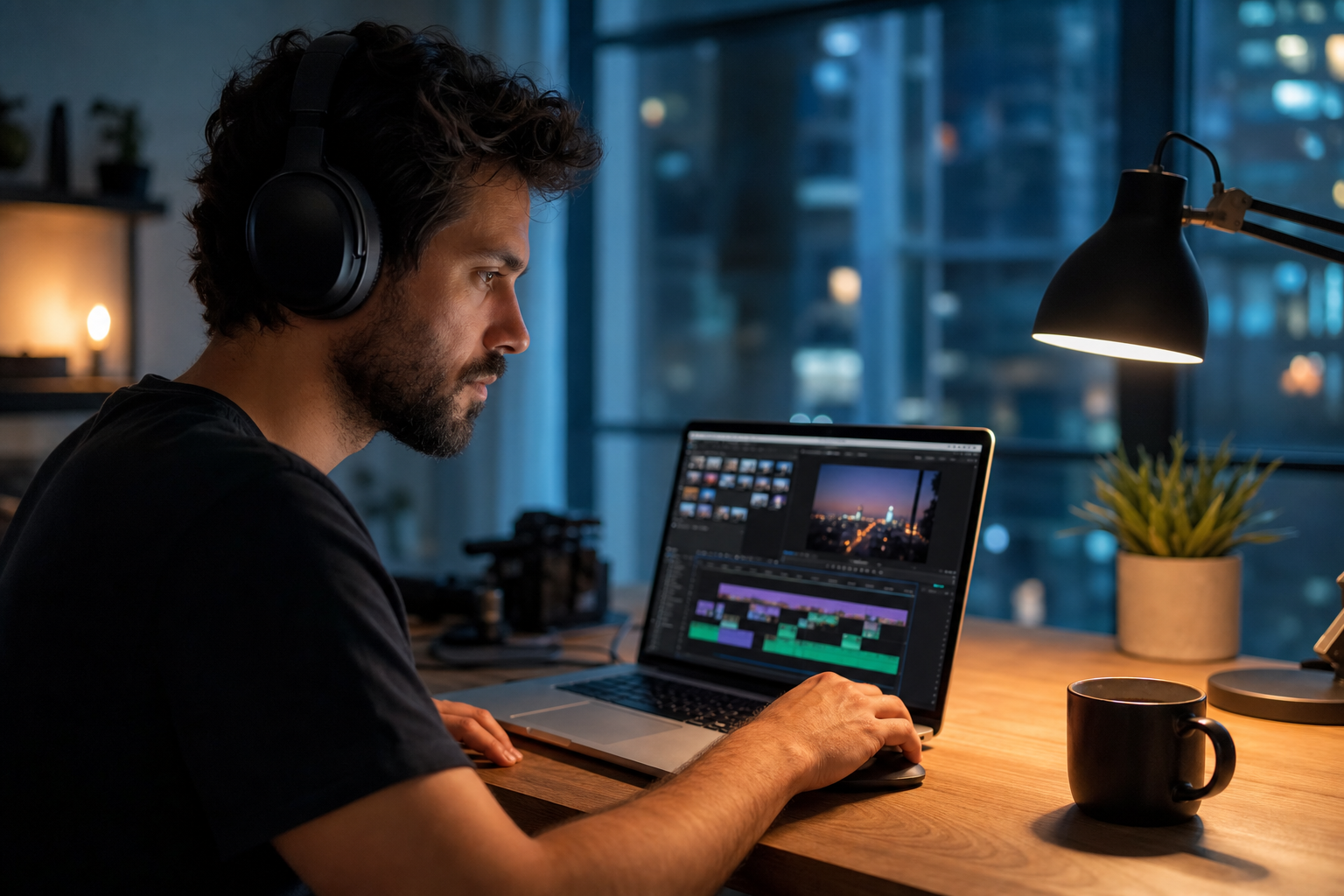
- Shortlist three countdown beds by BPM
- Test 15-minute loop fatigue in headphones
- Place go-live sting on timeline marker
- Schedule premiere with sound-on CTA in community post
- Review concurrent viewers graph at go-live
After publishing, note one metric to revisit: average view duration, chat messages per minute, or save rate. Tie music changes to outcomes instead of taste alone.
Common Premiere Mistakes
- Copyrighted trending tracks in waiting room
- Countdown music louder than main video
- No audio change at go-live—feels anticlimactic
- Heavy vocals competing with host chat
- Same drop every 30 seconds—loop fatigue
The hidden cost of "good enough" audio
Most mistakes below feel minor in the edit bay and expensive in analytics. A viewer who mutes once rarely comes back to unmute.
Share your audio checklist with anyone who edits your content. Alignment prevents last-minute track swaps that break rights.
Consistency matters more than chasing perfect tracks. Publish with cleared audio, measure results, and refine one variable next time.
Key takeaways
- Treat youtube premiere music audio as part of retention, not decoration.
- Prefer a small cleared playlist over random trending sounds.
- Keep voice primary; music should support emotion without masking speech.
- Follow FreeBeatHub license terms and keep a download record.
- Revisit levels after you add captions or loud effects.
| Premiere Type | BPM | Bed Style | Go-Live Move |
|---|---|---|---|
| Product launch | 120–130 | Punchy electronic | Hard sting |
| Documentary | 90–100 | Cinematic pad | Soft swell |
| Course drop | 105–115 | Corporate upbeat | Snare hit |
| Gaming reveal | 125–140 | Epic hybrid | Drop + sting |
Ready to find your soundtrack? Browse 600+ royalty-free tracks on FreeBeatHub.
Browse Free MusicAdvertisement
Frequently Asked Questions
Should premiere music play during the entire countdown?
Use a loop-stable bed at moderate volume—enough energy for chat without fatigue. Swap to a go-live sting at T-minus zero.
Can I reuse premiere music for the full video?
Yes, if licensed for YouTube. Many creators use a hype intro bed then transition to a calmer main score after the first minute.
What BPM works for premiere countdowns?
110–130 BPM for hype launches; 90–105 for educational or documentary premieres.
Does music affect premiere chat engagement?
Sound-on waiting rooms feel like events. Silent countdowns read as errors—beds keep viewers present and chatting.