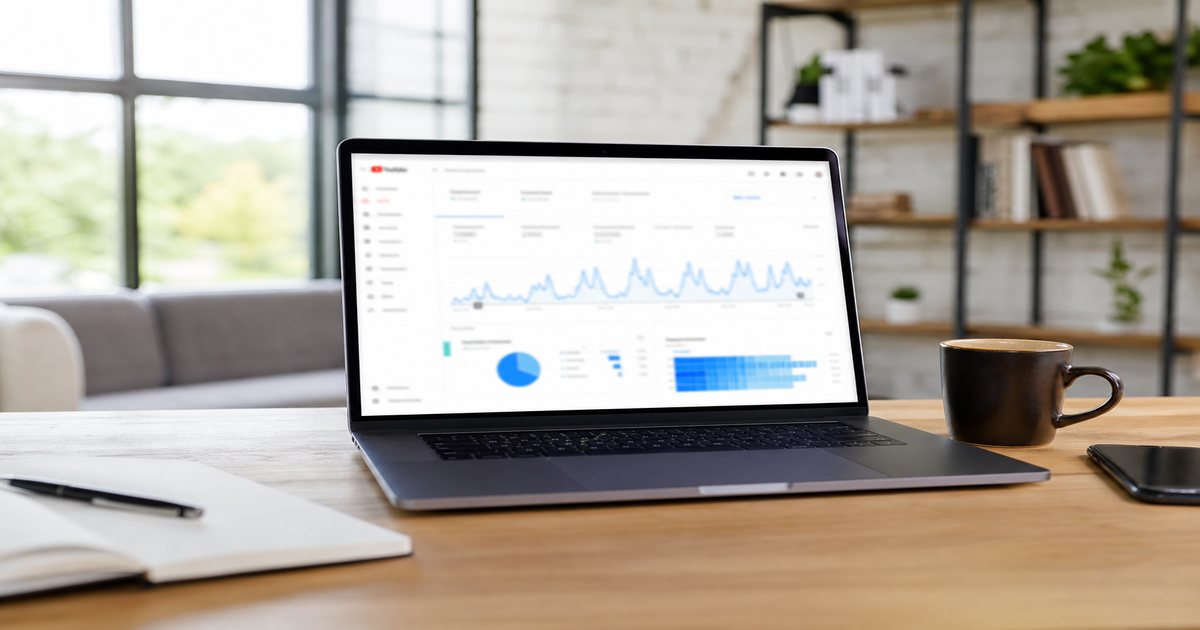
Google cannot watch your video—but it can read structured data that describes it. VideoObject schema tells search engines what your creator tutorials cover, how long they run, and where thumbnails live. Combined with royalty-free music guides on FreeBeatHub, schema helps educational content compete for video rich results and featured snippets.
VideoObject Schema Basics
VideoObject is JSON-LD markup that describes video assets on your site. It complements—not replaces—on-page titles, transcripts, and internal links. Google uses it to understand which page element is the primary video.
Implement via JSON-LD in the page head or body. Avoid duplicate conflicting schema types on the same URL without clear primary entity designation.
- Use JSON-LD format—Google's preferred implementation
- One primary VideoObject per page when possible
- Pair with Article or BlogPosting for hybrid posts
- Keep markup synchronized with visible embed
Connecting content to discoverability
Use descriptive H2 text, honest meta descriptions, and internal links to related guides on our blog. Thin pages with keyword stuffing hurt more than they help.
Required and Recommended Fields
Minimum viable markup includes name, description, thumbnailUrl, and uploadDate. Add duration in ISO 8601 format, embedUrl or contentUrl, and publisher for stronger eligibility.
Descriptions should mention topics viewers search—'royalty-free background music,' 'CapCut beat sync,' 'podcast intro beds'—without keyword stuffing.
Fade beds 2–3 seconds before key statements. Hard dips feel cinematic; instant mutes feel like editing mistakes.
Schema on Embed vs Landing Pages
Landing pages on your domain outperform third-party embed-only URLs for schema ownership. Self-host or embed from your channel but mark up the page you control.
If YouTube hosts the file, still create a blog landing page with summary, transcript excerpt, and VideoObject pointing to the embed.
How to shortlist tracks quickly
Preview each candidate under a rough 30-second cut of real footage, not a black timeline. Context reveals tracks that feel perfect in isolation but fight your voice.

Music-Specific Metadata Signals
For music-library and tutorial content, include genre and use-case keywords in name and description fields. Link internally to browse and genre filters so crawlers map topical clusters.
Transcripts mentioning BPM, licensing, and platform names (TikTok, Reels, OBS) capture long-tail queries schema alone cannot.
Transcript strategy
Publish edited transcripts below embeds. They feed semantic relevance and accessibility while supporting FAQ schema on the same page.
Connecting content to discoverability
Structured data supports clarity, but words on the page do the real work. Write for the creator who landed here from Google at 11 p.m. before a deadline.
Earning Video Rich Results
Rich results require valid markup, indexable pages, and content that matches search intent. Tutorial videos with clear chapters and music-editing focus outperform generic vlogs for how-to queries.
Schema opens the door; relevance and retention keep it open.
Putting earning video rich results into practice
Content marketers who treat video schema seo as a system—not a one-off inspiration—publish faster with fewer rights headaches.
If you are stuck between two options, choose the track that disappears under voice. Invisible beds rarely lose viewers; flashy ones often do.
Schema Audit Checklist
Monthly, run Rich Results Test on top landing pages. Fix broken thumbnail URLs after CDN migrations. Update uploadDate when substantially revising video content.
- Validate JSON-LD in Search Console
- Match duration to actual file length
- Confirm thumbnail resolves publicly
- Add transcript for top 20 video posts
- Internal link from related blog articles
Archive a "winners" playlist of ten tracks that performed well. Future you starts from proof, not a blank search bar.
Pick one track today and use it in your next project with the levels and workflow above. Improvement comes from repetition, not hoarding options.
Explore related posts on the FreeBeatHub blog and build a small playlist of cleared favorites on Browse Music.
Consistency matters more than chasing perfect tracks. Publish with cleared audio, measure results, and refine one variable next time.
Key takeaways
- Treat video schema seo audio as part of retention, not decoration.
- Prefer a small cleared playlist over random trending sounds.
- Keep voice primary; music should support emotion without masking speech.
- Follow FreeBeatHub license terms and keep a download record.
- Revisit levels after you add captions or loud effects.
| Page Type | Primary Schema | Must-Have Fields | Bonus Signal |
|---|---|---|---|
| Tutorial blog | VideoObject + Article | thumbnailUrl, duration | Transcript |
| Music preview | VideoObject | name, contentUrl | Genre in description |
| Course lesson | VideoObject + Course | embedUrl, publisher | hasPart chapters |
| Webinar replay | VideoObject | uploadDate, duration | FAQ schema |
Ready to find your soundtrack? Browse 600+ royalty-free tracks on FreeBeatHub.
Browse Free MusicAdvertisement
Frequently Asked Questions
Does VideoObject schema guarantee rich results?
No. Schema makes content eligible; quality, relevance, and crawlability determine whether Google displays video rich results.
Should blog posts with embedded video use VideoObject?
Yes—mark up the primary video on tutorial and review posts. Use Article schema alongside for the written content.
Can I schema-mark royalty-free music previews?
Mark preview clips that demonstrate licensed tracks. Include name, description, thumbnailUrl, and uploadDate.
What hurts video schema validation?
Missing thumbnailUrl, mismatched duration, blocked embed URLs, and markup pointing to pages Google cannot fetch.