Starting Soon is the lobby before the show. Silence loses early chat; wrong music triggers VOD mutes. Royalty-free pre-stream beds from FreeBeatHub build hype safely while viewers pile in.
Why Starting Soon Screens Matter
Early arrivals set chat tone. Music fills dead air, masks setup fumbles, and signals "stream is actually happening." Professional lobbies retain viewers who would otherwise leave before go-live.
- Fills 5–15 minute pre-show window
- Builds energy ramp toward live start
- Masks mic checks and OBS tweaks
- Stays DMCA-safe for VOD capture
Viewers decide whether to stay within seconds—and audio carries half that impression for live streamers.
Choosing Loop-Friendly Beds
Pick 8–16 bar loops, no vocal hooks that annoy on repeat. Mid-energy electronic, lofi, or chill hop work. Test loop 10 times—if it grates, swap. Browse gaming and lofi collections.
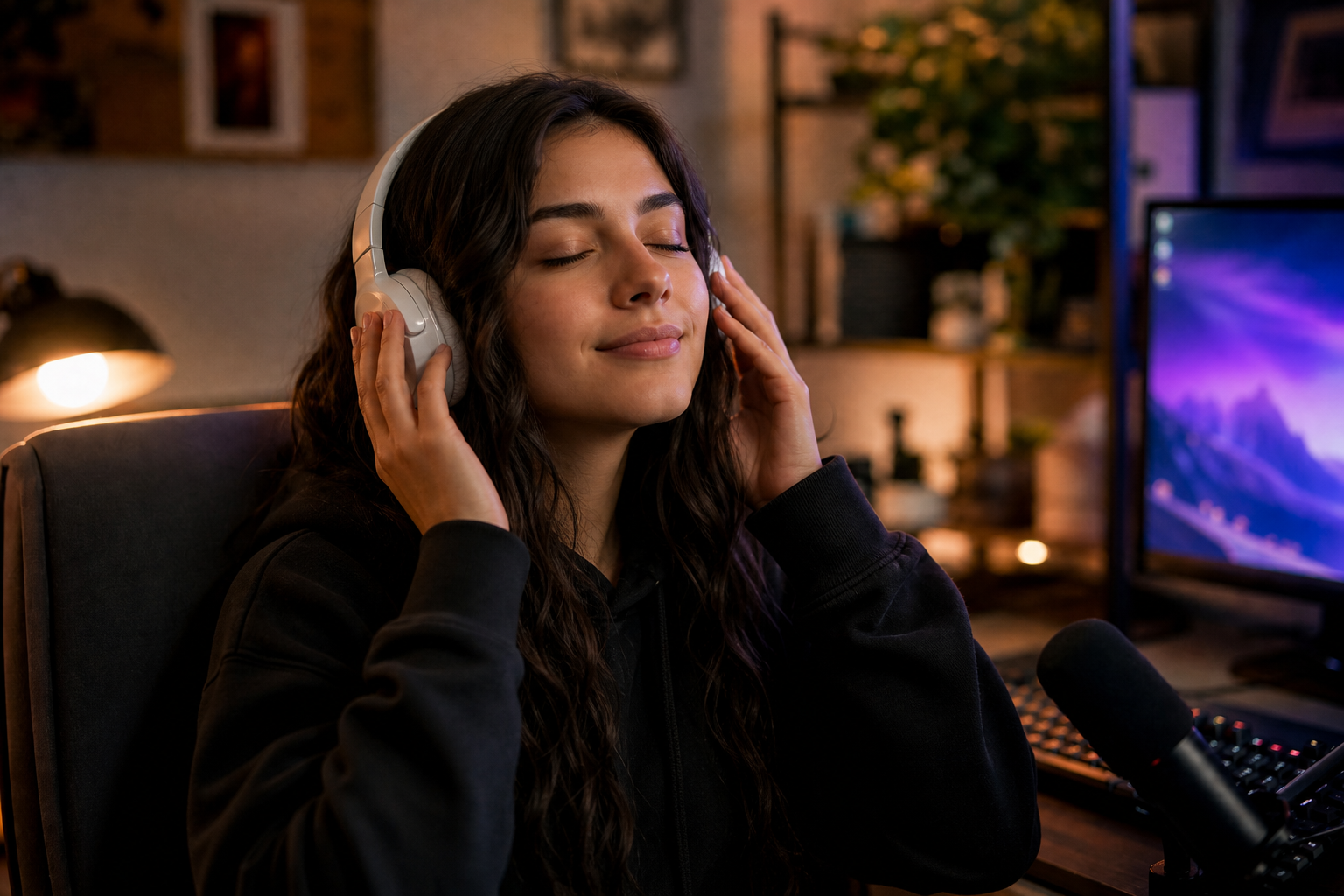
How to shortlist tracks quickly
Preview each candidate under a rough 30-second cut of real footage, not a black timeline. Context reveals tracks that feel perfect in isolation but fight your voice.
Energy Ramp Before Go-Live
Start calmer, increase BPM or brightness every 3–4 minutes. Switch to main stream bed exactly when you unmute mic—chat feels the transition. Avoid jarring hard cut.
Putting energy ramp before go-live into practice
If you are stuck between two options, choose the track that disappears under voice. Invisible beds rarely lose viewers; flashy ones often do.
Live streamers often skip energy ramp before go-live until a claim or muted VOD forces a fix; handling it proactively takes less time than a reshoot.
OBS Starting Soon Scene
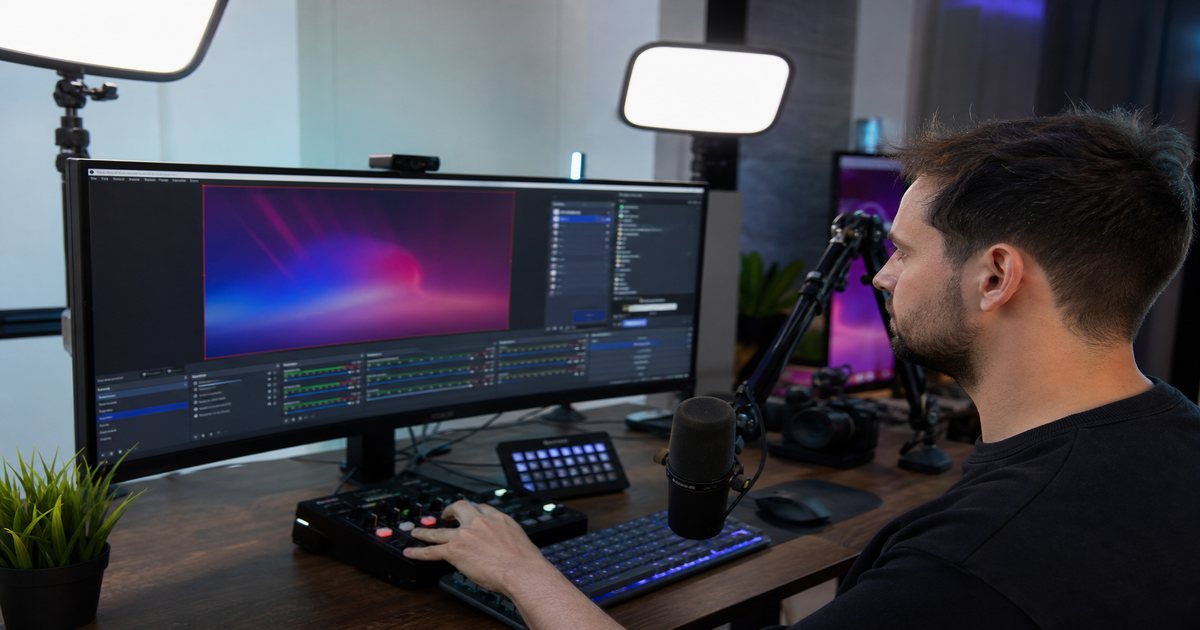
Dedicated scene: BRB/Starting graphic + media source playlist + chat overlay. Route audio to track you can mute independently. See OBS music setup.
Putting obs starting soon scene into practice
Live streamers often skip obs starting soon scene until a claim or muted VOD forces a fix; handling it proactively takes less time than a reshoot.
VOD-Safe Pre-Stream Rules
If VOD captures Starting Soon, every track must be cleared. No Spotify, no "copyright free" YouTube rips. Document playlist in your DMCA-safe doc.
Starting Soon is still your broadcast—rights apply from scene one.
If you work with editors or agencies, include cleared track links in the brief—not just "upbeat music." Vague briefs produce trending sounds that block paid usage.
Starting Soon Workflow
- Build 5-track pre-show playlist, loop-tested
- Create OBS Starting Soon scene
- Ramp energy over 10 minutes
- Switch scene + bed on go-live
- Trim VOD start if pre-show runs long
Schedule a quarterly audit: remove tracks with unclear rights and refresh beds that feel dated.
Starting Soon Mistakes
- Copyrighted hype playlist from Spotify
- Same 30-second loop for 20 minutes
- Peak energy before host is ready—anticlimax
- No dedicated scene—awkward live setup on camera
- Starting Soon louder than entire stream
The hidden cost of "good enough" audio
Most mistakes below feel minor in the edit bay and expensive in analytics. A viewer who mutes once rarely comes back to unmute.
Save this guide to your bookmarks and revisit it when analytics dip—often the fix is pacing, not topic.
The creators who win long-term treat music as part of their brand system—not a last-minute search before export.
Key takeaways
- Treat stream starting soon music audio as part of retention, not decoration.
- Prefer a small cleared playlist over random trending sounds.
- Keep voice primary; music should support emotion without masking speech.
- Follow FreeBeatHub license terms and keep a download record.
- Revisit levels after you add captions or loud effects.
| Phase | Energy | Duration | Genre |
|---|---|---|---|
| Early wait | Low-mid | 0–5 min | Lofi / Ambient |
| Chat building | Mid | 5–10 min | Chill hop |
| Go-live imminent | Mid-high | Last 2 min | Electronic |
| Live start | Stream bed | Main show | Your palette |
Ready to find your soundtrack? Browse 600+ royalty-free tracks on FreeBeatHub.
Browse Free MusicAdvertisement
Frequently Asked Questions
How long should Starting Soon music loop?
Plan for 5–15 minute waits. Pick 8-bar loops with stable harmony—no key changes mid-loop.
Should Starting Soon be louder than stream bed?
Slightly louder (-14 LUFS) to fill empty room, but still below your live voice level when you start talking.
Can I use the same playlist as in-stream music?
Use a separate pre-show playlist with higher energy ramp. Switch to main stream bed when going live.
Does Starting Soon audio appear on VODs?
If you record from scene start, yes. Use only DMCA-safe tracks—see our Twitch guide.