Raids are community high points—viewers arrive expecting energy. A generic browser alert beep wastes the moment. Custom royalty-free raid stings from FreeBeatHub welcome raiders, reinforce your brand, and stay safe on VODs and clips.
Why Raid Moments Deserve Custom Audio
Raids transfer audiences between creators—first impression window is 10–20 seconds. Memorable welcome audio signals "you are in the right place" before you speak. Clips of great raid welcomes spread on social.
- Distinct from donation/sub sounds—community vs individual
- Sets tone for welcome speech immediately after
- Clip-worthy moments boost discoverability
- VOD-safe stings protect highlight reels
Live streamers often skip why raid moments deserve custom audio until a claim or muted VOD forces a fix; handling it proactively takes less time than a reshoot.
Designing Raid Welcome Stings
Cut 3–6 second rise-and-resolve from cleared tracks—celebratory but not chaotic. Match stream genre: cozy streams use warm chimes; competitive streams use punchy percussion. Extract from cinematic or gaming libraries.
Putting designing raid welcome stings into practice
OBS Raid Alert Setup
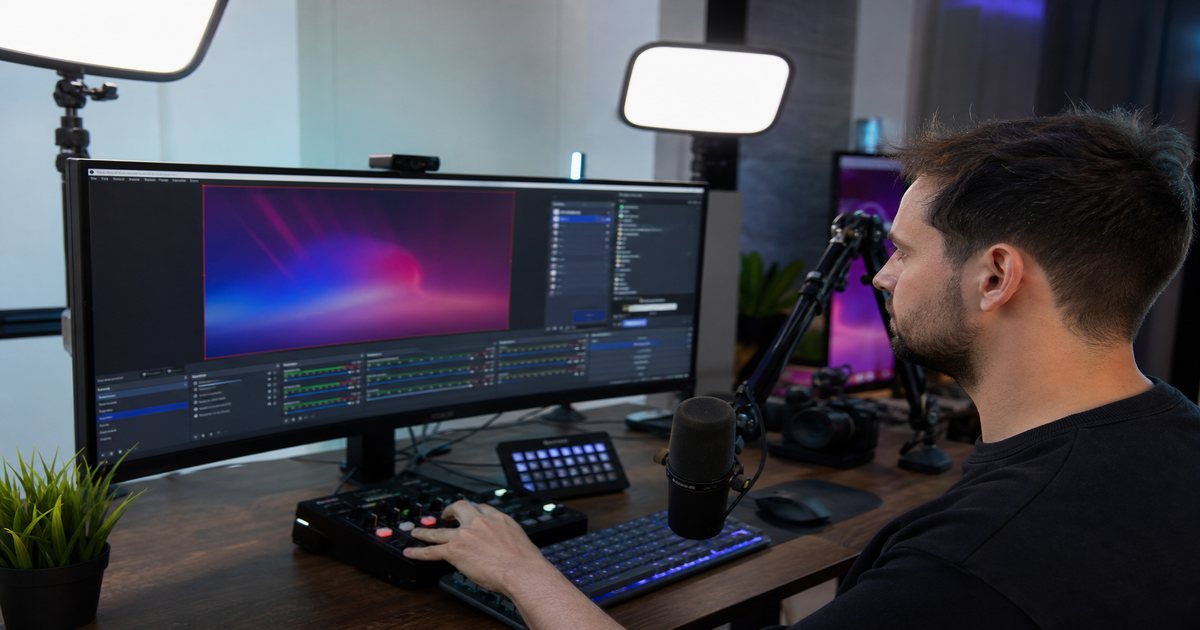
Configure Streamlabs/Streamelements raid event with custom MP3. Route to dedicated audio track. Set volume -8 to -10 dBFS peak—raids should feel bigger than subs, not louder than your voice. Test with recorded VOD playback.
Putting obs raid alert setup into practice
Raid vs Donation Audio Hierarchy
Raids: 3–6s welcoming swell. Donations: 1–2s ping. Subs: 2s chime. Follows: 0.5s soft blip. Distinct tiers prevent alert fatigue. Document in stream audio bible alongside donation guide.
Fade beds 2–3 seconds before key statements. Hard dips feel cinematic; instant mutes feel like editing mistakes.

Music That Builds Raid Culture
Repeat the same raid sting for months—viewers associate sound with your welcome ritual. Pair with verbal callback: "Welcome raiders!" on sting resolve. Inside jokes develop; community sticks around through transitions.
A raid sting is your stream's doorbell—make it unmistakable.
Putting music that builds raid culture into practice
If you are stuck between two options, choose the track that disappears under voice. Invisible beds rarely lose viewers; flashy ones often do.
Raid Music Workflow
- Cut 3 raid sting candidates from cleared tracks
- Normalize to -14 LUFS, peak -8 dBFS
- Upload to alert platform, test offline
- Run 5 test raids with friends before live
- Clip best raid welcomes for social proof
After publishing, note one metric to revisit: average view duration, chat messages per minute, or save rate. Tie music changes to outcomes instead of taste alone.
Live streamers often skip raid music workflow until a claim or muted VOD forces a fix; handling it proactively takes less time than a reshoot.
Raid Music Mistakes
- Full song as raid alert—delays welcome speech
- Copyrighted meme audio on VOD streams
- Same sound as donations—no hierarchy
- Raid sting louder than voice—startles raiders
- No verbal welcome after sting—feels automated
The hidden cost of "good enough" audio
Copyright issues from a single trending track can block an entire ad campaign. Prevention is cheaper than a reshoot.
Pick one track today and use it in your next project with the levels and workflow above. Improvement comes from repetition, not hoarding options.
Consistency matters more than chasing perfect tracks. Publish with cleared audio, measure results, and refine one variable next time.
Key takeaways
- Treat stream raid music audio as part of retention, not decoration.
- Prefer a small cleared playlist over random trending sounds.
- Keep voice primary; music should support emotion without masking speech.
- Follow FreeBeatHub license terms and keep a download record.
- Revisit levels after you add captions or loud effects.
| Alert Type | Length | Character | Volume |
|---|---|---|---|
| Raid | 3–6s | Welcoming swell | -8 dBFS peak |
| Donation | 1–2s | Thank ping | -10 dBFS |
| Sub | 2s | Chime | -10 dBFS |
| Follow | 0.5s | Soft blip | -12 dBFS |
Ready to find your soundtrack? Browse 600+ royalty-free tracks on FreeBeatHub.
Browse Free MusicAdvertisement
Frequently Asked Questions
How long should a raid welcome sting be?
3–6 seconds—long enough to celebrate, short enough to hand off to welcome speech immediately.
Can I use copyrighted celebration songs for raids?
Avoid on VOD-enabled streams. Use royalty-free stings cleared for broadcast—same rules as stream beds.
Should raid music differ from donation alerts?
Yes. Raids are community moments—welcoming and upbeat. Donations are personal thanks—shorter, softer ping.
What if I am talking when a raid hits?
Duck stream bed 6 dB, play raid sting at -8 dBFS peak, resume bed under welcome speech. Practice the flow offline.