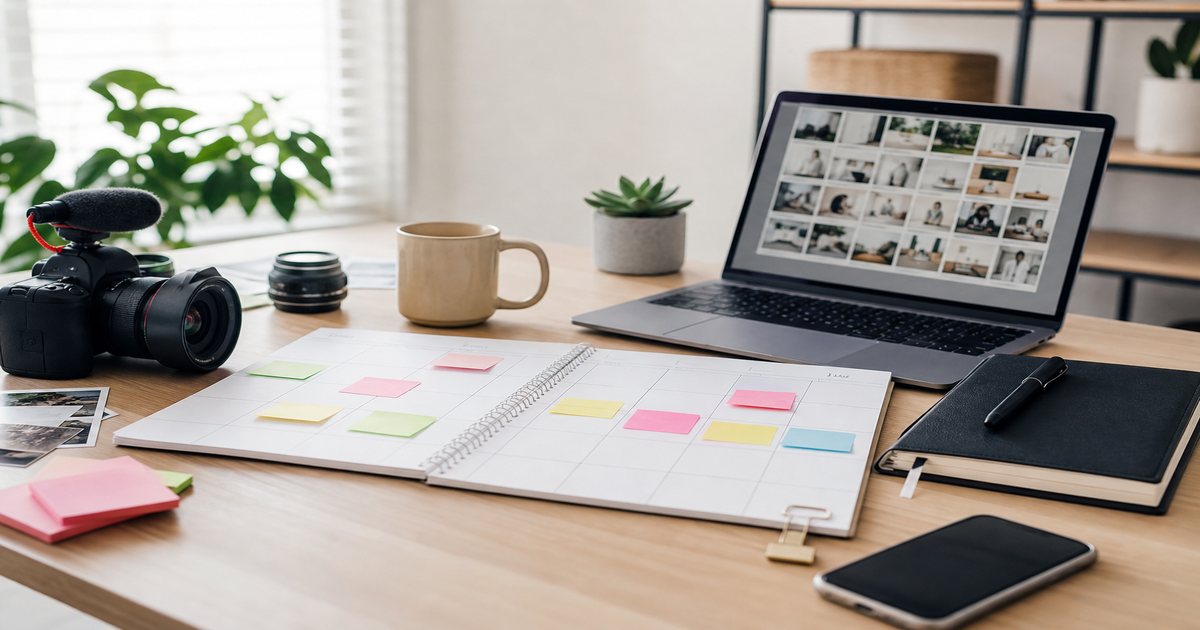
One filming day should fuel a week of posts—not five separate music searches. A repurpose workflow starts with one cleared master bed from FreeBeatHub, then branches into vertical hooks, carousel clips, and podcast strips without licensing chaos.
Start With a Master Long-Form Edit
Edit the YouTube or main long-form version first with full music arc—intro, sustain, outro. Mark hook timestamps and section changes on the timeline for downstream crops.
Export a music-only bounce from the master session for podcast and audio-only reuse.
Putting start with a master long-form edit into practice
Explore cleared tracks for start with a master long-form edit on Browse Music, or read related content creation tips on our blog.
Vertical Crops and Hook Retiming
Shorts and Reels need the strongest eight to fifteen seconds. Retime the opening hit to frame one; do not simply crop the long-form intro if it builds slowly.

Loop the opening three seconds ten times in a row. If anything annoys you, it will annoy the algorithm's proxy: human viewers on repeat.
Explore cleared tracks for vertical crops and hook retiming on Browse Music, or read related content creation tips on our blog.
Carousel and Static Extracts
Export slide sequences as video with the same bed loop trimmed to total swipe duration. See carousel music guide for swipe-point fills.
Putting carousel and static extracts into practice
If you are stuck between two options, choose the track that disappears under voice. Invisible beds rarely lose viewers; flashy ones often do.
Creators often skip carousel and static extracts until a claim or muted VOD forces a fix; handling it proactively takes less time than a reshoot.
Explore cleared tracks for carousel and static extracts on Browse Music, or read related content creation tips on our blog.
Podcast Audio Strip
Pull VO from the master timeline, export companion underscore from the same music session at podcast loudness (-16 to -18 LUFS). Keeps brand cohesion when viewers consume video and audio versions.
- Export WAV music stem from master NLE
- Normalize separately for podcast targets
- Remove video-sfx tails not needed in audio
- Archive stem with license ID
Fade beds 2–3 seconds before key statements. Hard dips feel cinematic; instant mutes feel like editing mistakes.
Creators often skip podcast audio strip until a claim or muted VOD forces a fix; handling it proactively takes less time than a reshoot.
Explore cleared tracks for podcast audio strip on Browse Music, or read related content creation tips on our blog.
Loudness Per Platform
YouTube long-form: -14 LUFS. Shorts/Reels: slightly punchier transients, same integrated target. Podcast: -16 to -18 LUFS. Do not one-click normalize all exports identically without platform presets.
Same track, different loudness spec—platforms are not interchangeable outputs.
Putting loudness per platform into practice
Explore cleared tracks for loudness per platform on Browse Music, or read related content creation tips on our blog.
Repurpose Audio Checklist
From one master: long-form publish, vertical hook export, carousel video, podcast strip, social teaser. Log each export in your calendar with publish stagger to avoid same-day audio fatigue. Questions on reuse rights? Check license and FAQ.
- Lock master long-form with marked hooks
- Export vertical with retimed opening hit
- Build carousel video with loop trim
- Normalize podcast strip separately
- Stagger publishes across 48–72 hours
Archive a "winners" playlist of ten tracks that performed well. Future you starts from proof, not a blank search bar.
When repurpose audio checklist clicks with your audience, save the track name and settings—you will reuse them faster than searching from scratch.
Share your audio checklist with anyone who edits your content. Alignment prevents last-minute track swaps that break rights.
Document what worked in a single line per video. Patterns emerge faster than you expect.
Consistency matters more than chasing perfect tracks. Publish with cleared audio, measure results, and refine one variable next time.
Key takeaways
- Treat repurpose audio workflow audio as part of retention, not decoration.
- Prefer a small cleared playlist over random trending sounds.
- Keep voice primary; music should support emotion without masking speech.
- Follow FreeBeatHub license terms and keep a download record.
- Revisit levels after you add captions or loud effects.
| Format | Music Section | Length | LUFS Target |
|---|---|---|---|
| YouTube long | Full arc | Full track trim | -14 integrated |
| Shorts / Reels | Hook section | 8–15 sec | -14 with punchier peaks |
| Carousel video | Stable loop | Slide count × sec | -14 integrated |
| Podcast strip | Underscore stem | Episode length | -16 to -18 |
Ready to find your soundtrack? Browse 600+ royalty-free tracks on FreeBeatHub.
Browse Free MusicAdvertisement
Frequently Asked Questions
Can I use the same license for all repurposed formats?
Most FreeBeatHub creator licenses cover multiple formats on the same channel brand. Verify ad and whitelisting needs for paid variants.
Should Shorts use the same music section as long-form?
Use the hookiest eight bars for Shorts; long-form can use full intros and outros.
How do I avoid audio fatigue across formats?
Same track is fine; vary visual hooks and entry points. Do not publish five identical audio loops same day on one profile.
Can podcast strips use video beds?
Yes—export audio-only from the same cleared master. Normalize separately for podcast LUFS targets.