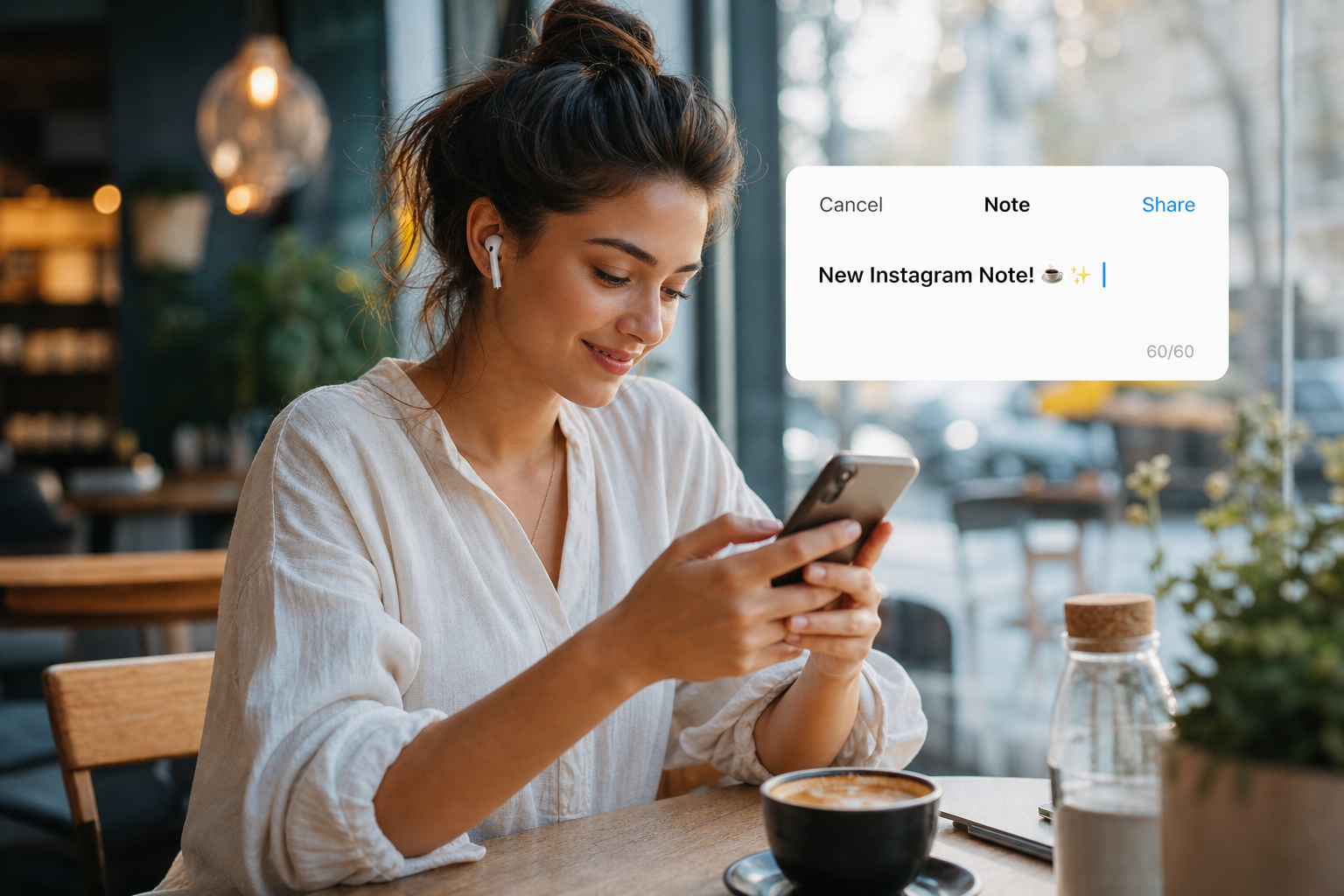
Instagram Notes sit between DMs and feed posts—casual, ephemeral, and easy to overlook in your audio strategy. Yet Notes are where superfans check in daily. Micro-audio on status clips and voice-note companions can reinforce your Reels brand without another full production cycle. Here is how to score Notes with royalty-free beds from FreeBeatHub that stay cleared and cohesive.
What Notes Mean for Audio Branding
Notes reward intimacy over polish. A ten-second clip with the right bed feels like a behind-the-scenes whisper; silence feels accidental. Because Notes disappear from the top of chat quickly, audio must land in the first second.
Treat Notes as sonic touchpoints—not mini Reels. Lower production bar, same copyright standards. Uncleared trending audio in a Note still risks account issues when you cross-post elsewhere.
- Notes favor immediate mood over build-ups
- Superfans notice sonic consistency
- Micro-audio supports text-only Notes with video companions
- License clearance applies to every surface
Test with a friend who has not seen the project. If they lean in to hear dialogue, the bed is still too loud.
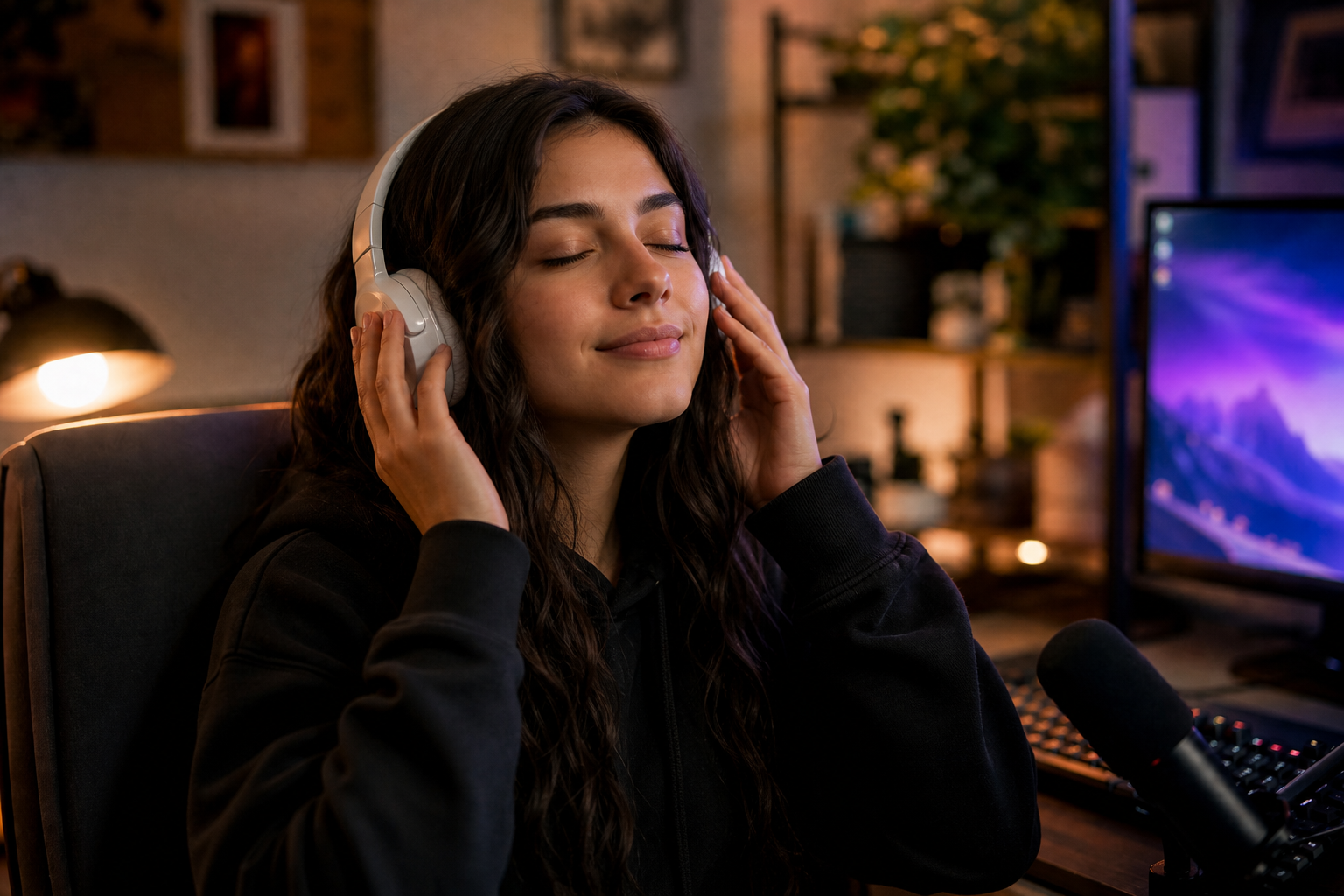
Beds for Ten-Second Status Clips
Export vertical micro-clips in your NLE with cleared beds trimmed to exact duration. Pop and corporate tags offer short identifiable hooks without long intros.
Normalize to -14 LUFS integrated for mobile. Notes play on phone speakers in noisy environments—mids matter more than sub-bass.
How to shortlist tracks quickly
Filter by mood first, BPM second. For instagram notes music, start with two genres maximum—more options slow you down without improving results.
Browse cleared options on FreeBeatHub by genre tags—lofi, ambient, and corporate cover most Instagram creators use cases.
Pairing Music With Voice Notes
When you publish a voice Note, consider a companion Story or Reel with the same bed under a static text card. The voice carries personality; the bed carries brand.
Duck music 18 dB under any spoken layer. Notes audiences forgive rough visuals; they do not forgive muddy voice.
Text-first Notes
For text-only Notes, optional three-second audio exports attached to Story frames can train followers to associate a sound with your daily check-ins.
Putting pairing music with voice notes into practice
Connecting Notes Audio to Reels
Reuse motif—not full tracks—across Notes and Reels. Same key, similar instrumentation, shorter length on Notes. Followers subconsciously link the surfaces.
See our Collab Reel guide when co-branded Notes promote shared launches—document which bed both accounts cleared.
Notes are sonic business cards. Reels are billboards. Same brand, different scale.
Fade beds 2–3 seconds before key statements. Hard dips feel cinematic; instant mutes feel like editing mistakes.
A Notes-Specific Playlist
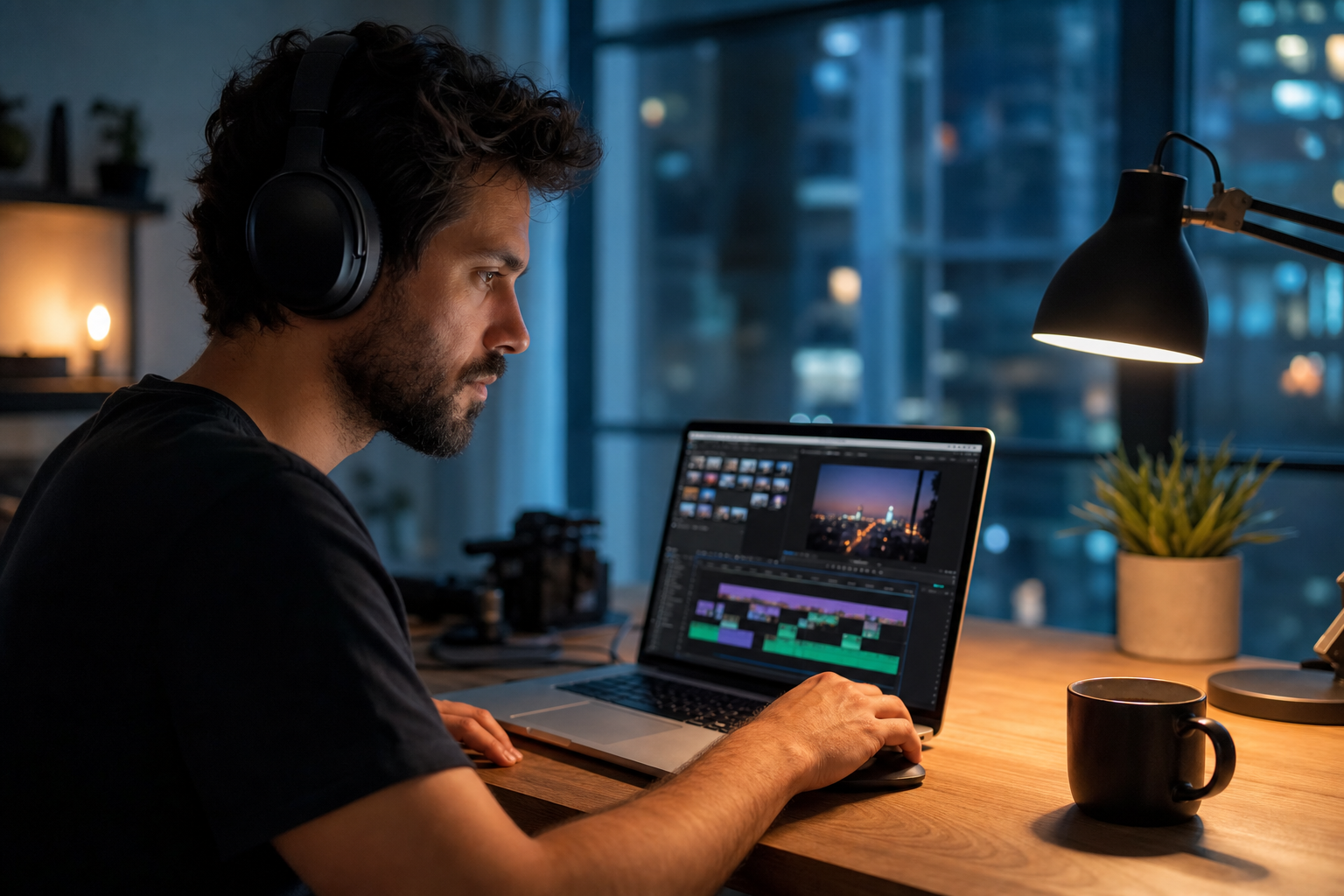
Build six to eight beds tagged notes-only: under twelve seconds, no slow intros, loop-safe endings. Review monthly and retire any track that feels dated.
Store license PDFs in the same folder as your Notes export templates. Notes feel casual; rights documentation is not.
Putting a notes-specific playlist into practice
Notes Music Mistakes
Avoid treating Notes as a copyright gray zone. Avoid beds louder than your voice on companion clips. Avoid switching genres daily unless your brand is explicitly eclectic.
- Trending uncleared audio on branded Notes
- Reels-length intros on eight-second clips
- Inconsistent volume between consecutive Notes
- No connection between Notes and Reels sonic identity
- Forgetting to trim tails that clip abruptly
The hidden cost of "good enough" audio
Most mistakes below feel minor in the edit bay and expensive in analytics. A viewer who mutes once rarely comes back to unmute.
Pick one track today and use it in your next project with the levels and workflow above. Improvement comes from repetition, not hoarding options.
Key takeaways
- Treat instagram notes music audio as part of retention, not decoration.
- Prefer a small cleared playlist over random trending sounds.
- Keep voice primary; music should support emotion without masking speech.
- Follow FreeBeatHub license terms and keep a download record.
- Revisit levels after you add captions or loud effects.
| Notes Type | Bed Length | Mood | Tip |
|---|---|---|---|
| Daily check-in | 5–8 sec | Warm lofi | Same opening hit daily |
| Launch tease | 8–12 sec | Punchy pop | Align hit with text reveal |
| Voice companion | Full VO | Soft ambient | Duck 18 dB under speech |
| BTS wink | 6–10 sec | Playful | Lower energy than Reels hype |
Ready to find your soundtrack? Browse 600+ royalty-free tracks on FreeBeatHub.
Browse Free MusicAdvertisement
Frequently Asked Questions
Can Notes use the same music as Reels?
Yes, if licensed. Notes clips are shorter—trim to the punchiest four to eight bars and normalize for phone speakers.
Do Instagram Notes support music stickers?
Notes behave differently from Reels; many creators export micro-clips in their editor with cleared audio baked in for consistency.
How long should Notes companion audio be?
Most effective beds run five to twelve seconds with an immediate opening hit—viewers decide in one tap whether to expand.
Will Notes music affect my Reels algorithm?
Notes and Reels are separate surfaces, but consistent sonic branding across both reinforces recognition when followers see your handle.