Instagram Live is long-form in a short-form world. Viewers join mid-broadcast, leave during lulls, and replay highlights later. Royalty-free beds from FreeBeatHub fill dead air during setup, support demos, and keep replays copyright-safe.
How Live Audio Differs From Reels
Reels need a frame-one hook; Live needs sustained comfort. Beds should loop cleanly for 20–45 minutes without harmonic drift or listener fatigue. Energy stays mid—never competing with your voice.
- Pre-show beds cover late joiners
- Segment stings mark Q&A vs product demos
- Lower energy than Reels—marathon not sprint
- Replays inherit your full audio mix
Pre-Show Waiting Room Music
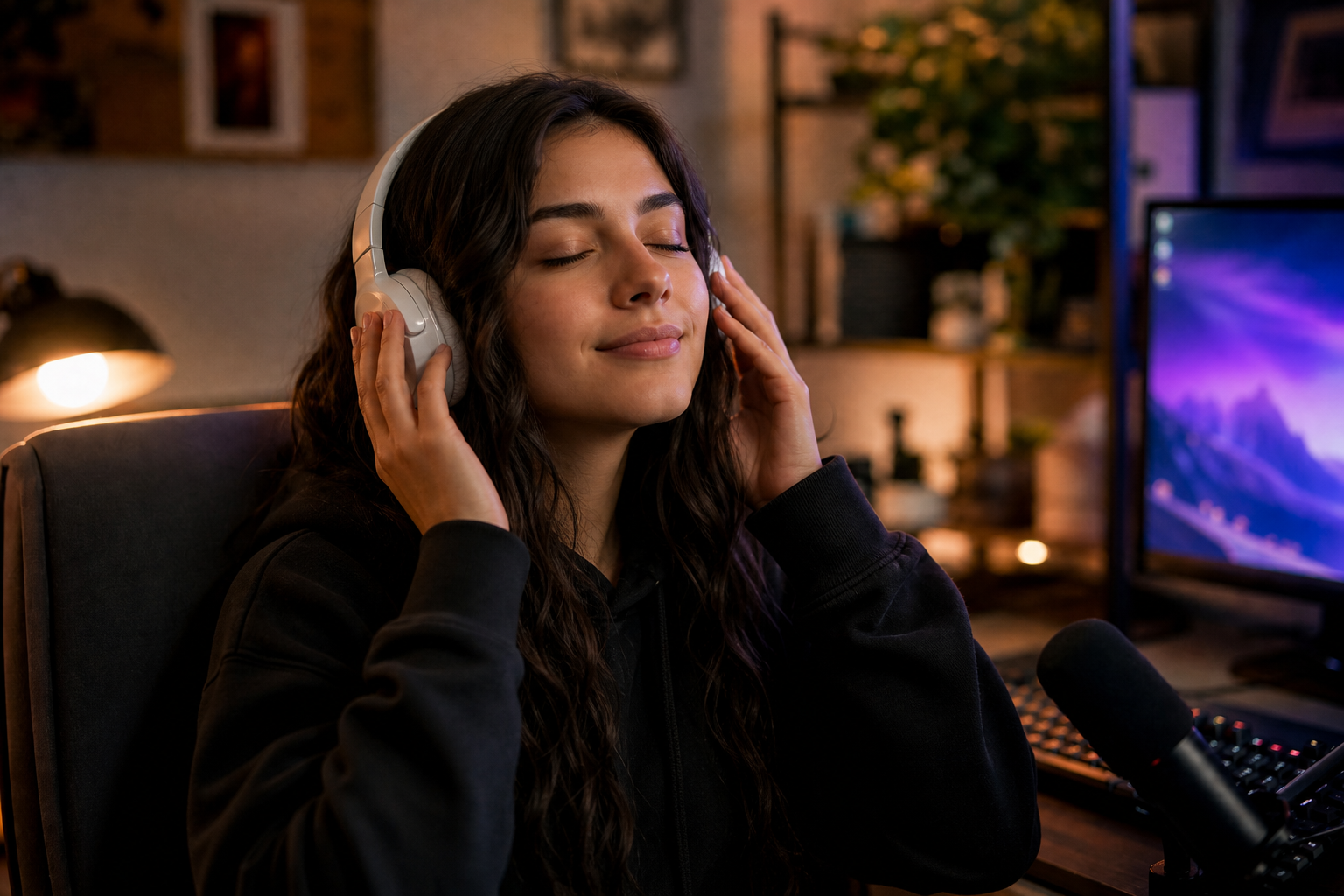
Start broadcasting 2–3 minutes early with a calm loop while you test AV. Viewers who arrive early associate the bed with "show starting soon." Fade it 5 dB when you begin speaking—don't hard-cut.
How to shortlist tracks quickly
Filter by mood first, BPM second. For instagram live music, start with two genres maximum—more options slow you down without improving results.
Browse cleared options on FreeBeatHub by genre tags—lofi, ambient, and corporate cover most Instagram creators use cases.
Scoring Q&A and Demo Segments
Use distinct 5-second stings to mark segment changes—Q&A, giveaway, product demo. Same sonic palette as your Reels for brand consistency. Browse corporate loops for professional lives.
Putting scoring q&a and demo segments into practice
Mixing Music Under Live Voice
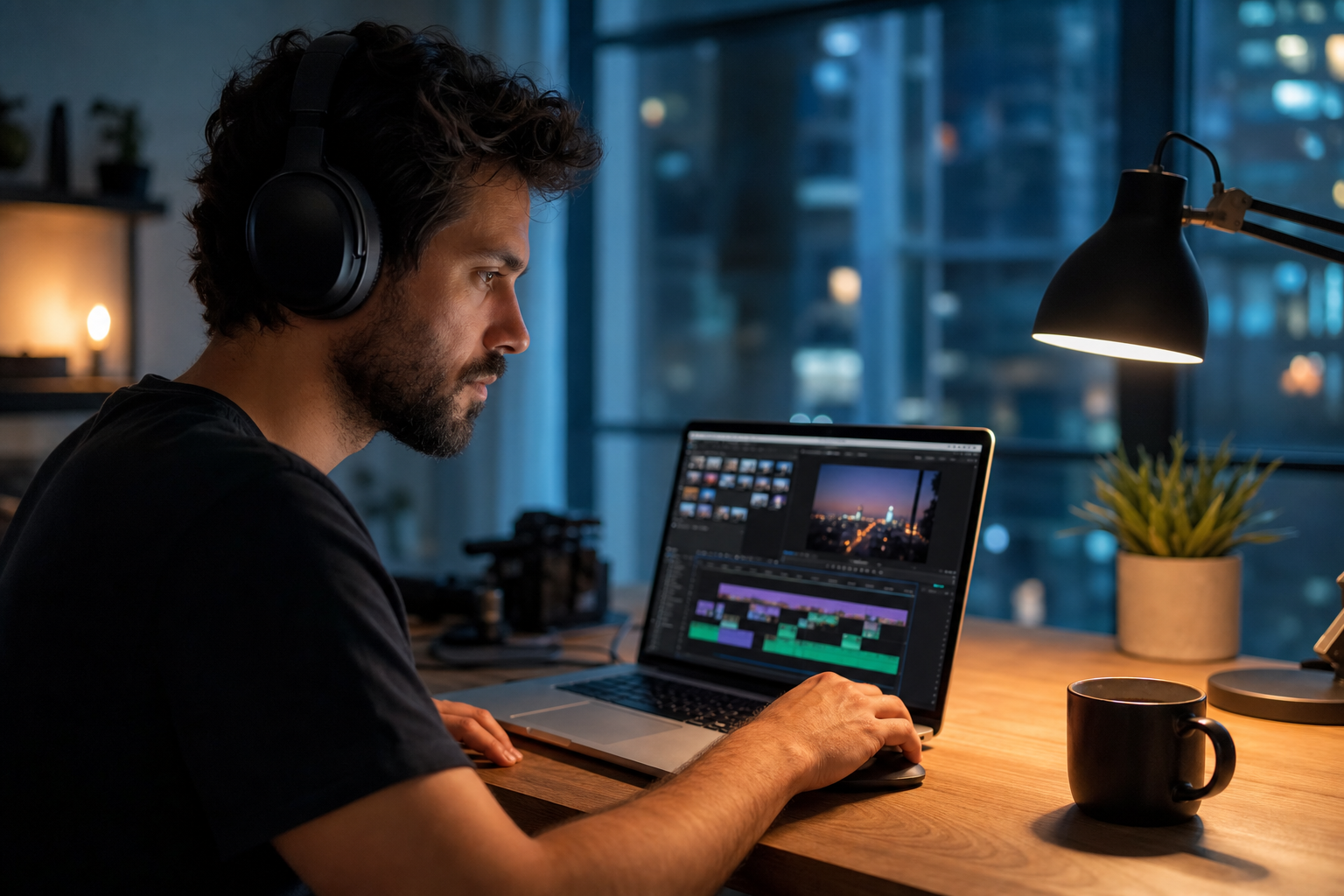
Route music through OBS or your phone's secondary audio if possible. Duck 18–22 dB under speech. If mixing in-app only, keep beds very low—Live compresses aggressively.
Fade beds 2–3 seconds before key statements. Hard dips feel cinematic; instant mutes feel like editing mistakes.
Copyright Rules for Live
Instagram scans replays like Reels. Trending audio may work live but fail on replay distribution. Document licenses for brand accounts—see our license page.
Treat every Live replay as a permanent asset, not a throwaway stream.
Documentation that saves channels
Royalty-free does not mean "free from all rules." Read attribution requirements once on our license page and reuse the same library to reduce surprises.
When in doubt, write a one-sentence rights summary in your project file: source, license type, date, and permitted platforms.
Live Music Playbook
- Build a 5-track Live palette (pre-show, main, Q&A, demo, outro)
- Test loop points for 30-minute stability
- Save segment stings in a hot folder
- Log which beds performed best via replay retention
Putting live music playbook into practice
If you are stuck between two options, choose the track that disappears under voice. Invisible beds rarely lose viewers; flashy ones often do.
Common Live Music Mistakes
- Reels hype tracks for 45-minute broadcasts
- Copyrighted background radio audible on mic
- No fade between pre-show and start—jarring cut
- Same 8-bar loop for entire stream
- Music louder than voice on phone speakers
The hidden cost of "good enough" audio
Most mistakes below feel minor in the edit bay and expensive in analytics. A viewer who mutes once rarely comes back to unmute.
Save this guide to your bookmarks and revisit it when analytics dip—often the fix is pacing, not topic.
Document what worked in a single line per video. Patterns emerge faster than you expect.
The creators who win long-term treat music as part of their brand system—not a last-minute search before export.
Key takeaways
- Treat instagram live music audio as part of retention, not decoration.
- Prefer a small cleared playlist over random trending sounds.
- Keep voice primary; music should support emotion without masking speech.
- Follow FreeBeatHub license terms and keep a download record.
- Revisit levels after you add captions or loud effects.
| Live Type | Bed Mood | BPM | Duration |
|---|---|---|---|
| Product launch | Corporate | 90–105 | 30–60 min |
| Q&A | Ambient / Lofi | 80–95 | 20–45 min |
| Workshop | Minimal | 75–90 | 45–90 min |
| Behind the scenes | Chill / Indie | 85–100 | 15–30 min |
Ready to find your soundtrack? Browse 600+ royalty-free tracks on FreeBeatHub.
Browse Free MusicAdvertisement
Frequently Asked Questions
Can I play music during Instagram Live?
Yes with properly licensed royalty-free tracks. Commercial radio and trending audio can trigger muting or takedowns on replays.
Should live music be louder than Reels audio?
Live is longer-form. Keep beds 15–20 dB under voice and avoid aggressive loops that fatigue viewers over 30+ minutes.
Do live replays keep the music?
Replays retain your audio mix. Use only cleared tracks so highlights and reposts stay monetizable.
What genre works for product launch lives?
Light corporate or ambient beds under demos—avoid vocals and heavy drops that distract from the product.