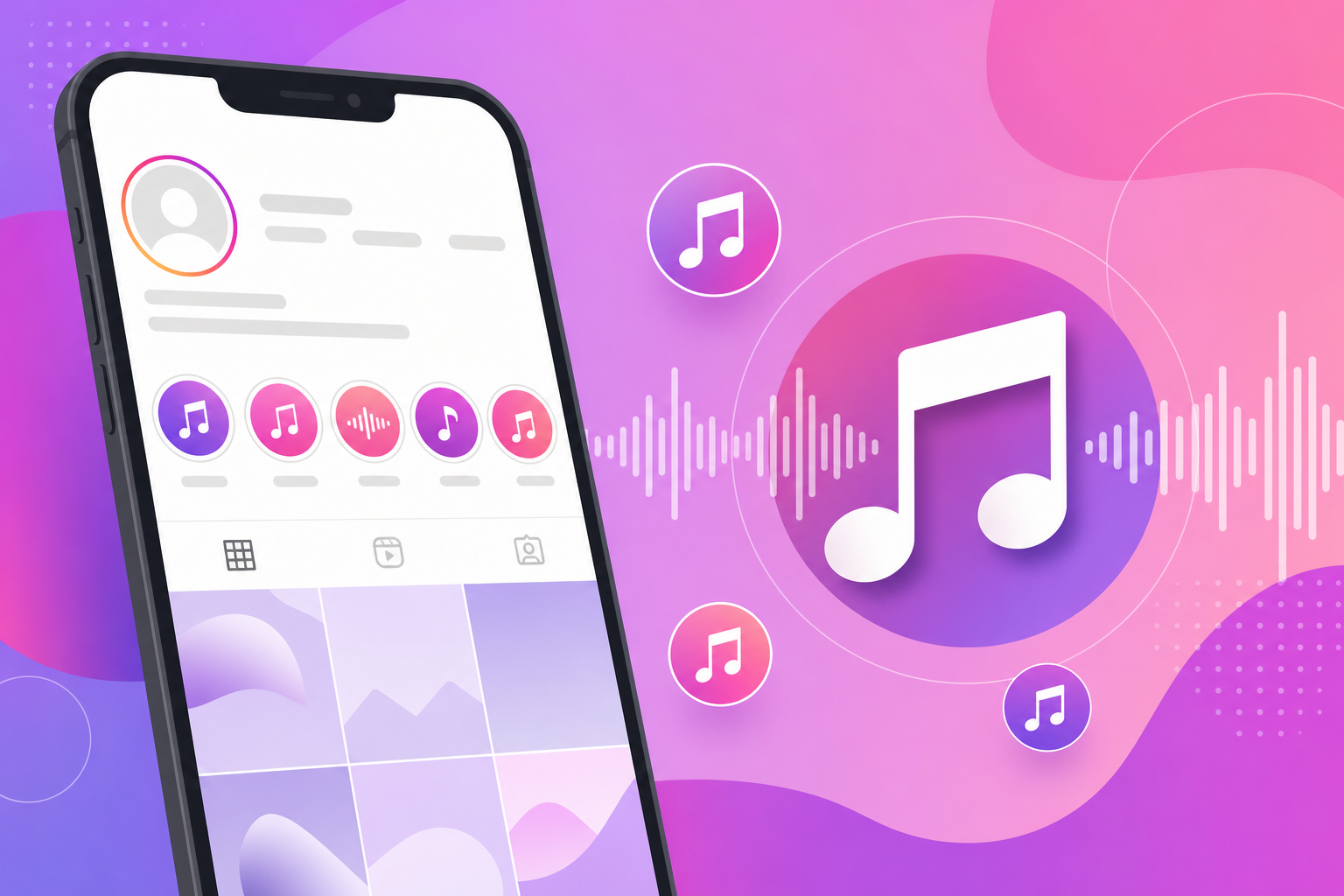
Instagram Highlights are your permanent storefront—yet most creators treat them as silent photo folders. Royalty-free music from FreeBeatHub turns Highlight compilations and cover Reels into branded archives that feel curated, not accidental.
Why Highlights Need Sonic Branding
Profile visitors scan Highlights before they follow. Consistent audio across FAQ, product, and BTS categories signals professionalism. Each category becomes a recognizable series—not a random Story dump.
- Cover Reels with music increase Highlight tap rate
- Compilations feel intentional with underscore beds
- Sonic cues differentiate FAQ vs product archives
- Re-edited compilations fix copyright on old Stories
Strong why highlights need sonic branding reduces cognitive load. Your audience does not have to work to stay oriented; the soundtrack tells them what kind of moment they are in.
Cover Reels vs Highlight Compilations
Cover Reels are 15-second branded loops on Highlight circles—music hooks before viewers tap in. Compilations stitch archived Stories with a continuous bed underneath. Both need cleared audio; covers prioritize hook, compilations prioritize loop stability.
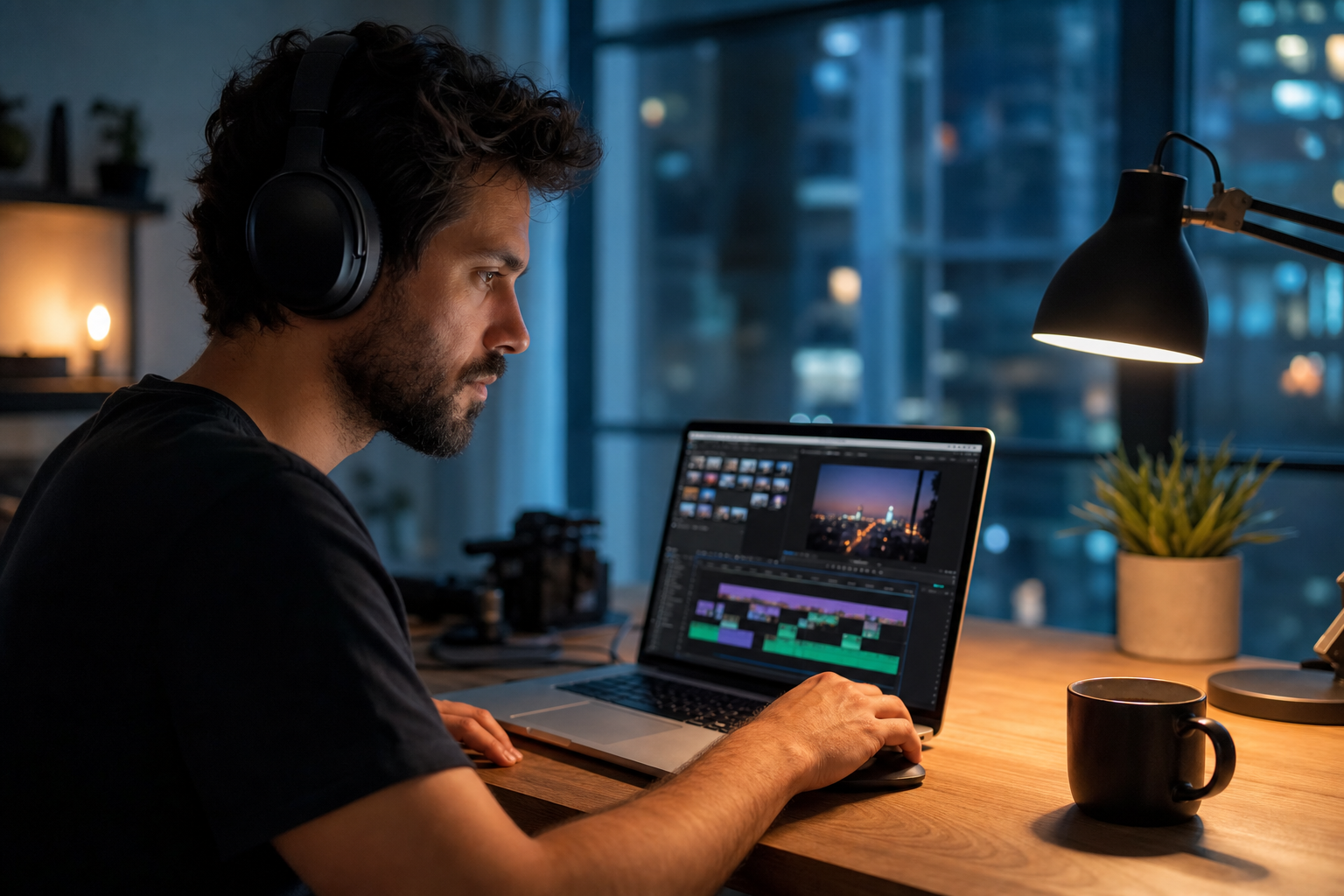
Putting cover reels vs highlight compilations into practice
Choosing Beds for Story Archives
FAQ Highlights: calm corporate. Product demos: mid-energy electronic. BTS: warm acoustic. Match beds to browse tags—corporate for service businesses, indie for creators.
How to shortlist tracks quickly
Preview each candidate under a rough 30-second cut of real footage, not a black timeline. Context reveals tracks that feel perfect in isolation but fight your voice.
If two tracks feel equal, pick the one with cleaner loop points. Edits get faster when you are not fighting abrupt endings every forty-five seconds.
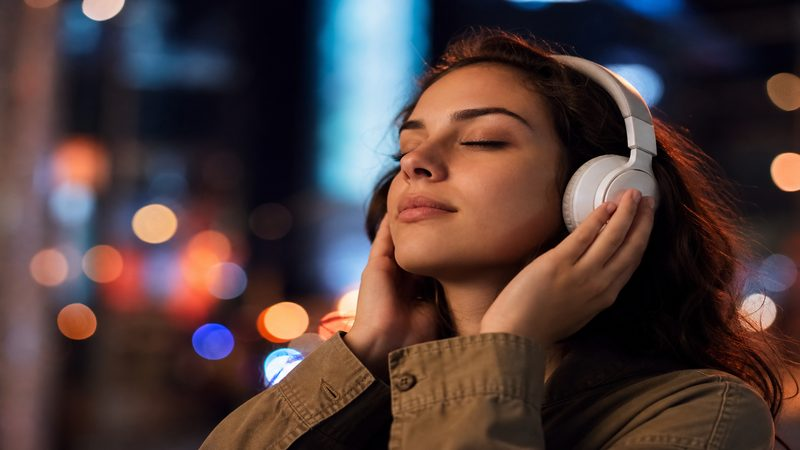
Editing Music Into Compilations
Export Story clips, assemble in CapCut or Premiere, lay one bed across full runtime, duck under any retained voice clips. Normalize to -14 LUFS for mobile playback consistency.
Putting editing music into compilations into practice
One Sound Per Highlight Category
Document: Category name → primary bed → cover sting → last updated. When you add Stories to a Highlight, re-export compilation with same bed for cohesion—or mute old audio and re-score entirely.
Highlights outlive 24-hour Stories—score them like permanent content.
Highlights Music Workflow
- Define 3–5 Highlight categories with mood tags
- Assign one primary bed per category
- Create 15s cover Reel with hook-forward sting
- Batch re-score compilations monthly
- Audit for trending audio that aged into copyright risk
Archive a "winners" playlist of ten tracks that performed well. Future you starts from proof, not a blank search bar.
Highlights Music Mistakes
- Leaving expired trending audio in permanent archives
- Same cover clip for every category
- Full-volume music over talking-head Story clips
- No cover Reel—default Story thumbnail looks messy
- Inconsistent volume across Highlight compilations
The hidden cost of "good enough" audio
Copyright issues from a single trending track can block an entire ad campaign. Prevention is cheaper than a reshoot.
Share your audio checklist with anyone who edits your content. Alignment prevents last-minute track swaps that break rights.
Consistency matters more than chasing perfect tracks. Publish with cleared audio, measure results, and refine one variable next time.
Key takeaways
- Treat instagram highlights music audio as part of retention, not decoration.
- Prefer a small cleared playlist over random trending sounds.
- Keep voice primary; music should support emotion without masking speech.
- Follow FreeBeatHub license terms and keep a download record.
- Revisit levels after you add captions or loud effects.
| Highlight Type | Bed Mood | Cover Length | Genre |
|---|---|---|---|
| FAQ | Calm / Trustworthy | 15s | Corporate |
| Products | Clean / Mid | 20s | Electronic |
| BTS | Warm | 15s | Indie / Acoustic |
| Testimonials | Uplifting | 15s | Ambient |
Ready to find your soundtrack? Browse 600+ royalty-free tracks on FreeBeatHub.
Browse Free MusicAdvertisement
Frequently Asked Questions
Can I add music to Instagram Highlights after posting?
Highlights reuse original Story audio. For custom music, export Stories as clips, add music in edit, then upload as Highlight cover Reels or pinned content.
Should each Highlight category have different music?
Yes—assign one sonic identity per category (FAQ, BTS, Products) so followers recognize the archive type instantly.
Will Highlights music trigger copyright issues?
Only if original Stories used unlicensed audio. Re-edited compilations with royalty-free beds stay safe.
What length works for Highlight cover videos?
15–30 seconds with a loop-friendly bed. Covers autoplay silently until tapped—visual + optional short audio sting on tap.