Batch filming ten videos with the wrong music means ten reshoots—or ten underperformers. Testing royalty-free hooks from FreeBeatHub on 15-second clips before production day locks audio that actually retains viewers.
Why Test Audio Before Batch Day
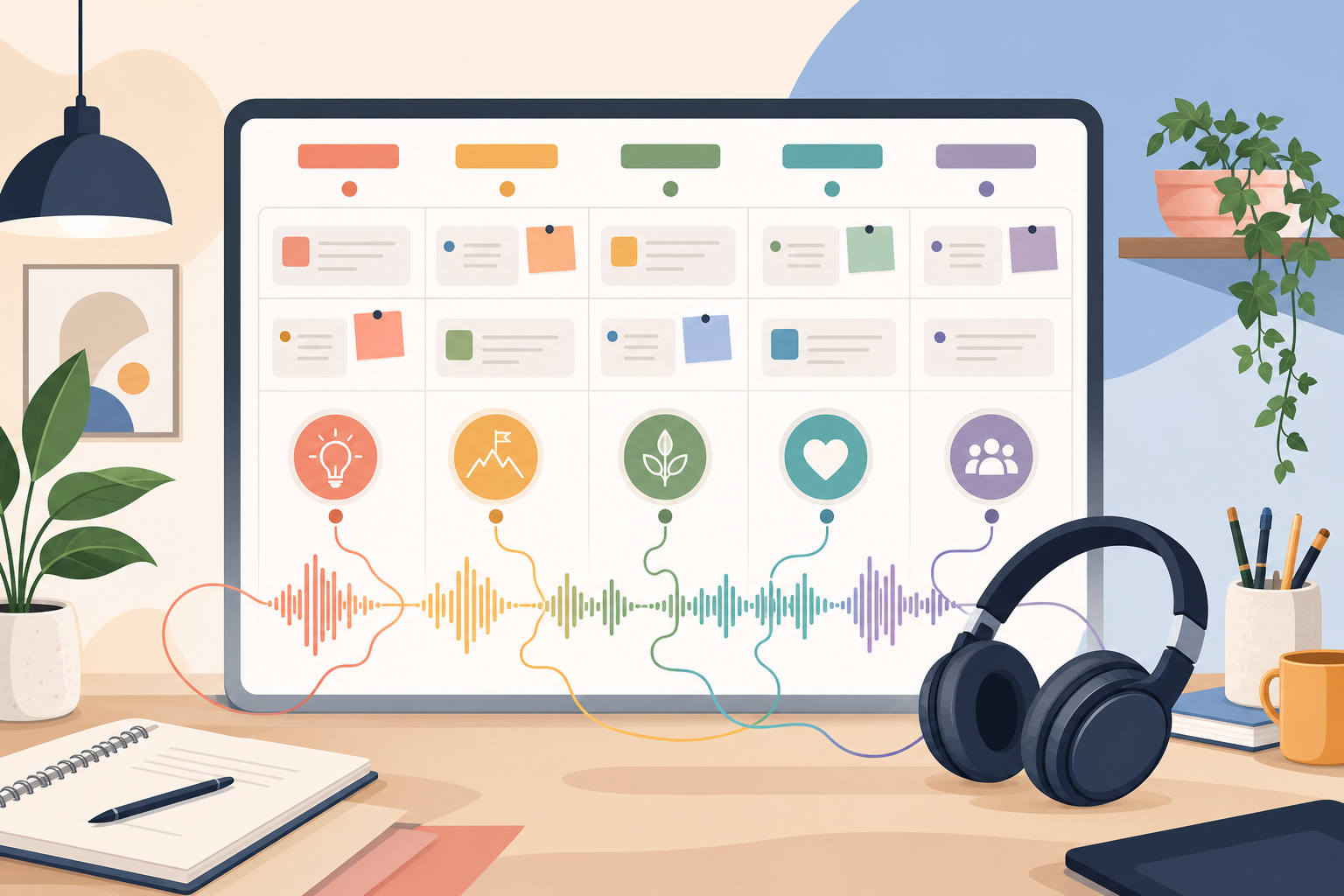
Creators test thumbnails obsessively but pick music by gut feel. Audio drives swipe decisions in the first second—often more than the opening frame on sound-on platforms. One hour of testing saves eight hours of batch waste.
- Validates music before multi-video commitment
- Compares genre/BPM variants with data
- Builds a proven hook library over time
- Reduces post-production music swaps
Fade beds 2–3 seconds before key statements. Hard dips feel cinematic; instant mutes feel like editing mistakes.
Explore cleared tracks for why test audio before batch day on Browse Music, or read related content creation tips on our blog.
Minimum Viable Hook Test
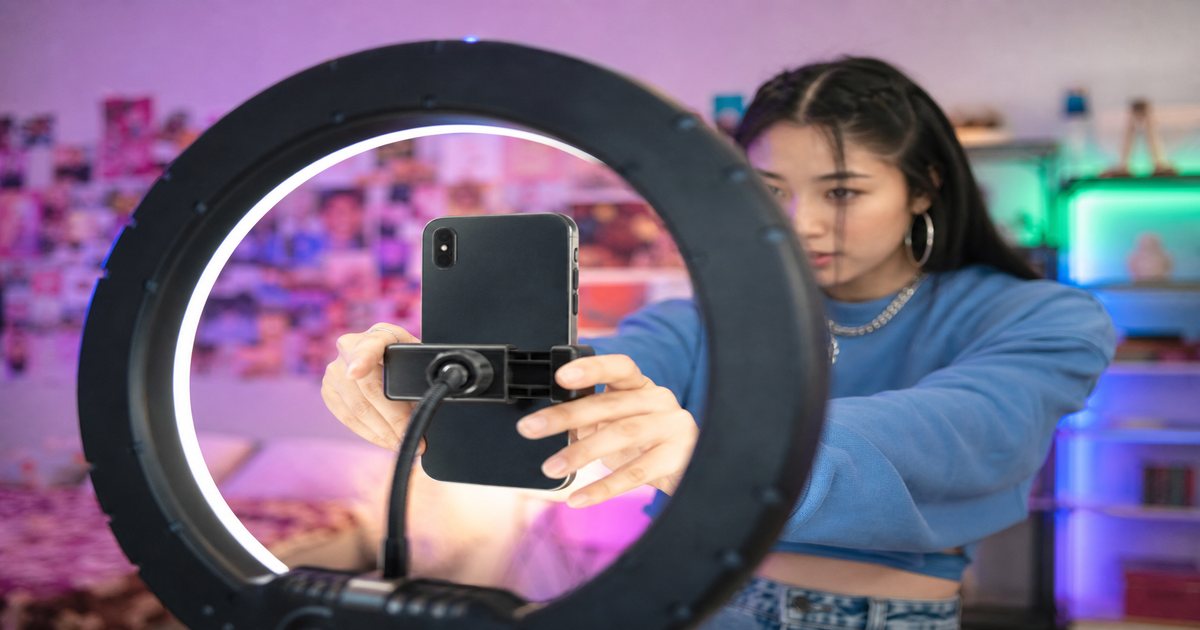
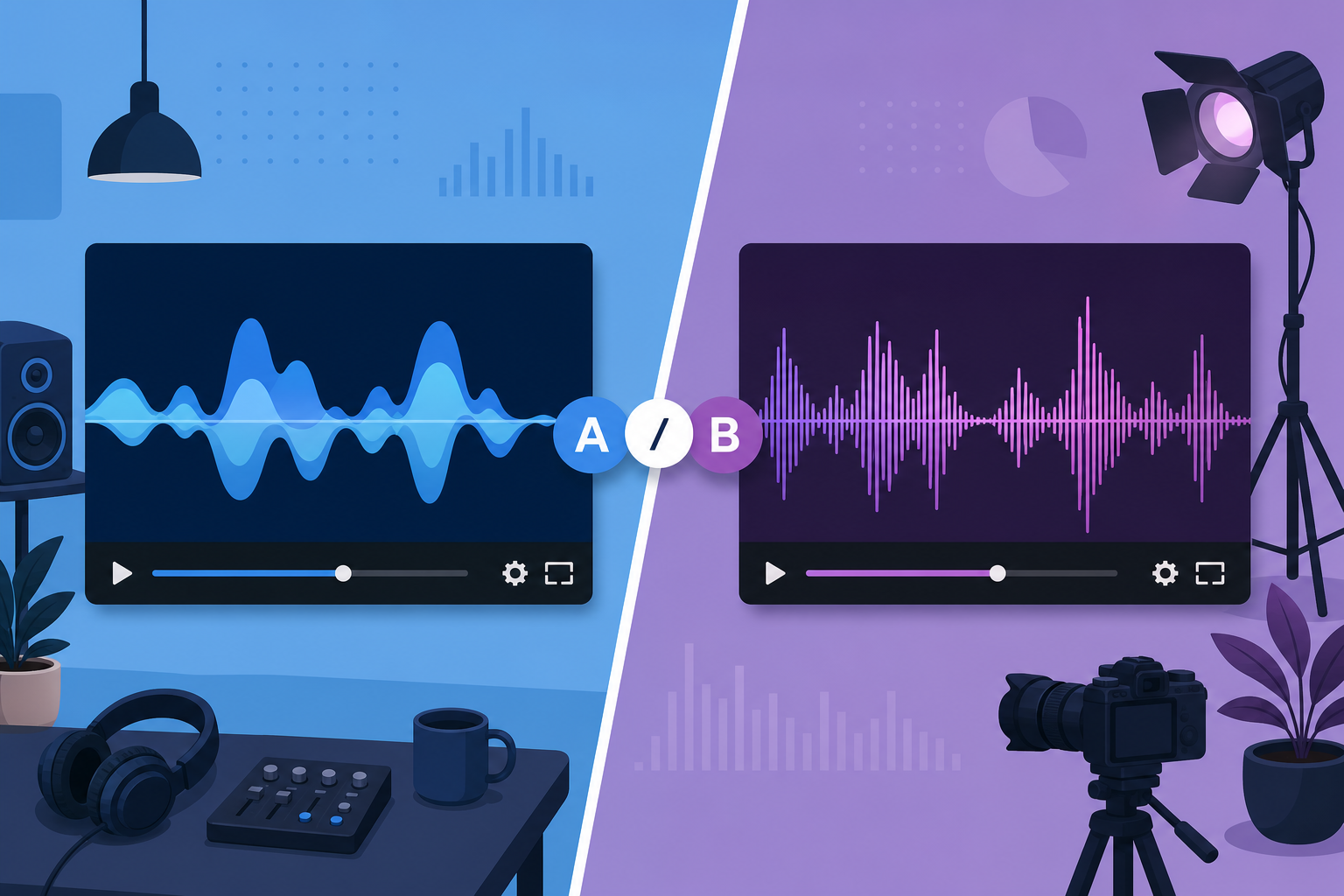
Film one generic hook visual (face, product, text card). Cut three 15-second variants with different tracks from your cleared library. Same visual, same caption structure, different music only. Post staggered 24 hours apart or split across platforms.
The first transient—kick, snap, or synth stab—should land before your visual hook finishes. Audio leads attention on mobile feeds.
Creators often skip minimum viable hook test until a claim or muted VOD forces a fix; handling it proactively takes less time than a reshoot.
Explore cleared tracks for minimum viable hook test on Browse Music, or read related content creation tips on our blog.
Metrics That Matter
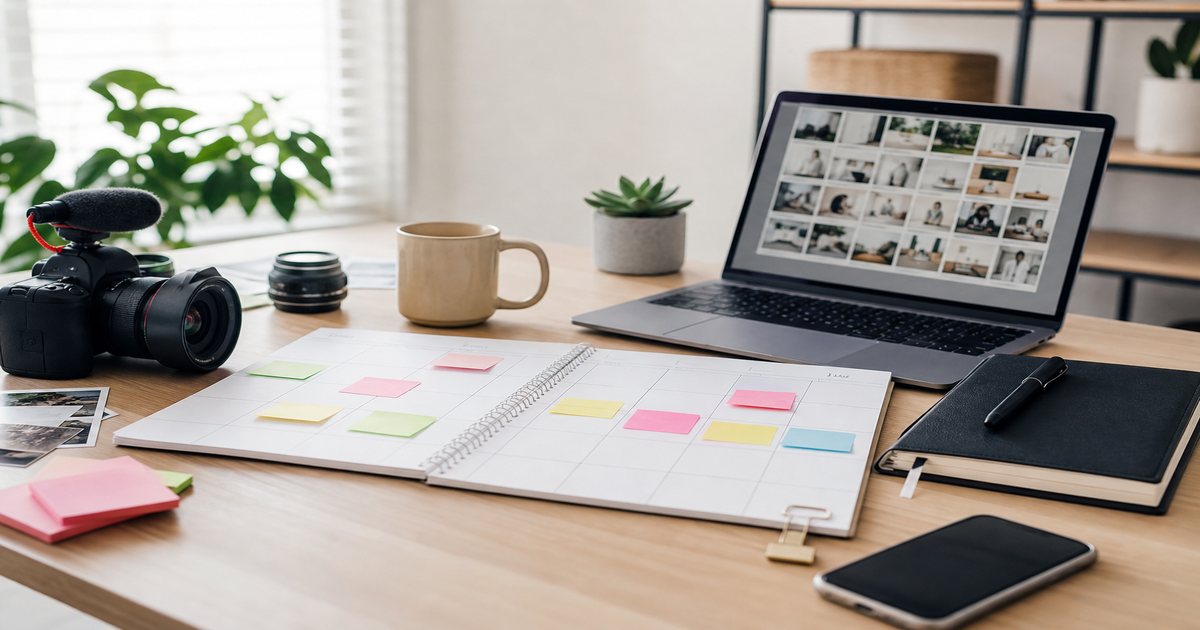
Short-form: 3-second hold rate, completion rate, shares. Long-form: average view duration first 30 seconds. Ignore likes alone—they mislead on hook tests. Log results in spreadsheet: track name, BPM, genre, completion %.
When metrics that matter clicks with your audience, save the track name and settings—you will reuse them faster than searching from scratch.
Testing on Shorts vs Reels
Shorts skews sound-off initially—visual hook still matters. Reels and TikTok skew sound-on—music leads. Test on the platform you batch for; cross-post winners after validation.
Putting testing on shorts vs reels into practice
Creators who treat hook testing as a system—not a one-off inspiration—publish faster with fewer rights headaches.
Compare two versions of testing on shorts vs reels in an unlisted test if stakes are high; small audio tests prevent expensive public mistakes.
Locking Music for Batch Day
Winner gets tagged in hook library with test date and metrics. Batch day: pull only proven tracks. New untested music waits for next test cycle—see batch workflow guide.
Never batch ten videos with untested audio—test two, then scale eight.
Putting locking music for batch day into practice
Explore cleared tracks for locking music for batch day on Browse Music, or read related content creation tips on our blog.
Hook Testing Workflow
- Shortlist 3 cleared tracks by mood tag
- Cut 15s variants with identical visual
- Post with controlled variables
- Wait 48–72 hours, compare completion
- Log winner, batch with that track family
After publishing, note one metric to revisit: average view duration, chat messages per minute, or save rate. Tie music changes to outcomes instead of taste alone.
Creators often skip hook testing workflow until a claim or muted VOD forces a fix; handling it proactively takes less time than a reshoot.
Compare two versions of hook testing workflow in an unlisted test if stakes are high; small audio tests prevent expensive public mistakes.
Hook Testing Mistakes
- Testing music + caption + visual simultaneously
- Judging after 2 hours—sample too small
- Using copyrighted trending audio in tests for brand content
- No logging—repeat failed tracks by accident
- Skipping test on "small" batch days
The hidden cost of "good enough" audio
Most mistakes below feel minor in the edit bay and expensive in analytics. A viewer who mutes once rarely comes back to unmute.
Compare two versions of hook testing mistakes in an unlisted test if stakes are high; small audio tests prevent expensive public mistakes.
Pick one track today and use it in your next project with the levels and workflow above. Improvement comes from repetition, not hoarding options.
Document what worked in a single line per video. Patterns emerge faster than you expect.
Consistency matters more than chasing perfect tracks. Publish with cleared audio, measure results, and refine one variable next time.
Key takeaways
- Treat hook testing audio audio as part of retention, not decoration.
- Prefer a small cleared playlist over random trending sounds.
- Keep voice primary; music should support emotion without masking speech.
- Follow FreeBeatHub license terms and keep a download record.
- Revisit levels after you add captions or loud effects.
| Platform | Test Length | Key Metric | Min Impressions |
|---|---|---|---|
| TikTok | 15s | Completion | 1,000 |
| Reels | 15s | 3s hold | 800 |
| Shorts | 20s | AVD first 30s | 500 views |
| YouTube long | 30s clip | Retention curve | 200 views |
Ready to find your soundtrack? Browse 600+ royalty-free tracks on FreeBeatHub.
Browse Free MusicAdvertisement
Frequently Asked Questions
How many music variants should I test?
Two to three max per concept. More variants split data too thin on small channels.
Can I test hooks with unpublished clips?
Post as unlisted YouTube Shorts or low-stakes Stories. You need real platform playback behavior—not just friends' opinions.
How long should a hook test run?
48–72 hours or 1,000 impressions minimum, whichever comes first. Short-form needs less time than long-form.
What if all variants perform poorly?
Test visual hook changes next—music cannot fix a weak opening frame. Swap track genre entirely before re-testing.