TikTok LIVE rewards presence—silent dead air loses chat, but wrong music triggers mutes and copyright flags. Royalty-free LIVE beds from FreeBeatHub keep sessions energetic and cleared.
TikTok LIVE Audio Rules
LIVE is long-form compared to Reels. Loops must survive 30–90 minutes without annoying repeats. Voice stays forward; music supports mood.
- Loop-stable beds only—no mid-stream key changes
- Duck 15 dB under speech automatically if possible
- Avoid vocals in beds when you talk constantly
- Keep license proof accessible
Compare two versions of tiktok live audio rules in an unlisted test if stakes are high; small audio tests prevent expensive public mistakes.
Choosing Loop Beds
Start with lofi or ambient for Q&A streams. Product demos use light corporate at 100–110 BPM. Test one full loop before going live.
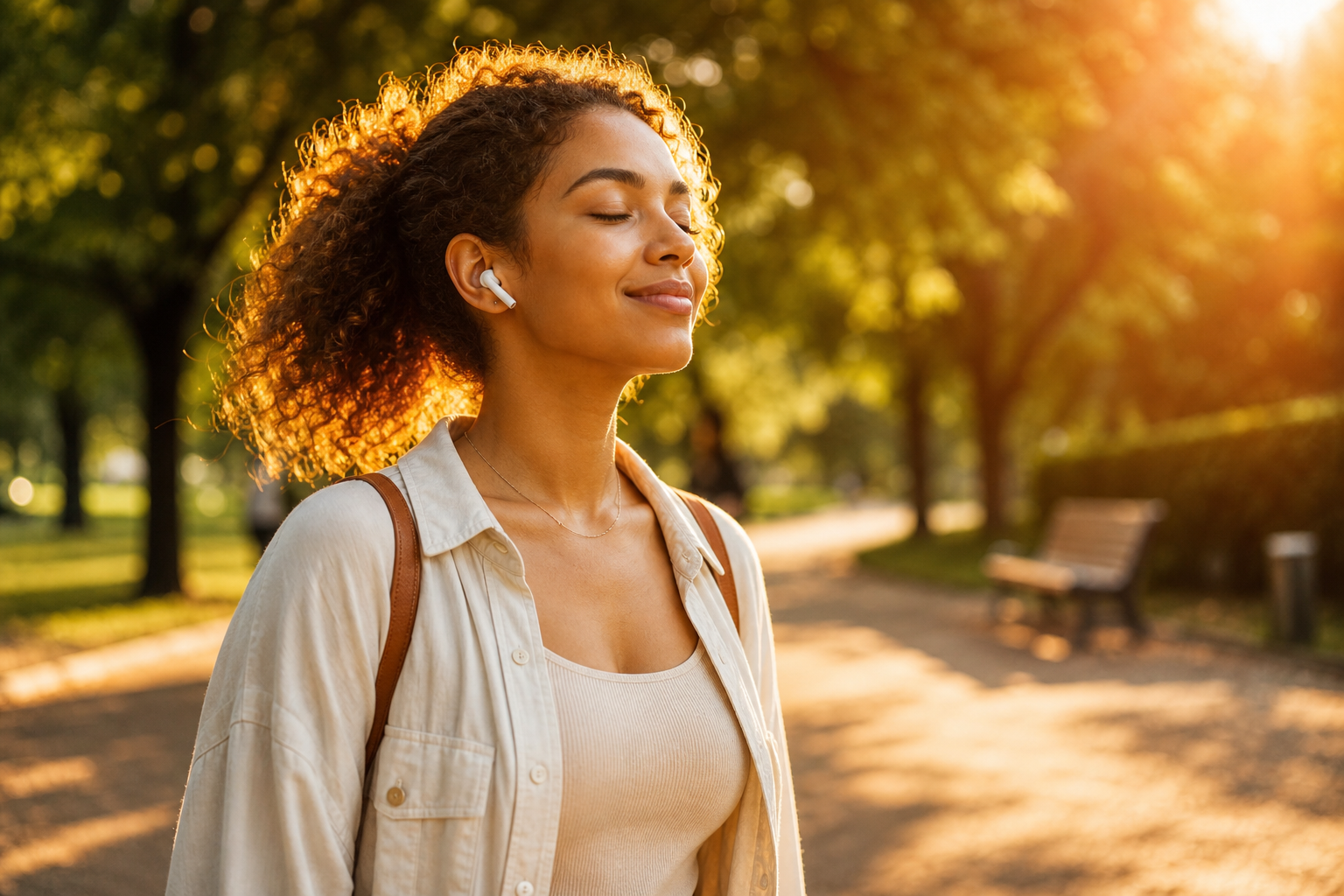
How to shortlist tracks quickly
Build a "maybe" folder of five tracks and eliminate three on phone speakers. Mobile playback exposes harsh highs and muddy lows that studio headphones hide.
If two tracks feel equal, pick the one with cleaner loop points. Edits get faster when you are not fighting abrupt endings every forty-five seconds.
When choosing loop beds clicks with your audience, save the track name and settings—you will reuse them faster than searching from scratch.
Ducking Under Voice
Use OBS or TikTok LIVE Studio sidechain if available. Manual: lower bed when reading super chats aloud. Return within 2 seconds after speaking.
Fade beds 2–3 seconds before key statements. Hard dips feel cinematic; instant mutes feel like editing mistakes.
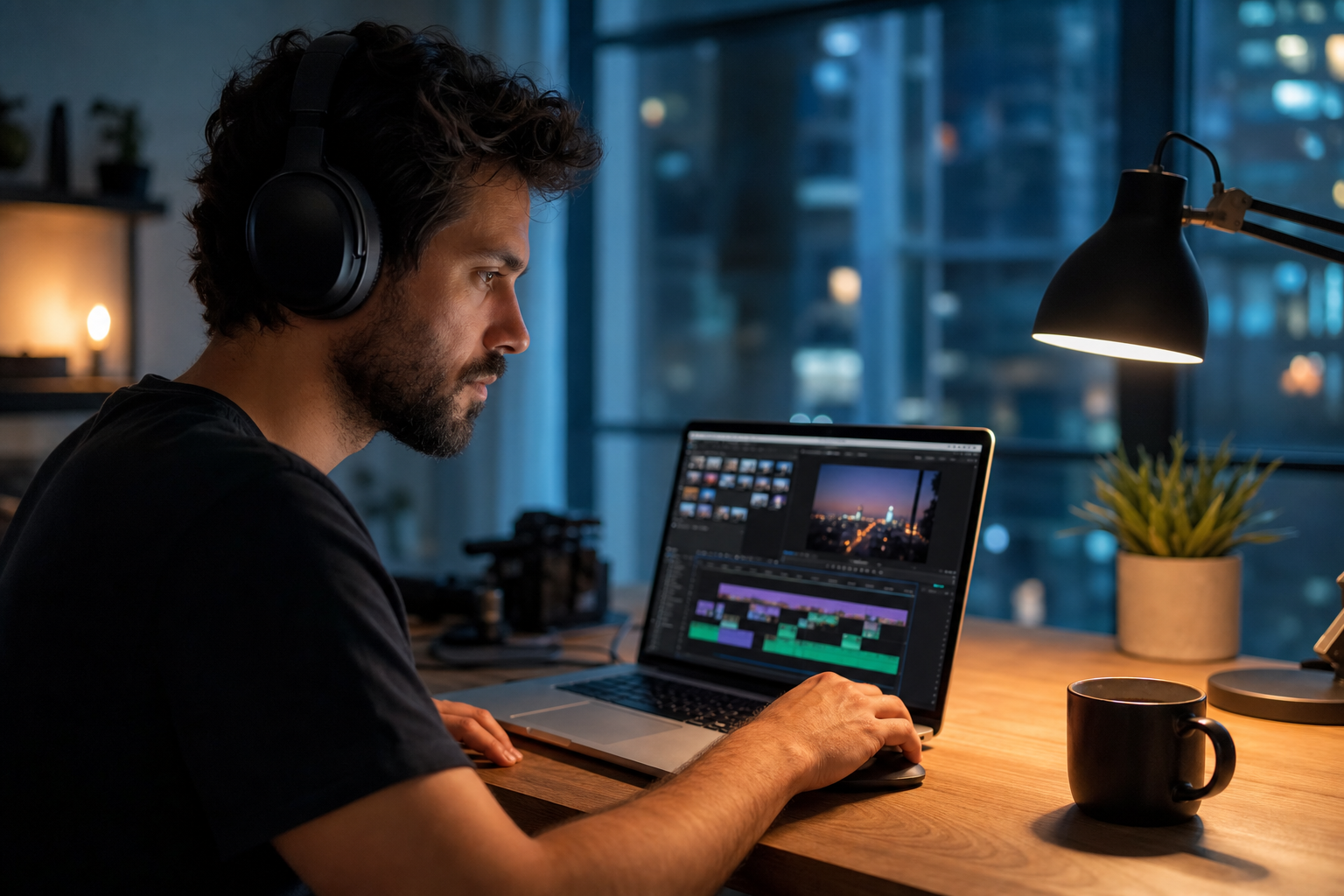
Compare two versions of ducking under voice in an unlisted test if stakes are high; small audio tests prevent expensive public mistakes.
Energy Shifts by Segment
Plan three beds: warm open, mid-stream steady, closing hype. Swap only during natural breaks—never mid-sentence.
Putting energy shifts by segment into practice
If you are stuck between two options, choose the track that disappears under voice. Invisible beds rarely lose viewers; flashy ones often do.
When energy shifts by segment clicks with your audience, save the track name and settings—you will reuse them faster than searching from scratch.
Copyright-Safe LIVE Audio
LIVE replays and clips inherit your audio choices. Royalty-free catalogs document commercial use—save download receipts.
Documentation that saves channels
Royalty-free does not mean "free from all rules." Read attribution requirements once on our license page and reuse the same library to reduce surprises.
When in doubt, write a one-sentence rights summary in your project file: source, license type, date, and permitted platforms.
When copyright-safe live audio clicks with your audience, save the track name and settings—you will reuse them faster than searching from scratch.
LIVE Music Workflow
- Build a 5-track LIVE playlist by mood
- Test loop fatigue for 20 minutes pre-stream
- Set bed at -24 LUFS under mic
- Prepare 2-second gift stings
- Log which bed performed best via chat rate
After publishing, note one metric to revisit: average view duration, chat messages per minute, or save rate. Tie music changes to outcomes instead of taste alone.
Compare two versions of live music workflow in an unlisted test if stakes are high; small audio tests prevent expensive public mistakes.
LIVE Music Mistakes
- Trending TikTok sound on LIVE—copyright strike risk
- Bed louder than voice—viewers mute
- Drop-heavy EDM for 60-minute Q&A
- Switching tracks every 2 minutes—whiplash
- No license documentation when clips get reposted
The hidden cost of "good enough" audio
Fixing audio in post costs more time than choosing the right bed upfront. These errors also compound when you repurpose content to other platforms with stricter enforcement.
Compare two versions of live music mistakes in an unlisted test if stakes are high; small audio tests prevent expensive public mistakes.
Share your audio checklist with anyone who edits your content. Alignment prevents last-minute track swaps that break rights.
Explore related posts on the FreeBeatHub blog and build a small playlist of cleared favorites on Browse Music.
The creators who win long-term treat music as part of their brand system—not a last-minute search before export.
Key takeaways
- Treat tiktok live music audio as part of retention, not decoration.
- Prefer a small cleared playlist over random trending sounds.
- Keep voice primary; music should support emotion without masking speech.
- Follow FreeBeatHub license terms and keep a download record.
- Revisit levels after you add captions or loud effects.
| LIVE Format | Bed Type | BPM | Duration |
|---|---|---|---|
| Q&A | Lofi / ambient | 70–90 | 60+ min |
| Product demo | Corporate light | 100–110 | 30–45 min |
| Gaming chat | Electronic soft | 95–105 | 45–90 min |
| Closing segment | Upbeat pop | 115–125 | 5–10 min |
Ready to find your soundtrack? Browse 600+ royalty-free tracks on FreeBeatHub.
Browse Free MusicAdvertisement
Frequently Asked Questions
Can I play music during TikTok LIVE?
Yes with royalty-free or properly licensed tracks. Avoid commercial radio and trending TikTok sounds you don't own—LIVE has stricter enforcement.
How loud should LIVE background music be?
Target -24 to -28 LUFS under voice. Chat should hear you clearly; music fills silence between sentences.
What genres work for long LIVE sessions?
Lofi, ambient, and soft corporate beds loop for hours without fatigue. Avoid heavy drops every 30 seconds.
Should music change when gifts arrive?
Brief 2-second stings on milestones add hype. Return to main bed immediately—don't stack energy layers.