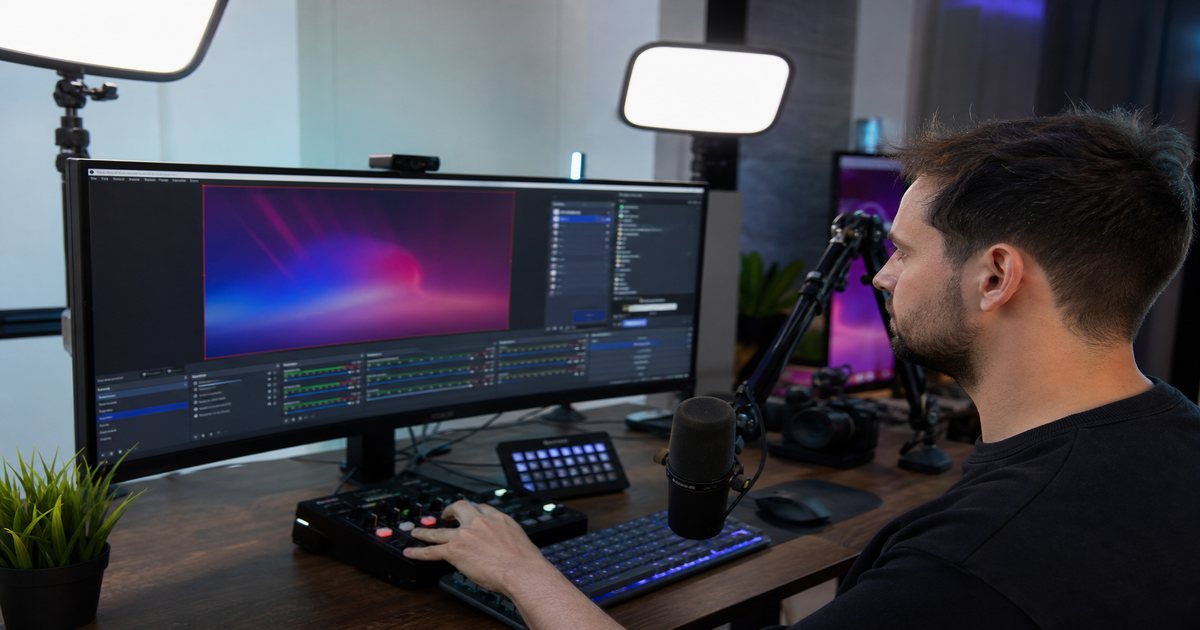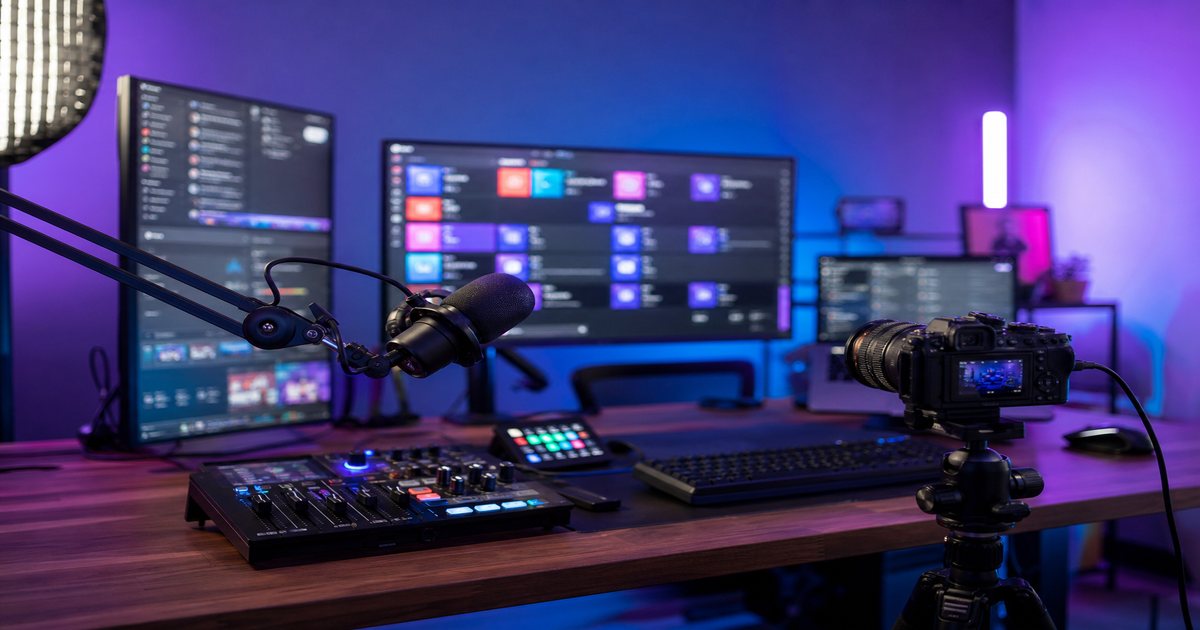
Multistreaming multiplies reach—and multiplies music risk. A track cleared on Twitch may still mute YouTube VODs. This playbook builds one royalty-free library from FreeBeatHub against the strictest platform rules so simulcasts stay safe everywhere.
Finding the Policy Intersection
Map each destination's live and VOD policies. YouTube fingerprinting is often strictest; Twitch DMCA strikes hit live channels; newer platforms may lag detection but catch up.
Your playlist standard equals the strictest rule in the chain—not the average.
Putting finding the policy intersection into practice

Explore cleared tracks for finding the policy intersection on Browse Music, or read related streaming tips on our blog.
One Playlist, Strictest Rules Win
Curate one master playlist with documented commercial and broadcast rights. Ban any track without explicit VOD-safe confirmation. Version the playlist when licenses renew.

Putting one playlist, strictest rules win into practice
After applying one playlist, strictest rules win, note one metric on your next upload—retention, saves, chat rate, or ad clearance—so live streamers can improve with data, not guesswork.
Compare two versions of one playlist, strictest rules win in an unlisted test if stakes are high; small audio tests prevent expensive public mistakes.
Loudness Standards Across Platforms
Normalize to -14 LUFS integrated with -1 dB true peak. Platforms re-encode differently; consistent source loudness reduces viewer complaints when they switch between VOD players.
Putting loudness standards across platforms into practice
Live streamers who treat multistream music playbook as a system—not a one-off inspiration—publish faster with fewer rights headaches.
If you are stuck between two options, choose the track that disappears under voice. Invisible beds rarely lose viewers; flashy ones often do.

When loudness standards across platforms clicks with your audience, save the track name and settings—you will reuse them faster than searching from scratch.
Restream and Audio Routing
Send one OBS program feed to Restream or equivalent—do not inject per-platform audio downstream. Per-platform music differences require separate encoders and double ops load.
- Single program audio for all simulcast destinations
- Avoid per-platform audio injectors unless legally required
- Test one-minute simulcast recording on each VOD
- Log playlist version in stream title or description
Compare two versions of restream and audio routing in an unlisted test if stakes are high; small audio tests prevent expensive public mistakes.
When VOD Rules Diverge
If one platform mutes VODs despite clearance, export multitrack OBS recordings and swap music in post for that upload only. Prevention beats remediation—pick safer beds upfront.
Simulcast once; remediate VODs on four platforms never scales.
Putting when vod rules diverge into practice
Compare two versions of when vod rules diverge in an unlisted test if stakes are high; small audio tests prevent expensive public mistakes.
Multistream Music Ops Doc
Maintain a living doc: platform policies, playlist version, license tier, loudness spec, and escalation contact. Link license terms and FAQ for moderators who swap playlists mid-season.
- List all simulcast destinations
- Document strictest music policy
- Publish master playlist version weekly
- Archive license PDF per playlist version
- Review policies quarterly
Putting multistream music ops doc into practice
When multistream music ops doc clicks with your audience, save the track name and settings—you will reuse them faster than searching from scratch.
Save this guide to your bookmarks and revisit it when analytics dip—often the fix is pacing, not topic.
Explore related posts on the FreeBeatHub blog and build a small playlist of cleared favorites on Browse Music.
The creators who win long-term treat music as part of their brand system—not a last-minute search before export.
Key takeaways
- Treat multistream music playbook audio as part of retention, not decoration.
- Prefer a small cleared playlist over random trending sounds.
- Keep voice primary; music should support emotion without masking speech.
- Follow FreeBeatHub license terms and keep a download record.
- Revisit levels after you add captions or loud effects.
| Platform | Live Risk | VOD Risk | Playlist Rule |
|---|---|---|---|
| Twitch | DMCA strike | Muted segments | Cleared RF only |
| YouTube | Content ID live | Monetization claims | Strictest fingerprint check |
| Kick | Growing detection | Archive scans | Match YouTube standard |
| Rights manager | Muted replays | Commercial RF tier |
Ready to find your soundtrack? Browse 600+ royalty-free tracks on FreeBeatHub.
Browse Free MusicAdvertisement
Frequently Asked Questions
Is multistream music policy the strictest platform wins?
Yes. If YouTube Content ID flags a bed Twitch ignores, your YouTube VOD still suffers. License for the strictest destination.
Can I use platform whitelisted libraries on all streams?
Platform libraries often apply to that platform only. Royalty-free licenses with explicit multistream terms are safer for simulcasts.
Should I use different music per platform?
Only if ops burden is acceptable. One cleared playlist scaled to strictest policy is simpler and safer.
Does Restream affect audio ownership?
Restream forwards your audio—it does not grant rights. You still need clearance for every viewer-facing platform.