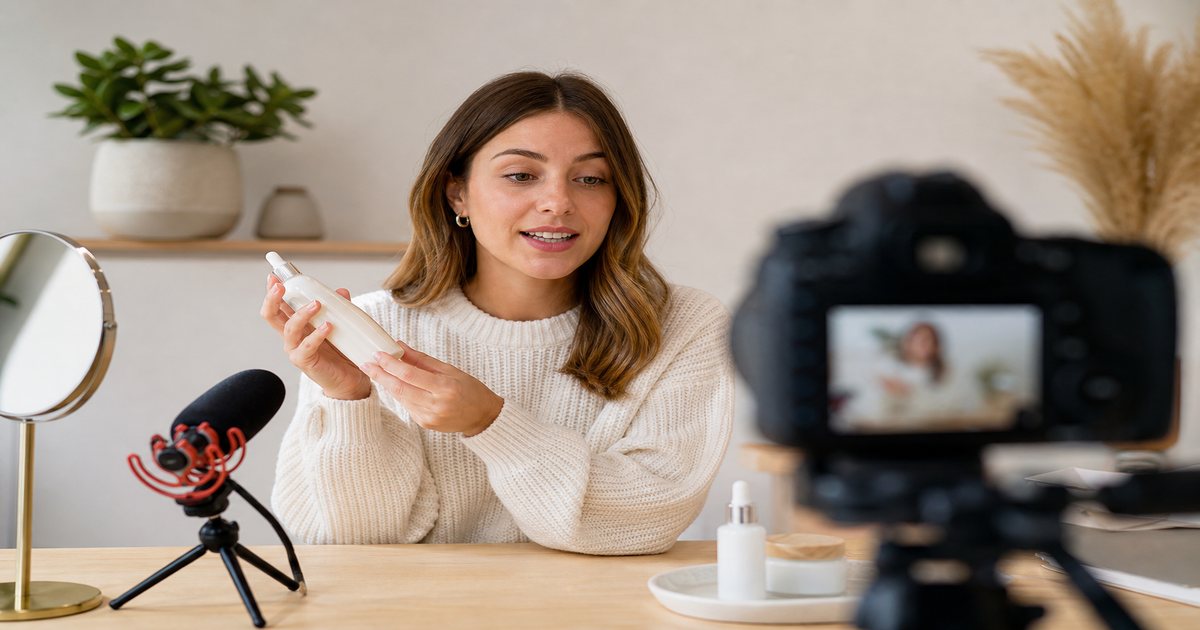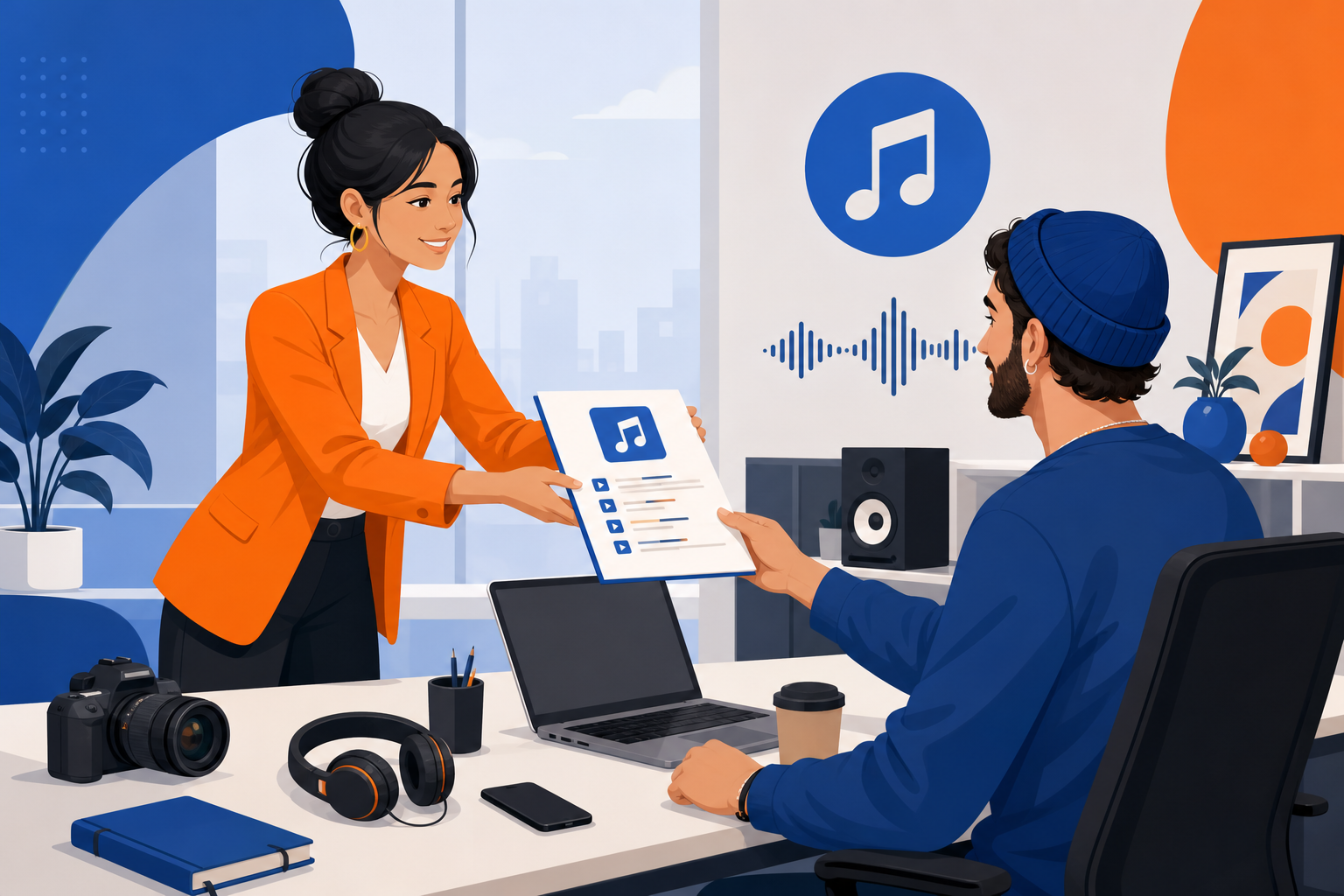
Launch week multiplies assets—ads, Reels, emails, landing hero videos. Without a sonic plan, every channel sounds different. Royalty-free launch palettes from FreeBeatHub unify release week under one cleared identity.
Building a Launch Sonic Palette
Define three tiers: anthem (15–30s hook), workhorse bed (60–90s loops), and resolve (outro stings). Same key or BPM cluster across all three.
- Anthem for hero ads and launch livestream
- Workhorse for tutorials and feature demos
- Resolve for CTAs and end cards
- License covers paid social and UGC
How to shortlist tracks quickly
Build a "maybe" folder of five tracks and eliminate three on phone speakers. Mobile playback exposes harsh highs and muddy lows that studio headphones hide.
When building a launch sonic palette clicks with your audience, save the track name and settings—you will reuse them faster than searching from scratch.
Music Across Channels
Map each asset to a bed tier before production. Meta ads get anthem hooks; YouTube pre-roll gets workhorse; email GIFs get 5-second resolve only.
Putting music across channels into practice
Explore cleared tracks for music across channels on Browse Music, or read related music marketing tips on our blog.
Ad Creative Beds
Cut on downbeats at 120 BPM for 15-second ads. Browse electronic and pop for consumer products; corporate for B2B.
How to shortlist tracks quickly
Filter by mood first, BPM second. For launch day music, start with two genres maximum—more options slow you down without improving results.
If two tracks feel equal, pick the one with cleaner loop points. Edits get faster when you are not fighting abrupt endings every forty-five seconds.

Compare two versions of ad creative beds in an unlisted test if stakes are high; small audio tests prevent expensive public mistakes.
UGC Creator Briefs
Send approved track links, BPM, and hook timestamp. Require creators to use only cleared audio—no trending substitutes.
Putting ugc creator briefs into practice
If you are stuck between two options, choose the track that disappears under voice. Invisible beds rarely lose viewers; flashy ones often do.
Brand and marketing teams often skip ugc creator briefs until a claim or muted VOD forces a fix; handling it proactively takes less time than a reshoot.
When ugc creator briefs clicks with your audience, save the track name and settings—you will reuse them faster than searching from scratch.
Release-Week Timeline
- T-14: Lock sonic palette
- T-10: Shoot all video to primary BPM
- T-7: Deliver beds to editors and affiliates
- T-0: Anthem on all hero surfaces
- T+7: Rotate to workhorse for retargeting
Putting release-week timeline into practice
Brand and marketing teams often skip release-week timeline until a claim or muted VOD forces a fix; handling it proactively takes less time than a reshoot.
When release-week timeline clicks with your audience, save the track name and settings—you will reuse them faster than searching from scratch.
Measuring Audio Impact
A/B test anthem vs. silent explainers on same creative. Track thumb-stop and hold rate—music rarely hurts if mixed under VO.
Test with a friend who has not seen the project. If they lean in to hear dialogue, the bed is still too loud.

When measuring audio impact clicks with your audience, save the track name and settings—you will reuse them faster than searching from scratch.
Launch Music Mistakes
- Different track per channel—no brand recall
- UGC creators pick uncleared trending audio
- Anthem too long for 6-second bumpers
- No affiliate whitelist in license
- Locking music after all edits are done
The hidden cost of "good enough" audio
Copyright issues from a single trending track can block an entire ad campaign. Prevention is cheaper than a reshoot.
Explore cleared tracks for launch music mistakes on Browse Music, or read related music marketing tips on our blog.
Share your audio checklist with anyone who edits your content. Alignment prevents last-minute track swaps that break rights.
Consistency matters more than chasing perfect tracks. Publish with cleared audio, measure results, and refine one variable next time.
Key takeaways
- Treat launch day music audio as part of retention, not decoration.
- Prefer a small cleared playlist over random trending sounds.
- Keep voice primary; music should support emotion without masking speech.
- Follow FreeBeatHub license terms and keep a download record.
- Revisit levels after you add captions or loud effects.
| Asset | Bed Tier | Length | Channel |
|---|---|---|---|
| Hero ad | Anthem | 15s hook | Meta / TikTok |
| Demo video | Workhorse | 60–90s | YouTube |
| Email hero | Resolve | 5s | Klaviyo |
| UGC stitch | Anthem hook | 3s | Influencer |
Ready to find your soundtrack? Browse 600+ royalty-free tracks on FreeBeatHub.
Browse Free MusicAdvertisement
Frequently Asked Questions
Should launch day use one track everywhere?
Use one primary anthem plus two support beds—hype for ads, calm for explainers. Same key family ties the week together.
Can affiliates use launch music?
Only if your license includes affiliate and UGC whitelisting. Document approved tracks in the launch kit.
What BPM fits product launches?
115–125 for consumer hype; 100–110 for B2B SaaS. Match BPM to ad cut rhythm.
How early should music be locked?
Lock primary beds at campaign brief stage—two weeks before shoot. Changes late cost resyncs across channels.