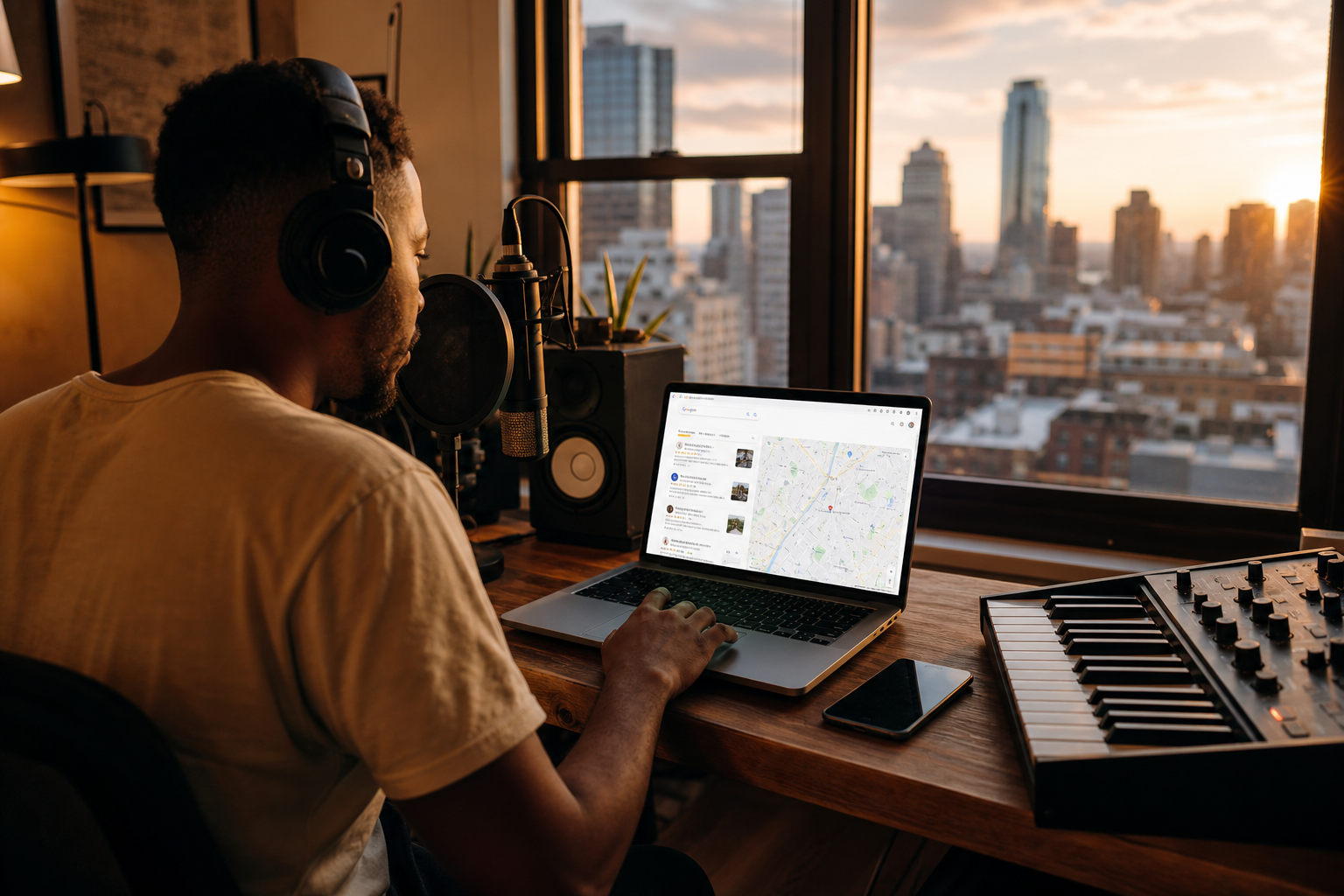
Music sites carry extra weight—hero images, waveform players, and preview streams all compete for mobile bandwidth. Google Core Web Vitals reward pages that feel instant. Slow blog posts about royalty-free music ironically drive users away before they hear a single track. This guide connects performance SEO to creator content on FreeBeatHub and your own catalog pages.
Why Vitals Matter for Music Sites
LCP measures how fast main content appears; CLS tracks layout shift; INP captures interaction delay. Music blogs fail CLS when players push text down after load, and LCP when uncompressed hero images dominate.
Search intent for music how-tos is high—readers want answers fast. A two-second delay on mobile can halve scroll depth to your browse CTAs.
- Mobile readers dominate music tutorial traffic
- Heavy heroes hurt LCP on blog posts
- Deferred audio protects main thread
- Fast pages earn more internal catalog clicks
Viewers decide whether to stay within seconds—and audio carries half that impression for content marketers.
Consistent choices here also build sonic brand equity. Returning viewers subconsciously recognize your channel before they read the title card.
Content marketers often skip why vitals matter for music sites until a claim or muted VOD forces a fix; handling it proactively takes less time than a reshoot.
LCP and Blog Hero Images
Set explicit width and height on hero img tags. Use fetchpriority high only on the LCP candidate—one per page.
Compress JPEG heroes to under 250 KB when possible. Progressive encoding improves perceived load on slower connections.

Putting lcp and blog hero images into practice
Content marketers who treat core web vitals for music pages as a system—not a one-off inspiration—publish faster with fewer rights headaches.
Audio Preview Weight
Never bundle full WAV previews on listing pages. Stream short MP3 previews on play click. Preconnect to your CDN in head, but defer player initialization until visible.
If your browse page loads hundreds of tracks, paginate or virtualize—DOM weight affects INP even when audio is deferred.
Blog embeds
Tutorial posts rarely need autoplay audio. Link to browse pages instead of embedding heavy players above the fold.
Preventing CLS on Player Pages
Reserve space for sticky player bars with min-height CSS. Font loading shifts break music blogs when web fonts swap after hero render—use font-display swap and size fallbacks.
Inline figures need width/height attributes—our blog templates already specify 800×450; keep that pattern on custom pages.
Layout shift feels like a broken player—even when audio works fine.
Putting preventing cls on player pages into practice
Core Web Vitals Workflow
Run PageSpeed Insights on top blog URLs monthly. Log LCP element—usually hero image. Fix that before micro-optimizing CSS.
Pair with internal linking strategy: fast pages pass link equity to catalog URLs more effectively when crawlers can render quickly.

After publishing, note one metric to revisit: average view duration, chat messages per minute, or save rate. Tie music changes to outcomes instead of taste alone.
Performance SEO Mistakes
Autoplay background music on blog posts. Loading every preview on browse mount. Hero PNGs over 1 MB for OG convenience.
- Missing dimensions on lazy images
- Third-party ad scripts blocking render without async
- Huge uncompressed OG images on every post
- Player UI injecting without reserved space
- Ignoring mobile 4G throttled tests
The hidden cost of "good enough" audio
Most mistakes below feel minor in the edit bay and expensive in analytics. A viewer who mutes once rarely comes back to unmute.
Content marketers often skip performance seo mistakes until a claim or muted VOD forces a fix; handling it proactively takes less time than a reshoot.
Pick one track today and use it in your next project with the levels and workflow above. Improvement comes from repetition, not hoarding options.
Document what worked in a single line per video. Patterns emerge faster than you expect.
The creators who win long-term treat music as part of their brand system—not a last-minute search before export.
Key takeaways
- Treat core web vitals music audio as part of retention, not decoration.
- Prefer a small cleared playlist over random trending sounds.
- Keep voice primary; music should support emotion without masking speech.
- Follow FreeBeatHub license terms and keep a download record.
- Revisit levels after you add captions or loud effects.
| Metric | Music Site Risk | Fix |
|---|---|---|
| LCP | Large blog hero JPEG | Compress + fetchpriority |
| CLS | Player bar injection | Reserved min-height |
| INP | Heavy browse DOM | Pagination / defer JS |
| TBT | Sync third-party ads | Async load tags |
Ready to find your soundtrack? Browse 600+ royalty-free tracks on FreeBeatHub.
Browse Free MusicAdvertisement
Frequently Asked Questions
Do audio files hurt Core Web Vitals?
Only if they autoplay or load eagerly on page load. Defer preview streams until user interaction to protect LCP and TBT.
What image size for blog heroes?
1200×630 JPEG at quality 80–85 with progressive encoding balances OG sharing and LCP on music blogs.
Does page speed affect music blog rankings?
Speed is a quality signal. Slow music tutorial pages lose mobile readers before they reach your catalog CTAs.
Should I lazy-load blog inline images?
Yes—below-fold figures should use loading lazy and explicit width/height to prevent CLS.