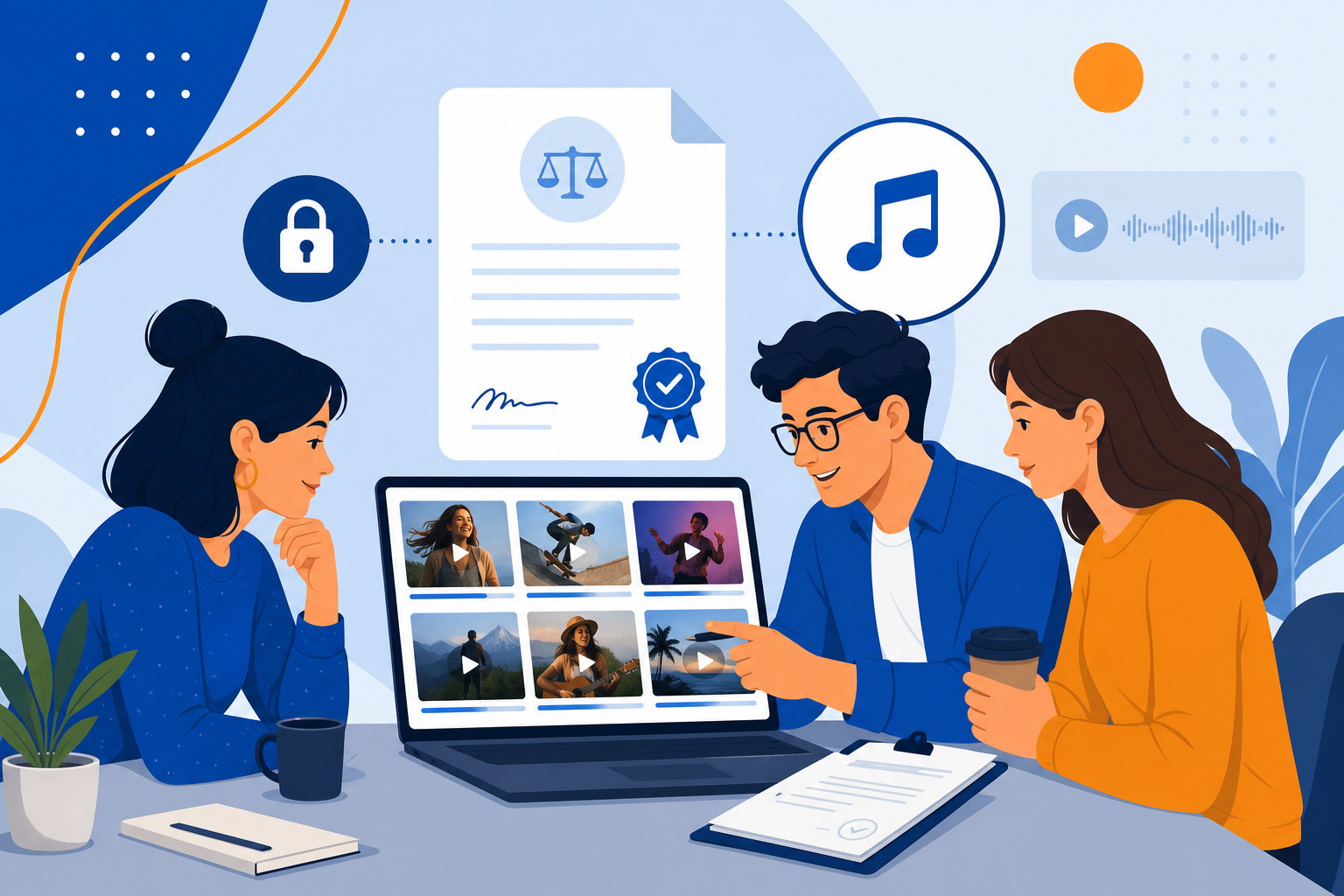
UGC ads convert because they feel native—until a copyright claim pauses your best performer on day three of scaling. Music is the most common failure point. This guide covers how to brief creators, document rights, and use royalty-free libraries like FreeBeatHub so campaigns stay live.
Why UGC Audio Breaks Campaigns
Creators default to trending sounds that work organically but fail in ads. Meta, TikTok, and YouTube scan boosted content aggressively. One uncleared track can zero out ROAS on a winning creative.
- Organic sound licenses rarely cover paid whitelisting
- Creators may swap music after brand approval
- Multiple edits multiply rights gaps
- International ad delivery triggers extra scans
Test with a friend who has not seen the project. If they lean in to hear dialogue, the bed is still too loud.
Brand and marketing teams often skip why ugc audio breaks campaigns until a claim or muted VOD forces a fix; handling it proactively takes less time than a reshoot.
Pre-Flight Rights Checklist
- Confirm sync + master rights for ad use
- Verify territory matches campaign geos
- Check term length vs campaign flight dates
- Collect license PDF or platform download receipt
- Log track ID in creative asset management
Schedule a quarterly audit: remove tracks with unclear rights and refresh beds that feel dated.
Music Clauses in Creator Briefs
Specify: approved library only, no platform trending sounds, deliver raw edit without music if brand supplies bed. Include penalty language for unauthorized swaps. Link to a pre-built playlist of 10 cleared options by mood.
Putting music clauses in creator briefs into practice
Whitelisting and Ad Accounts
Whitelisted creator posts still need cleared audio on the ad account side. Some platforms re-scan on boost. Keep license docs attached to each asset in your DAM—see our brand licensing guide.
If legal cannot find the license in 60 seconds, the ad does not scale.
Archive a "winners" playlist of ten tracks that performed well. Future you starts from proof, not a blank search bar.
Brand and marketing teams often skip whitelisting and ad accounts until a claim or muted VOD forces a fix; handling it proactively takes less time than a reshoot.
Royalty-Free Library Strategy
Provide creators a single source of truth: FreeBeatHub tracks with commercial terms. Brand adds the same bed in post for consistency across 20 creator variants. One license tier, one audit trail.
Putting royalty-free library strategy into practice
UGC Music Playbook
Build mood buckets: unboxing (mid corporate), testimonial (warm acoustic), problem/solution (light tension resolve). Assign track IDs in briefs. QA every submission against audio waveform fingerprint before approval.
Putting ugc music playbook into practice
Licensing Mistakes to Avoid
- Assuming creator owns all content rights
- Approving video but not verifying final export audio
- Using influencer's Spotify playlist in ads
- No music clause in contracts
- Mixing cleared and uncleared edits in one ad set
Share your audio checklist with anyone who edits your content. Alignment prevents last-minute track swaps that break rights.
Explore related posts on the FreeBeatHub blog and build a small playlist of cleared favorites on Browse Music.
Consistency matters more than chasing perfect tracks. Publish with cleared audio, measure results, and refine one variable next time.
Key takeaways
- Treat ugc music licensing audio as part of retention, not decoration.
- Prefer a small cleared playlist over random trending sounds.
- Keep voice primary; music should support emotion without masking speech.
- Follow FreeBeatHub license terms and keep a download record.
- Revisit levels after you add captions or loud effects.
| Campaign Type | Music Source | Risk Level | Fix |
|---|---|---|---|
| Organic repost | Creator trending sound | High for ads | Re-score with cleared bed |
| Whitelisted Spark Ad | Brand playlist | Low | Attach license ID |
| Raw creator delivery | Unknown | Very high | Add music in post |
| Multi-creator bundle | Same track ID | Low | Single library source |
Ready to find your soundtrack? Browse 600+ royalty-free tracks on FreeBeatHub.
Browse Free MusicAdvertisement
Frequently Asked Questions
Who owns music in a UGC ad?
Whoever holds sync and master rights. Creators rarely transfer music rights unless explicitly stated in contract.
Can creators use trending TikTok sounds in paid ads?
Generally no. Trending sounds license organic posts, not whitelisted ad spend. Use cleared library tracks.
Should brands provide music to creators?
Yes for consistency and compliance. Send a pre-approved playlist with license IDs creators must use.
What happens if an ad uses unlicensed music?
Platforms reject ads, mute videos, or pursue claims. Document licenses before boosting spend.